








Customer Facing Display Fewer order mistakes. Faster checkout

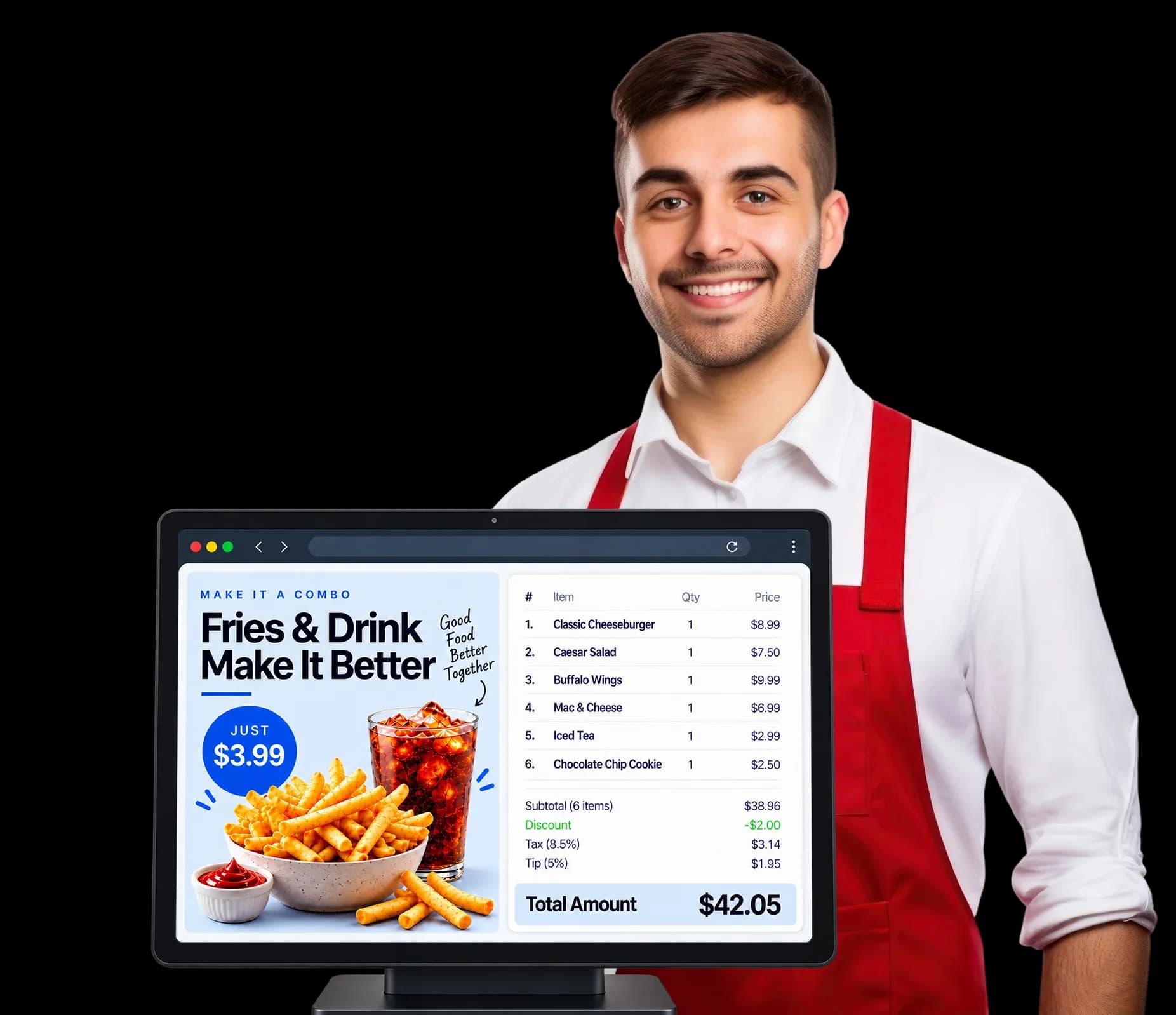
An interactive, guest-facing display that shows live checks, promos beside them, and lets your guest choose the rest. Keeps the line moving and orders accurate, using the hardware you have and the size you like.

Hardware agnosticHardware agnosticLive syncLive sync with POS, without the lagloyalty and feedbackIntegrated loyalty and feedbackcreatives resized per screensBrand creatives resized per screens
Get a Demo
customer facing
Taco Bell
Subway
Magnolia bakery
Starbucks
Sbarro
Nandos
Caribou Coffee
Chilis
Denny's
Dunkin
Cinnabon
Hakkasan
Buffalo Wild Wings
Indian Accent
One screen, four jobs

Let your guest verify, engage and get the order right the first time

A customer facing display shows the check as it is entered, takes the tip, verifies the reward, records the number, and is done- order placed.

Get your guests exactly what they asked for

Keep the line moving

Set up the screen your way

Leave every visit knowing your guest better

Counters that switched without buying new screens

Onboarding

How we get you live and running fast

Whether you're opening fresh or moving off an old system, we map the scope, set the timeline, and get your team confident before day one. The customer facing display comes as part of the POS package, so it is configured during the same rollout.

01

Map

A dedicated team studies how you operate, then builds a rollout plan around it. One point of contact, one clear timeline.

02

Migrate

Menus, recipes, and historical data move over cleanly while your current operation keeps running. Nothing gets left behind.

03

Train

Your staff trains through Restroworks Academy and bills with confidence from the first shift, with 24x7 support always in their corner.

04

Go Live

Your outlets switch on together, fully configured and tested, with zero disruption. Our fastest rollout went live in 48 hours.

Integrations

500+ integrations across delivery, payments, loyalty and more

Restroworks pushes into the accounting and business systems your teams already run, with an open API for anything beyond the marketplace.

Browse All 500+ Integrations
Restaurant Formats

Made for the formats that run on speed

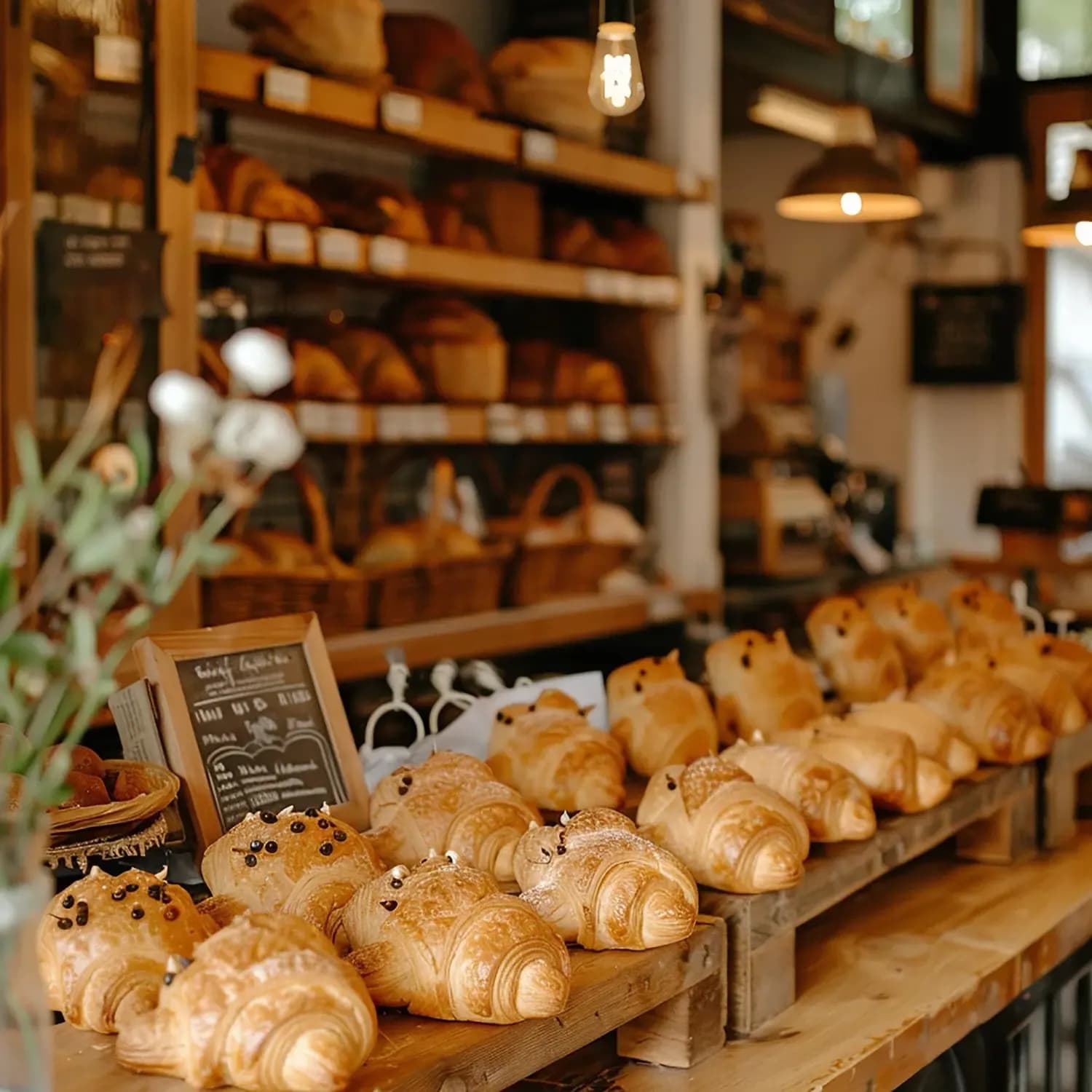
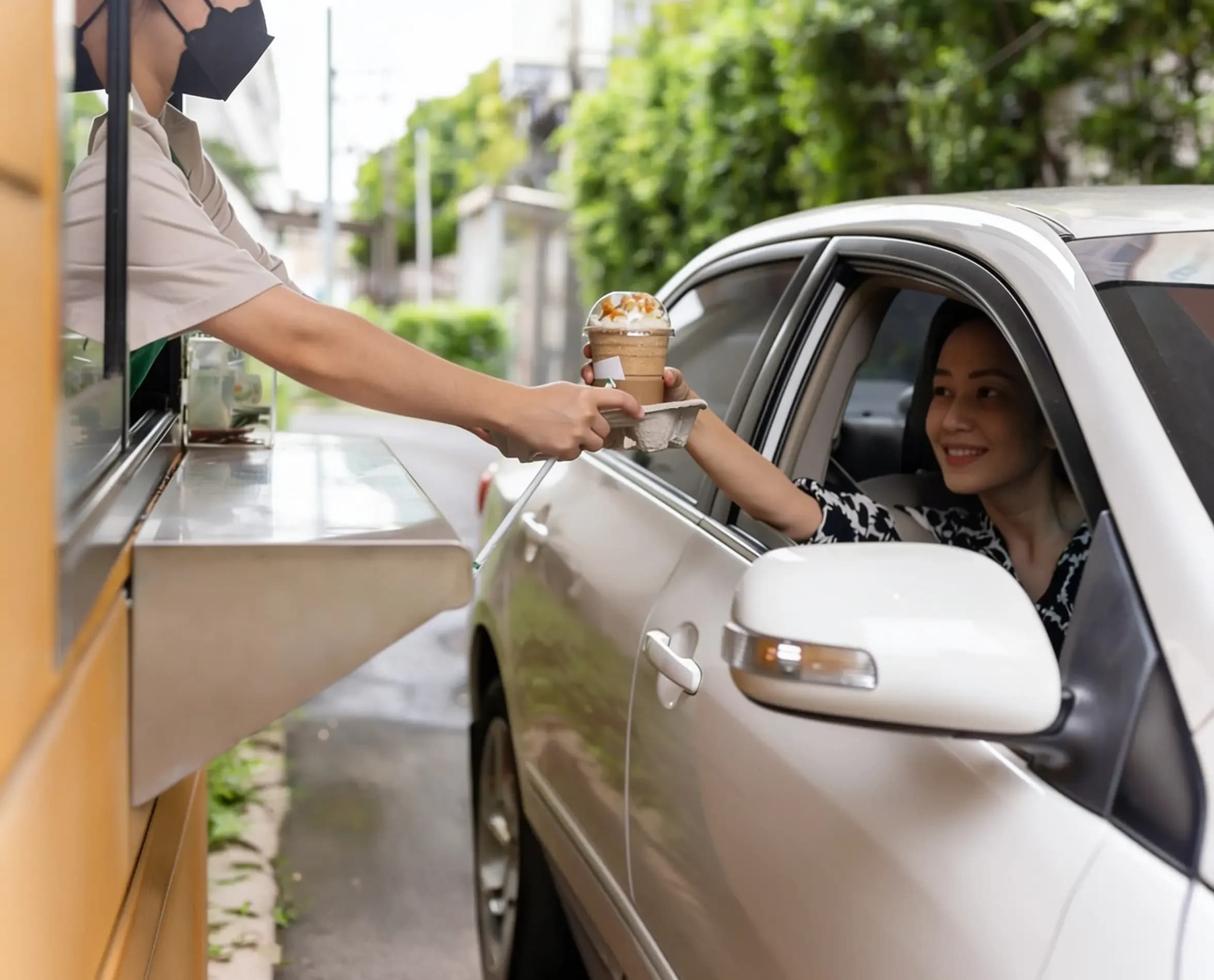
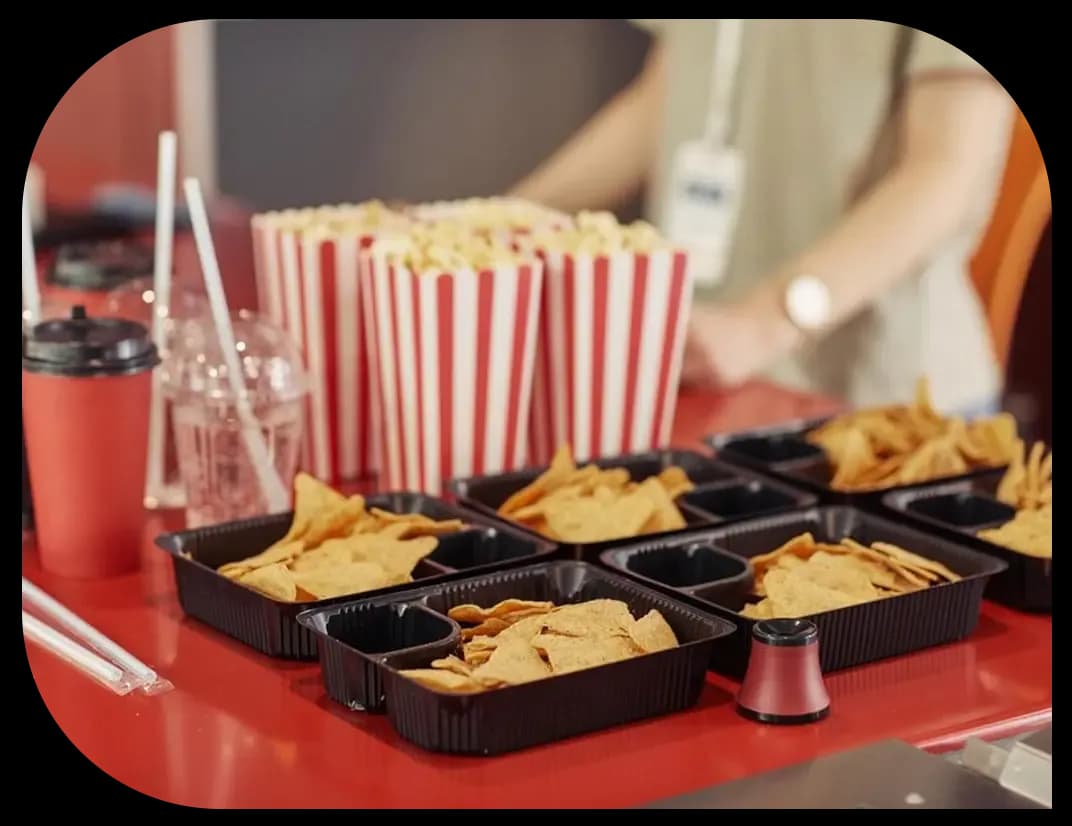
QSR, fast casual, cafes, bakeries and drive-thru windows rely on how fast the counter moves and how often the order is right. The display protects both.

Ecosystem

The counter runs on one platform

role based

Point of Sale

Every item, quantity and total on the customer display is written by the POS as your cashier rings it in. One record, two views of it.

customer-order-status-display

Customer Order Status Display

Once the check is paid, tokens move from preparing to ready on a counter screen guests can follow themselves.

kitchen-display-system

Kitchen Display System

Dine-in, delivery and every other channel land in a single queue and route to the right station, so nothing gets re-keyed between the counter and the line.

self-ordering-kiosk

RestroGO- Self-Ordering Kiosk

Guests place and pay for their own orders at the kiosk, with the same menu and pricing the counter runs on.

qr-code-ordering-restroworks

RestroSCAN- QR Code Ordering

Guests order from their seat on their own phone, so a full floor does not need a server at every seat.

Digital Order Icon

RestroDMB- Digital Menu Boards

Replace static menu boards with live digital displays that are intelligent, intuitive, and always up-to-date. Connected with your POS, it fetches live menu, pricing, and offers instantly.

Feedback Icon

Feedback Management

Responses captured at the counter are returned to the guest record, so you can find out which visit went wrong.

mpos icon

mPOS

Staff takes the check and the payment on a handheld right where the guest is standing, so you turn more covers with a leaner team.

Neo

NEO

An AI-powered command center that hands your growth and marketing teams direct control of menu, pricing and offers across delivery apps, QR, kiosks and menu boards, without waiting on the operations team.

base-kitchen-management

Central Kitchen Management

The outlets submit their stock transfer requests. All the food is produced in bulk at the central kitchen, and as soon as it is dispatched, the amount, the quantity, and the transfer are recorded.

Why Restroworks

Not another screen to buy

Everything we ship is built for the counter open tonight and the two hundred counters your customers will walk into next year.

data-analysisENTERPRISE READY

One view, every counter

Set the display at the brand level, and it reaches every location, with any single site free to override it. No device-by-device visit, no rollout ticket.

business-intelligenceBUILT TO EVOLVE

Shaped by operators

New features come from what operators ask for, not from a roadmap decided somewhere else.

hardwareRUNS ON WHAT YOU HAVE

A browser page, not a device

No proprietary screen, no fixed size, no card reader to certify. It serves from your own POS server onto the monitor already at the counter.

See it running on a counter like yours

Get on a quick thirty-minute call with our product specialist who understands your needs.

What you'll get on the call
A personalized product demo
An honest read on what your existing screens can run
Implementation roadmap for a multi-outlet rollout
Answers on pricing, contracts and support
Get started
52 countries served worldwideLive in daysSOC 2, ISO & GDPR compliant
Customer Reviews

Chosen by restaurant operators worldwide

Real reviews from restaurant teams on G2 and Capterra.
capterra
Manisha Chef, Sbarro · 5.0★
”

We can take details from the client before settling a bill, and the same customer details are reflected in the bill print.

g2
Chandra M. Manager, Taco Bell · 4.0★
”

A fast, user-friendly POS for high-volume dining, supporting table management, split billing, and quick service.

capterra
ArdhalManager, Taco Bell · 5.0★
”

Multiple payment options that help a lot with bill settlements.

capterra
Swapnil IT Manager, Armani Caffè and EL&N · 5.0★
”

New store setup time is less, so store opening is smooth.

capterra
DineshRestaurant Manager, Sbarro · 5.0★
”

Best table view option feature supported by Restroworks and fast billing operations with multiple online integrations and very fast support.

capterra
RavindraRestaurant Manager, Taco Bell · 5.0★
”

One of the easiest applications for billing and restaurant management.

g2
Ravi K.Manager, Magnolia Bakery · 5.0★
”

User-friendly software, easy to use and manage our billing.

g2
Prathmesh J.Restaurant Manager, Sbarro · 4.5★
”

The support team understood my problem and fixed it very quickly, and the billing interface and station-wise print features are very good.

capterra
SnehAdmin, Subway · 5.0★
”

Report tracking is very easy.

capterra
RavindraRestaurant Manager, Taco Bell · 5.0★
”

One of the easiest application for billing and restaurant management.

And Customers Love Us

leader-g2
g2-spring-2026-momentum-leader
Leader-ENTERPRISE
g2-spring-2026-gamification-momentumleader-leader
Easiest-Setup-ENTERPRISE-g2
#1 Rated Restaurant Management Software on G2
g2
FAQ

Frequently asked questions

What operators ask before going live

Read summarized version withChatgptClaudeGeminiPerplexity
What does the screen actually show the guest?
Every item as your cashier rings it in, with quantity and line amount, then discount, tax, amount due and tip underneath. Edits and voids show too, not just additions, so the display matches the check at every moment rather than pushing a finished list to your customers at the end.
Do we have to buy new screens for it?
No. It is a browser page served from the POS server at each location, so it runs on whatever monitor is already at the counter, at whatever size, including screens bought for a previous POS.
Can guests pay from the screen?
Yes. At settlement a scan-to-pay code is generated for that specific check, with the amount already locked in. Part of the check can settle in cash and the rest through the code, and your cashier does not re-key anything.
How do we control what shows across a large estate?
Set it once at brand level and it reaches every location. Any single site can override it, so an airport or stadium location can run something different without a ticket. Creative also resizes itself to each screen, so one upload covers a fleet of mismatched monitors.
How does the tip work?
Presets, a custom amount and a no-tip option appear on the guest's side at settlement, and the selection lands straight into the tip row. The preset ladder is configured centrally, so a brand holds one policy across every location instead of each site drifting upward.
What guest data can we capture at the counter?
The mobile number, entered by your cashier or by the guest, and a loyalty confirmation the guest approves on their own screen in view of the amounts it changes. Feedback can be collected there too. What the guest is agreeing to stays in their own view, which is a better privacy posture than a cashier applying a redemption and mentioning it after.
Does it work at the drive-thru?
Yes, on the same surface and the same configuration. There is no separate product, separate hardware or separate onboarding for the window.
What does it cost?
It depends on your formats, your location count and the modules you run. A specialist can put a number against your setup on a demo call.
What is a customer order display?
A customer order display (COD) is a digital screen that displays customer orders in real time. CODs are typically placed at the POS counter or in the kitchen, so that customers can see their orders as they are being prepared.
What are the benefits of using a customer order display?
A Customer Order Display (COD) is a real-time digital screen that lets customers view their orders as they’re prepared, located at the POS counter or in the kitchen. Benefits include enhanced customer satisfaction, improved efficiency, reduced order errors, and upselling opportunities.
What kind of hardware and devices are compatible with Restroworks order display software?
Restroworks’ order display software is designed to be versatile and compatible with a range of hardware and devices. It can seamlessly operate on various devices, including tablets, smartphones, desktop computers, and dedicated display screens.

Still have questions?

Let's talk — book a 15-minute intro call with our team.

Run the check, the tip and your best offer on one display

Set it up once and every location picks it up, running on the monitors already at your counters. There is no hardware to buy and no store to visit.

Hardware agnosticQuick deploymentSOC 2, GDPR and ISO 27001 certified
Restroworks