











mPOS: restaurant tablet ordering system​ Take orders and payments right at the table

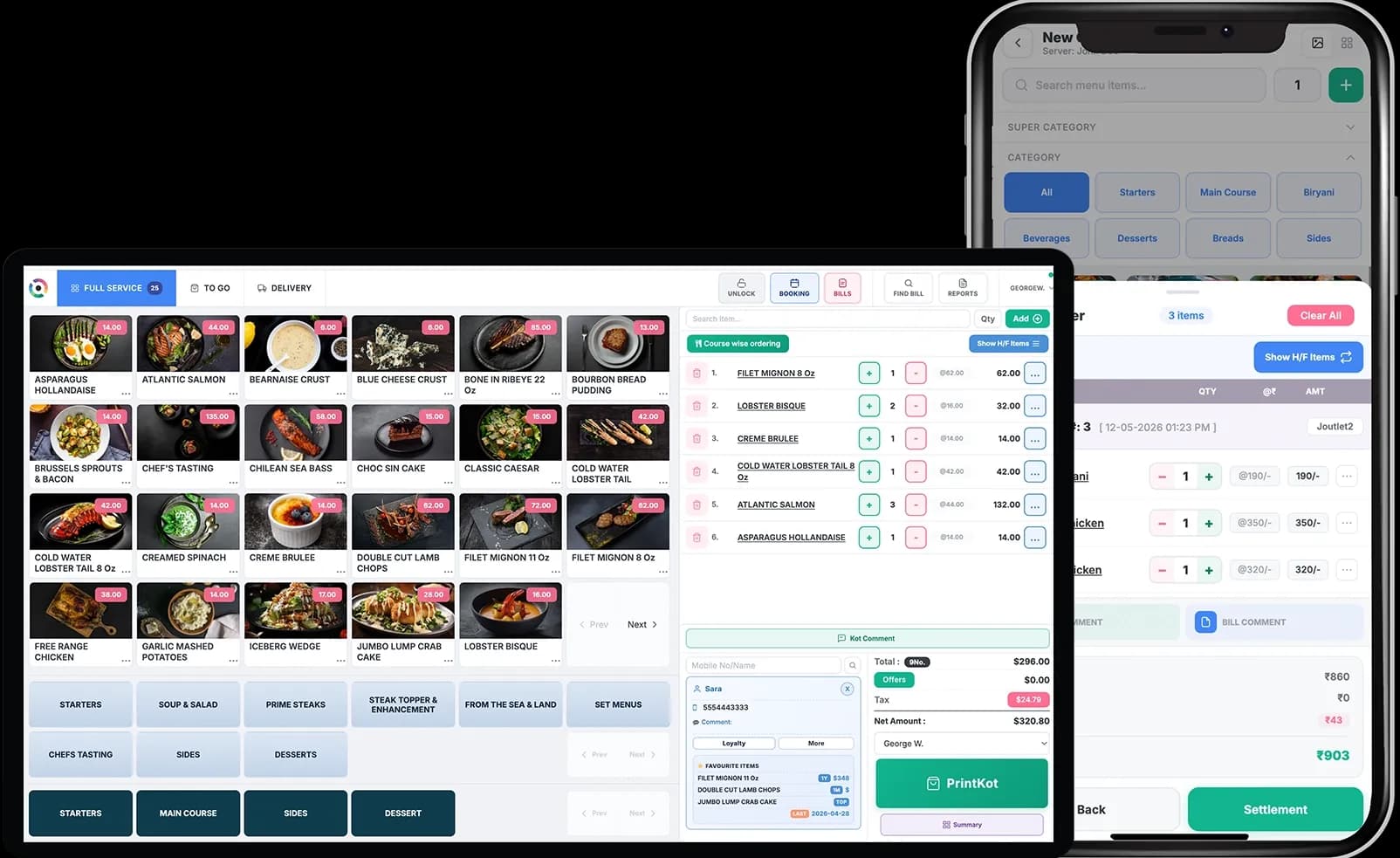
Handheld POS that goes wherever your staff does. Restroworks mPOS lets your staff take the order, fire KOTs, and settle the bill right at the table, cutting down on those extra trips to the counter. Service moves faster with fewer mistakes along the way.

Mobile and tablet POSMobile and tablet POSMobile and tablet POSHardware-agnosticoffline modeReliable offline modeTap, dip, swipe, and NFC paymentsTap, dip, swipe, and NFC payments
Get a Demo
mpos dashboard
30%faster table turnaround
99.99%order accuracy
99.9%platform uptime
Taco Bell
Subway
Magnolia bakery
Starbucks
Sbarro
Nandos
Caribou Coffee
Chilis
Denny's
Dunkin
Cinnabon
Hakkasan
Buffalo Wild Wings
Indian Accent
Table-side Ordering

Mobile POS built for service that never misses a beat

mPOS is easy, flexible and powerful. Use it on its own or along with your terminals.

Faster service starts at the table

Your hardware, your setup

One device for orders and payments

Make every visit more personal

Trusted by industry leaders worldwide

Onboarding

Let's get you set up quickly

You bring the restaurant. We’ll help with the rest. Our team handles the setup, migration, and rollout. Already using the counter POS? Just sync it with our app and run the mPOS on your existing workflows.

01

Map

A dedicated team studies how you operate, then builds a rollout plan around it. One point of contact, one clear timeline.

02

Migrate

Menus, recipes, and historical data move over cleanly while your current operation keeps running. Nothing gets left behind.

03

Train

Your staff trains through Restroworks Academy and bills with confidence from the first shift, with 24×7 support always in their corner.

04

Go live

Your outlets switch on together, fully configured and tested, with zero disruption. Our fastest rollout went live in 48 hours.

Integrations

500+ integrations across delivery, payments, loyalty and more

Connect your current technology across payments, delivery aggregators, loyalty, accounting and ERP with 500+ integrations within Restroworks. Or add new capabilities with our open API.

Browse All 500+ Integrations
Restaurant Formats

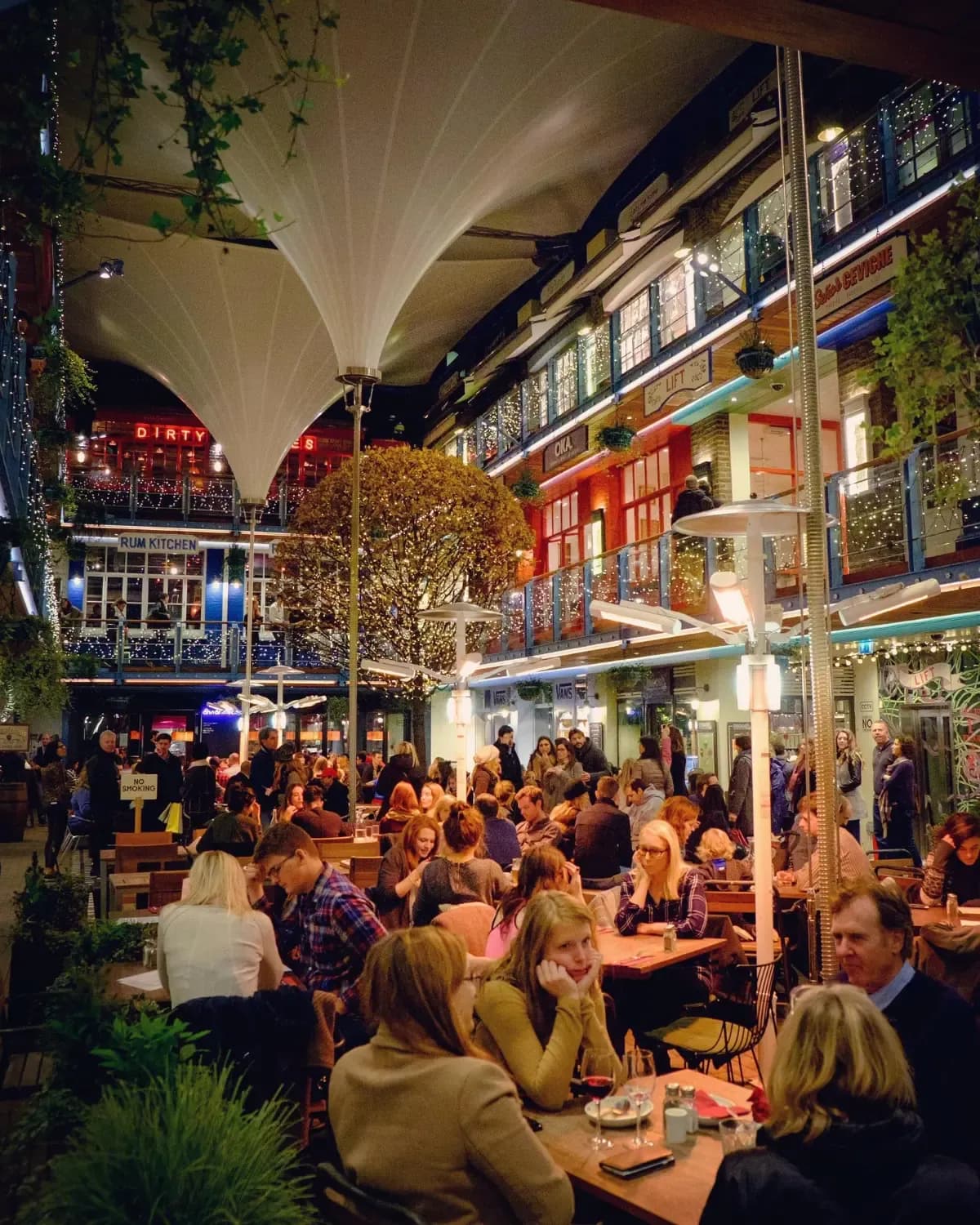
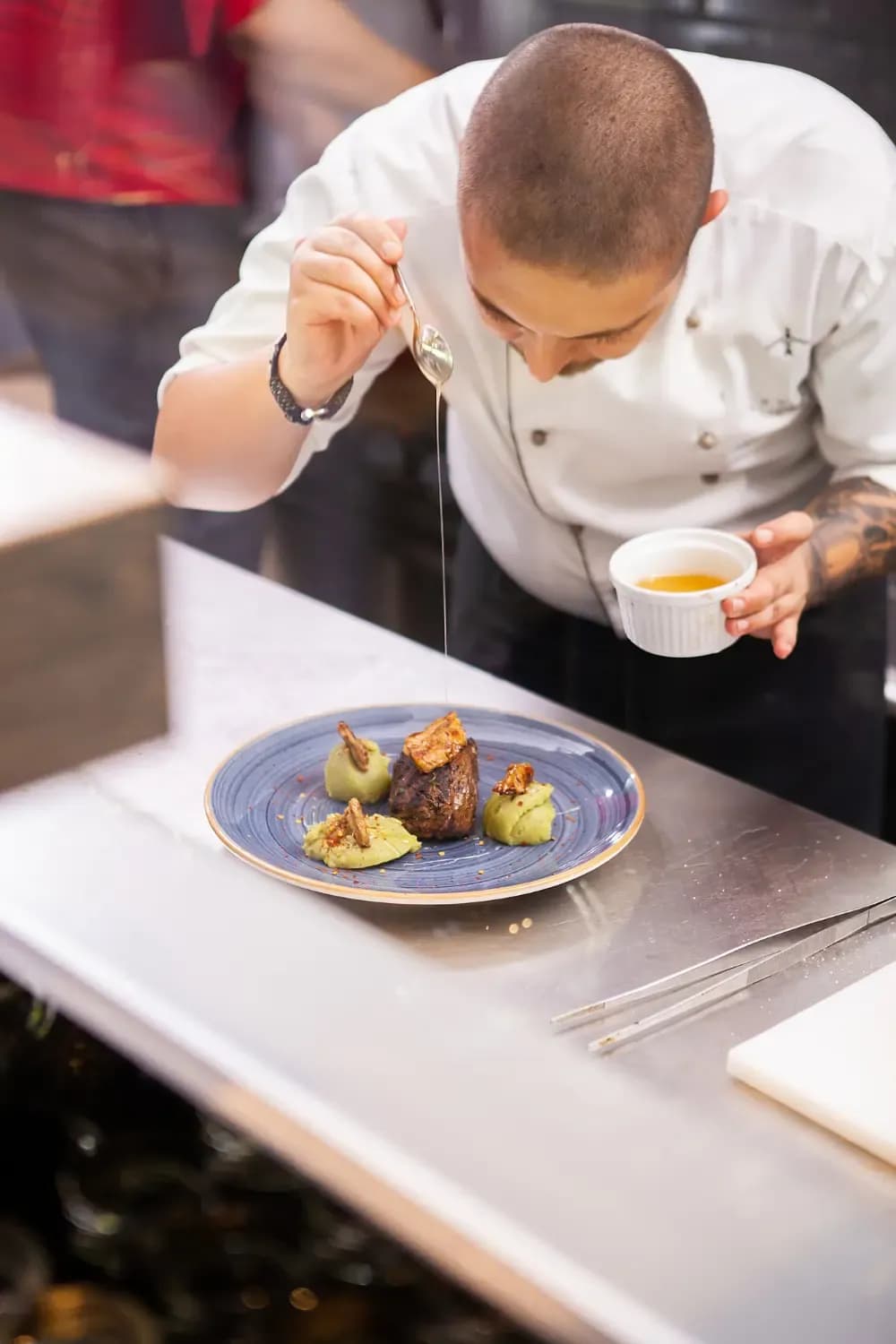
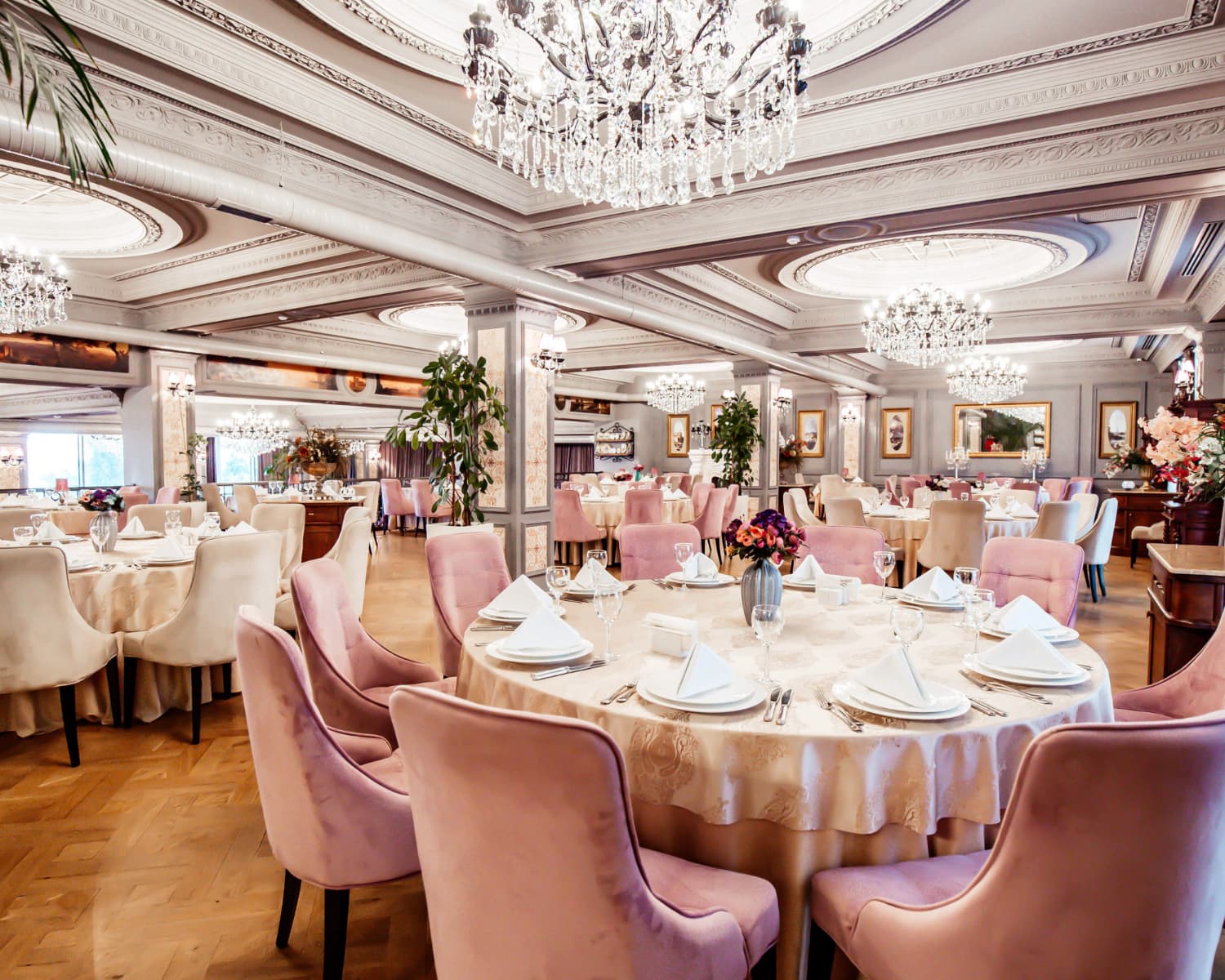
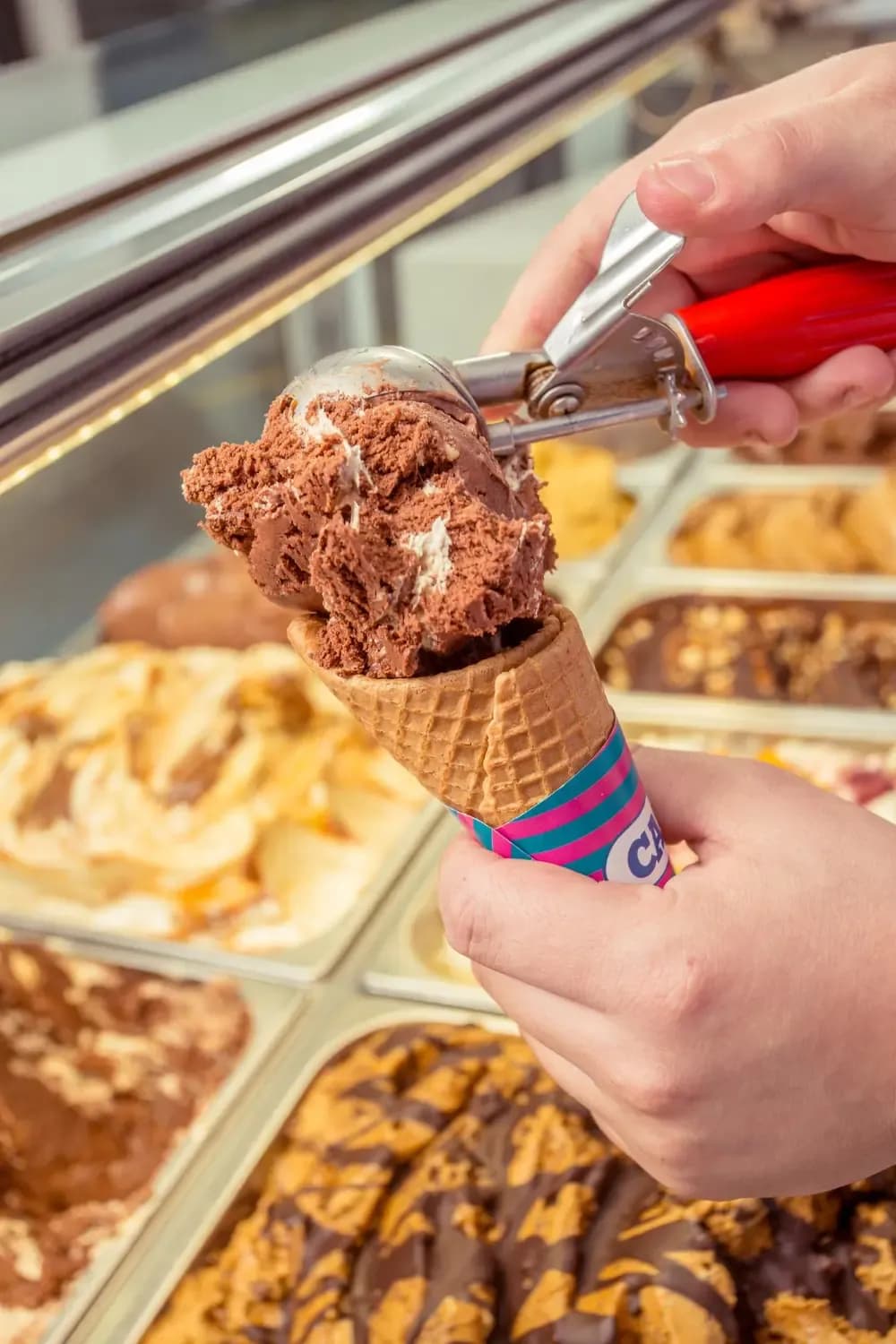
Works everywhere the service takes you

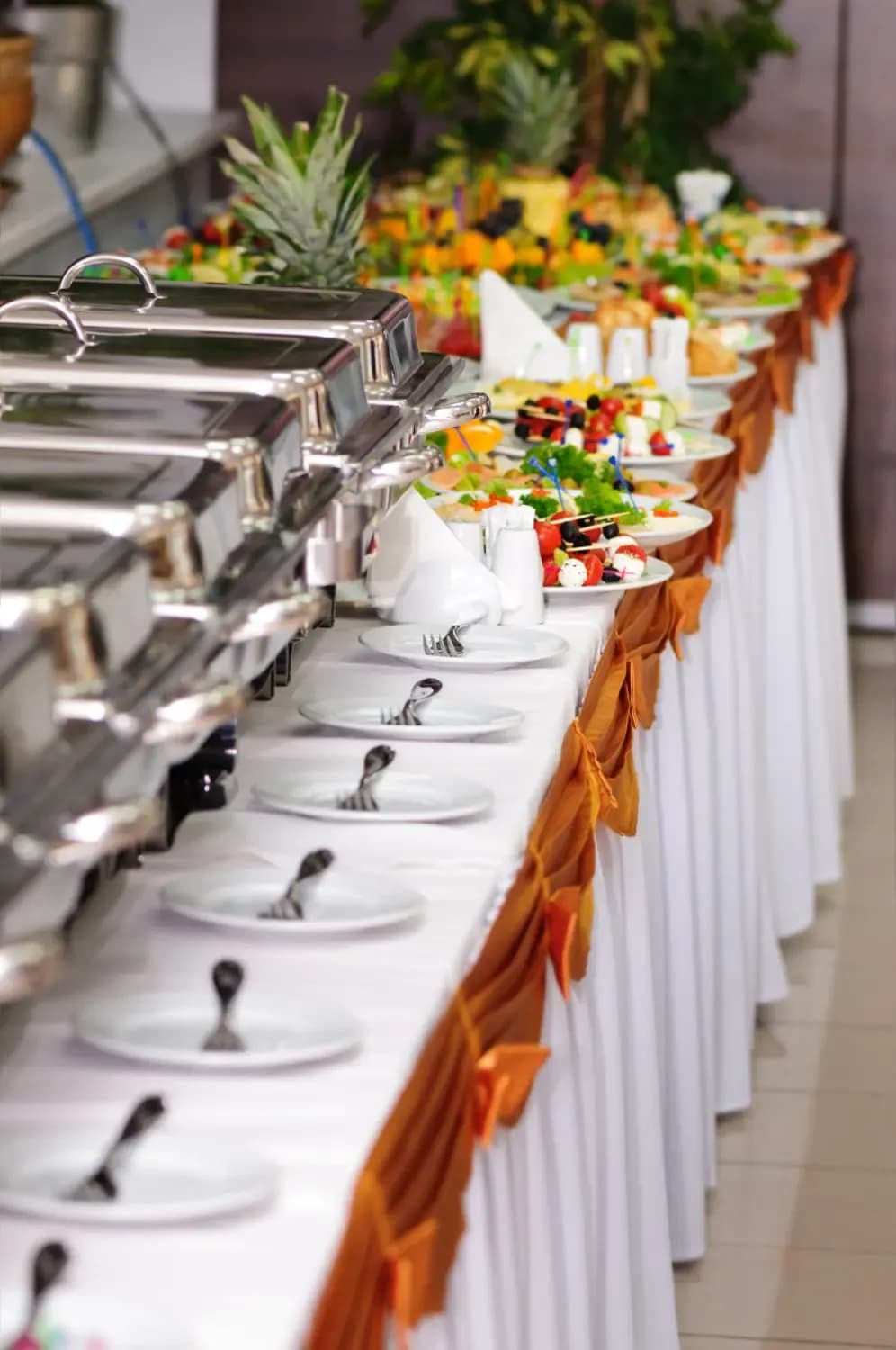
QSRs, cafés, food courts, casual dining or fine dining — each has its own pace and setup. Restroworks supports them all.

Ecosystem

Everything your restaurant needs, connected.

Pos screen

Point of Sale

Take orders, bill customers, collect payments, and keep the front of house moving from one POS. It also ties into the kitchen and inventory to keep your operations smooth.

table-management

Table Management

See which tables are open, occupied, reserved, or waiting on a live floor plan. Seat and serve guests much faster.

reservation-management

Reservation & Queue Management

From the first booking to the last walk-in, take bookings and manage seating. Automated status alerts keep no-shows down.

inventory-management-system

Inventory Management System

Keep tabs on your stock with real-time POS-synced deductions. Get low-stock alerts, track costs, and manage waste for stronger margins.

kitchen-display-system

Kitchen Display System

Give the kitchen a live view of every dine-in or delivery, or takeaway order that needs to go out. Prioritize KOTs, bump a single order and route orders to the right stations.

receipe-management

Recipe Management

Lock in recipes, portion sizes and ingredient usage for your menu items and keep them consistent across brands.

buisness-intelligent

Business Intelligence

Get a closer look into your restaurant’s performance by brand, region, or single outlet, with historical comparisons built in.

production-management-system

Kitchen Production Forecasting System

View item consumption, production, and forecasts on one screen to meet customer demand. AI-powered forecasts help plan production around what each kitchen is likely to need.

antitheft-restroworks

Anti-Theft App

View every void, discount, and deleted bill on a central dashboard. Act on potential theft on time.

cockpit-app-restroworks

Cockpit App — Insights on the Go

Keep track of your restaurant, even when you’re on the move. Check sales, covers, top-selling items, and item performance right from your phone.

Why Restroworks

Built to move your business forward

Your business can change by location, market, and format. Restroworks won’t. We give you one technology foundation to fit the way modern restaurant businesses operate.

Multi locationENTERPRISE

Multi-location ready

Add outlets as you grow and manage menus, pricing, offers, and more from a single console, without configuring every location from the ground up.

global marketsGLOBAL BY DESIGN

Made for every market

Taxes and compliance change with new markets. So do languages and operating practices. Restroworks simplifies those local needs without affecting your global operations.

unified ecosystemCONNECTED

Unified ecosystem

All your orders, payments, guest profiles, and kitchen updates stay connected within the Restroworks ecosystem, so the front-of-house runs smoothly in sync with the back-of-house.

We’d love to talk about your restaurant

Get on a 30-minute call with us to see Restroworks in action. Ask questions, explore the setup and workflows, and leave with a clear idea of what mPOS can do for you.

What you'll get on the call
A personalized product demo
An implementation discussion
Live Q&A with product experts
Get started
Customer Reviews

Take it from the operators

Real reviews from restaurant teams on G2 and Capterra.
Capterra rating badge
KirtiManager, GoPizza · 5.0★
”

The billing process is very friendly and the support team always resolves our issues timely. Billing reporting is also very strong.

g2
Atamaram B.Manager, Sbarro · 5.0★
”

The system is simple to use, so staff can learn it fast and avoid mistakes. It saves time, reduces stress, and the 24x7 support team is always helpful.

Capterra rating badge
SnehAdmin, Subway · 5.0★
”

The user interface is very easy to understand, and report tracking is also very easy.

g2
Umesh S.Manager, Taco Bell · 4.0★
”

Reports are also very useful, which help us in understanding daily sales, item analysis, etc. Kiosk feature is good and implemented in many stores.

Capterra rating badge
DineshRestaurant Manager, Sbarro · 5.0★
”

Best table view feature supported by Restroworks and fast billing operations with multiple online integrations and very fast support.

Capterra rating badge
PriyaSupervisor, Magnolia Bakery · 5.0★
”

The reporting and the billing have many good features and the customer service is extremely friendly.

g2
Shivraj K.Manager, GoPizza · 5.0★
”

The support team is responsive and helps resolve issues quickly whenever something comes up.

Capterra rating badge
SamHead Chef, JJ Chicken · 5.0★
”

Front-of-house billing and integration with food aggregators are quite useful, as there is full automation.

g2
Islauddin H.General Manager, Indian Accent · 5.0★
”

The settlement process is much easier in Restroworks software compared to other software.

And Customers Love Us

leader-g2
g2-spring-2026-momentum-leader
Leader-ENTERPRISE
g2-spring-2026-gamification-momentumleader-leader
Easiest-Setup-ENTERPRISE-g2
#1 Rated Restaurant Management Software on
g2
FAQ

Frequently Asked Questions

Questions restaurants usually ask us before getting started

Read summarized version withChatGPTClaudeGeminiPerplexity
How does pricing work?
Pricing for Restroworks depends on the number of locations, the modules you select, integrations, and implementation requirements. Get in touch with our team to get a tailored proposal based on your restaurant operations.
We have a lot of locations. How difficult will the rollout be?
We try to make the rollout as simple and seamless as possible for your team. We can plan the rollout in phases or take multiple locations live together, depending on your operation, teams, and deployment requirements.
How quickly can we get started with Restroworks mPOS?
We’ll work through your locations, configuration, training, and deployment plan with you. For some restaurant brands, we’ve gone live in as little as 48 hours.
Is our restaurant data secure?
We take your security very seriously. The platform offers role-based access, a secure cloud infrastructure, and is fully compliant with ISO, GDPR, and SOC 2 standards to keep your data safe.
What support do I receive after deployment?
We are always ready to help you. Restroworks offers ongoing support, including 24×7 assistance through chat, phone, and email from restaurant industry experts.
What if we open more restaurants next year?
You won't need another inventory system. Restroworks is built to support growing restaurant groups on the same platform, so add as many new locations and it’ll work seamlessly.
What happens if the Wi-Fi goes down during service?
Your team can keep taking orders and process payments in offline mode. Once connectivity is back, the transactions sync automatically for seamless operations.
What is a restaurant order taking app?
A restaurant order taking app is a mobile application that allows servers or staff to take and process customer orders directly from a mobile device such as a tablet or smartphone. It eliminates the need for traditional pen and paper order taking, enabling real-time order transmission to the kitchen or POS system.
How does a restaurant order taking app work?
A restaurant order taking app allows servers to input and manage customer orders using a mobile device. The app provides menu browsing, customization options, and order transmission to the kitchen or POS system, streamlining the process and reducing errors.
What are the benefits of using a restaurant order taking app?
A restaurant order-taking app improves efficiency, enables real-time order transmission, saves time, and ultimately leads to faster service and faster table turnover.
What features should I look for in a restaurant order taking app?
Look for an intuitive user interface, menu browsing with customization options, integration with existing systems, and real-time order updates when selecting a restaurant order taking app.
How easy is it to set up and use a restaurant order taking app?
The ease of setting up and using a restaurant order taking app depends on the specific app and its user interface design. Order taking apps are designed to be intuitive and user-friendly, making it relatively easy for restaurant staff to get started.
How much does a restaurant order taking app cost?
A restaurant order taking app cost varies based on features, functionality, and provider.
What types of restaurants can benefit from a restaurant order taking app?
A restaurant order taking app can also benefit quick-service restaurants, full-service restaurants, cafés, and food trucks by improving order accuracy, enhancing efficiency, and streamlining the overall dining experience.
What kind of hardware and devices are compatible with a restaurant order taking app?
A restaurant order taking app is compatible with various hardware and devices. Restaurant order taking apps are compatible with tablets, mobile devices, touchscreen devices, and wireless printers.

Still have questions?

Let's talk — book a 15-minute intro call with our team.

Power up your restaurant operations today

Join 30,000+ restaurants across 52+ countries running on one platform — built for scale, deployed in days.

Hardware agnostic24*7 reliable supportSOC 2, GDPR and ISO 27001 certified
Restroworks