
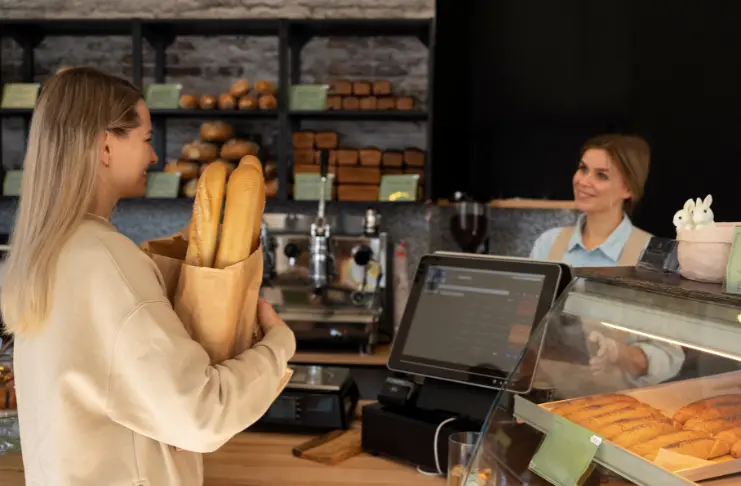

What Makes a Great Bakery POS System?
Not all point-of-sale systems are built with bakeries in mind. You see, running a bakery comes with unique operational and customer expectations. You need to manage custom orders, keep track of perishable inventory, and meet high customer demand for freshness, all while delivering a consistent experience. And that’s what a good bakery POS system takes off your plate. Here’s what to look for before you commit.It’s Built for Bakery Needs
A bakery operates differently from a full-service or a quick-service restaurant. Unlike those, bakeries deal with high-volume, specialized production, and perishable inventory. Your menu may have different specials every day, and customers may expect more personalization. A good system should offer you-- Ingredient-level inventory tracking that updates in real time
- Recipe management with automatic cost calculations per item
- Pre-order scheduling with time slot and capacity control
- Better production planning with custom order workflows and demand forecasting
It Handles Custom Cakes Orders with Ease
If your bakery offers custom cake options on the menu, a POS system that simplifies order tracking is extremely important. The right POS keeps order details, customer instructions (flavor, design, size), production timelines, and payments all in one place. In addition, it should help you set future pickup dates and track order status end-to-end, and automatically route orders to the kitchen for better order fulfillment.It Offers Detailed Reports
Good decisions come from good data. A strong bakery POS gives you detailed reports on your best-selling baked goods, busiest hours, ingredient usage, waste tracking, and cost of goods, so you don’t have to rely on assumptions to make decisions.It Elevates the Customer Experience
A good POS offers faster checkouts, accurate order tracking, and loyalty program integrations for a smooth and consistent experience. The result? Engaged, happy customers who want to come back.Top POS Systems for Bakery Businesses
We went through each of the seven bakery POS systems, so you don’t have to. Here’s the honest breakdown of what each one does well, where it falls short, and who it actually makes sense for.1. Restroworks
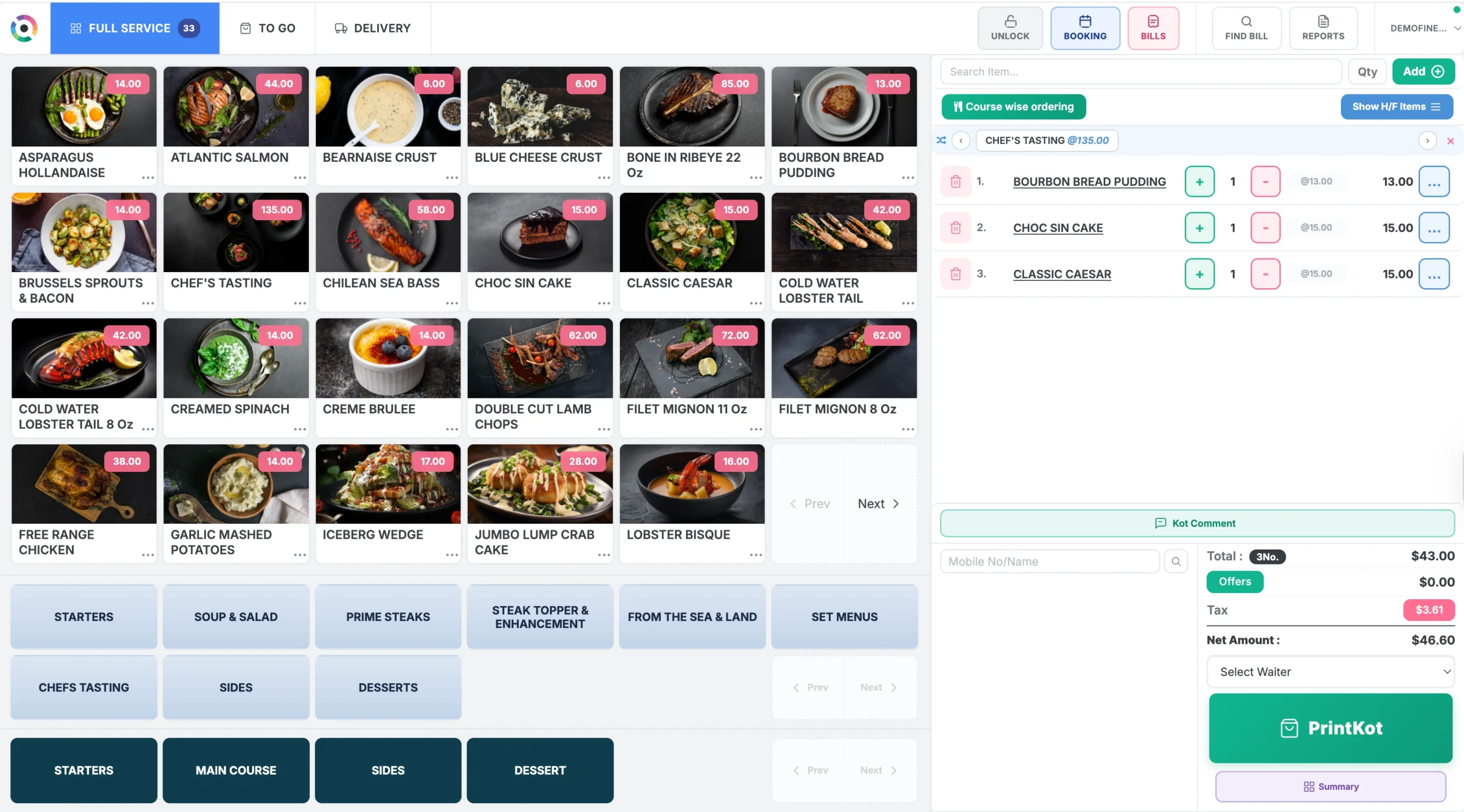 Restroworks is a cloud-based, hardware-agnostic restaurant POS and management platform, operating in more than 50 countries. Trusted by over 25,000 restaurants globally, Restroworks’ dedicated bakery solution streamlines your ordering, billing, inventory, production, and reporting processes with unified guest-facing restaurant tools.
What makes it stand out for bakeries specifically is the depth of its back-of-house capabilities. Along with the standard POS features, it handles recipe management, supply chain management, and demand forecasting, so you can manage costs efficiently.
Restroworks is a cloud-based, hardware-agnostic restaurant POS and management platform, operating in more than 50 countries. Trusted by over 25,000 restaurants globally, Restroworks’ dedicated bakery solution streamlines your ordering, billing, inventory, production, and reporting processes with unified guest-facing restaurant tools.
What makes it stand out for bakeries specifically is the depth of its back-of-house capabilities. Along with the standard POS features, it handles recipe management, supply chain management, and demand forecasting, so you can manage costs efficiently.
Key Features
- Centralized Menu Management: With centralized menu management, you can push recipe updates, price changes, or promotional offers to all outlets in one click. Plus, you get a complete view of outlet-level reporting and performance from a single dashboard. All in all, it’s a solid fit for bakeries that are scaling or managing new locations.
- Custom Order Management: Handle customer requests and specifications for custom cake orders, including flavors, design, size, payment status, production deadline, and pick-up confirmation.
- Ingredient-Level Tracking: Every sale automatically deducts the mapped ingredient quantities based on the item’s recipe. This way, you have a better understanding of your inventory usage, which helps manage costs, minimize waste, and keep stock levels up-to-date.
- Base Kitchen Management: For multi-location bakeries, Restroworks tracks inventory transfers between a central kitchen and multiple outlets, updating inventory and accounting automatically. It supports outlet-to-outlet indenting, customizable pricing models, and recipe cost reports to keep production costs in check across all locations.
- Demand Forecasting: With all your sales data in one place, you can use historical sales and seasonal patterns to accurately predict demand and plan your production quantities.
- Production Planning: Plan your kitchen production more accurately and efficiently with Restroworks. Generate daily production sheets and baking schedules for custom orders, pre-orders, and expected future demand.
- Expiry Tracking: Restroworks follows a First Expiry First Out (FEFO) system to monitor the shelf life of perishable ingredients. It sends alerts before items expire and triggers automated reorder notifications before stock runs out to help minimize waste and keep inventory levels consistent.
- Barcode-based Billing and Inventory Tracking: Bakeries selling packaged retail items can scan product barcodes directly at checkout instead of manually punching them in, reducing errors and speeding up billing. The same barcode feature extends to inventory tracking, keeping stock counts accurate without manual entry.
Pros
- A hardware-agnostic system that can operate across diverse, compatible devices, brands, and architectures.
- Real-time product demos with comprehensive onboarding and implementation support
- Recognized across multiple platforms for reliability and customer satisfaction
- Centralized management and role-based access for bakery franchisees
- Offline mode that lets you continue operations even during power outages or connectivity issues
- 200+ real-time reports with deep visibility into sales and operational performance
- Strong API-enabled integration ecosystem with 500+ third-party apps
- 24/7, responsive support from restaurant technology specialists
Cons
- The tool may be a bit complex for small bakery businesses.
Pricing
Customized pricing is available depending on the business requirements.Ratings
G2: 4.8/5 Capterra: 4.9/52. Cake POS
Key Features
- Kitchen Display System: Sends clear, detailed orders directly to the kitchen screen, creating a smooth communication flow between front and back of house for accurate production.
- Multiple Payment Modes: Allow your customers to pay at the counter or curb using various payment methods, including cash, card payments, and wallets.
- Menu Management: Update and sync menus in real-time across POS, kiosks, and ordering channels across multiple locations.
- Reporting and Analytics: Review menu performance, inventory usage, sales trends, and customer insights in real-time with customizable reports.
Pros
- The system is easy to use and navigate with minimal training requirements
- Cloud-based accessibility
- Faster order handling for high-volume bakeries
Cons
- Additional features like a gift card program or next-day deposits carry additional costs
- Users report technical and connectivity issues
Pricing
Cake POS offers three plans at custom pricing. Contact the team to request a quote.Ratings
G2: 4.8/5 Capterra: 4.6/53. KORONA POS
Key Features
- Order Modifications and Personalization: Manage special customer requests and custom modifications at the counter, routing order details accurately between staff to reduce mistakes.
- Built-in Loyalty and CRM: Korona POS offers a native loyalty points system paired with customer profiles that let you track purchase history and preferences for personalized offers and gift card management.
- Inventory and Overstock Notifications: You can track ingredient and product levels in real time, with overstock or understock alerts.
- Product Combinations and Special Pricing: The tools allow you to bundle products, apply automatic discounts, and adjust pricing for combo deals without affecting inventory accuracy.
Pros
- Intuitive interface and simple to use for daily operations
- Free software upgrades are included in every subscription
- No long-term contracts or upfront fees
- Strong reporting tools
Cons
- The initial setup can be complex and overwhelming to manage
- Advanced features require additional setup costs
- Some advanced customizations may need technical support
Pricing
Korona POS offers three subscription plans: KORONA POS Core at $59/month, KORONA POS Retail $79/month, and KORONA POS Plus at $99/month with optional additional module packages.Ratings
G2: 4.7/5 Capterra: 4.7/54. Square
Key Features
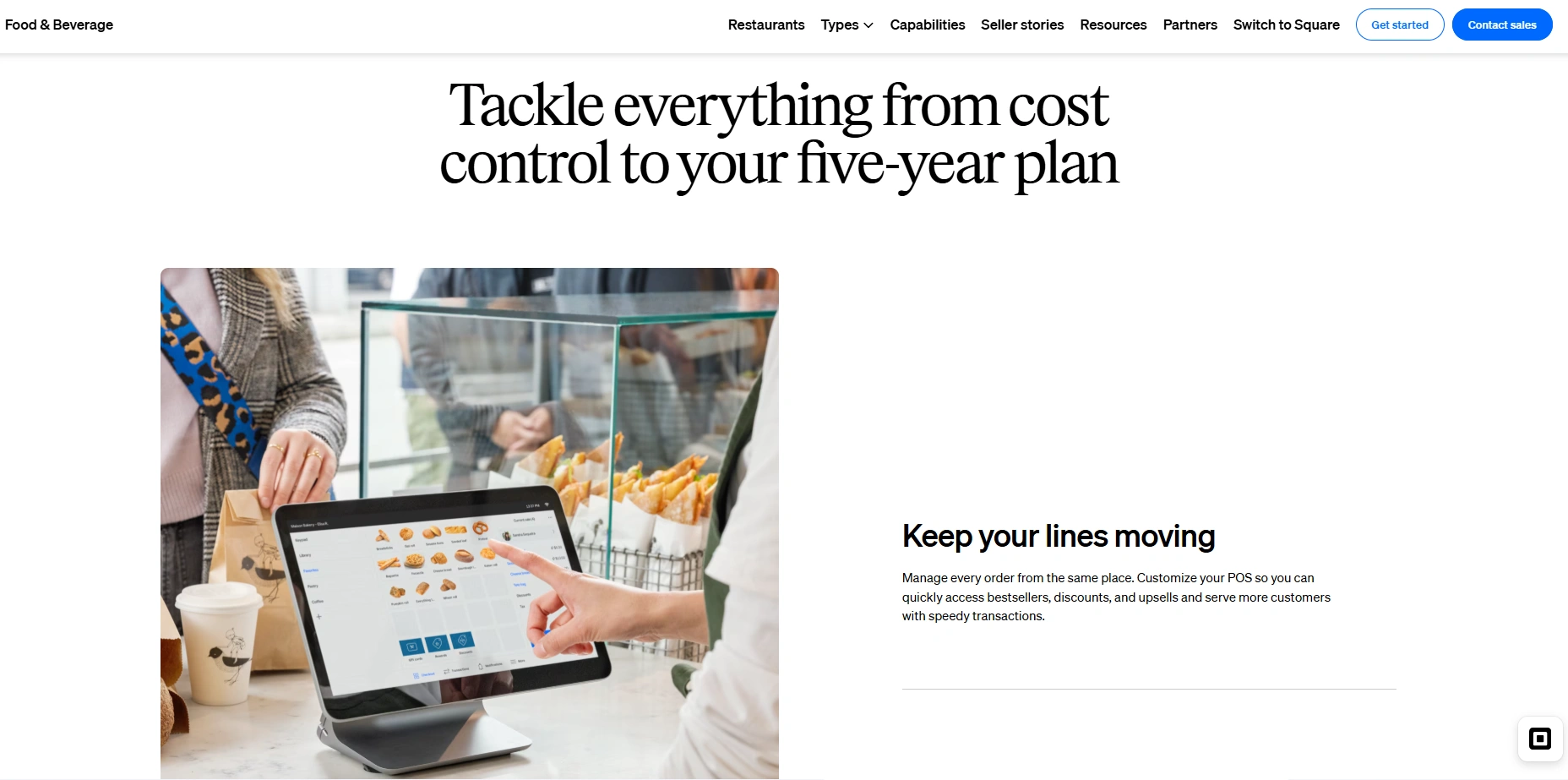
- Customizable Checkout Screen: Configure the POS interface to instantly find the items and functions most useful to your bakery to speed up checkout and reduce errors
- All Ordering Channels in One Place: Orders from various channels, including walk-ins, phone, website, or food delivery apps, will all flow into the POS system.
- Detailed Sales Reports: Get access to detailed sales reports by item, hour, day, week, and month to identify your best-sellers, see customer spending behavior, and plan future kitchen production.
- Square Online: Create your online store with Square to sell products, take custom orders, and accept payments, with built-in connectivity to Instagram and Facebook to reach customers beyond the counter.
Pros
- Push live menu and pricing changes across multiple outlets instantly
- Easy-to-learn tool with an intuitive interface
- Quick payment processing
Cons
- Bakeries managing high order volume may find the processing fee expensive
- High processing fees, costly add-ons, and hidden charges increase the overall ownership cost
- Some users report limited customizations and unresponsive customer support
- No cellular backup or offline order processing
Pricing
Square POS offers Free, Plus, and Custom plans, with the Plus plan at $40 per month + processing fees.Ratings
G2: 4.6/5 Capterra: 4.6/55. SpotOn
Key Features
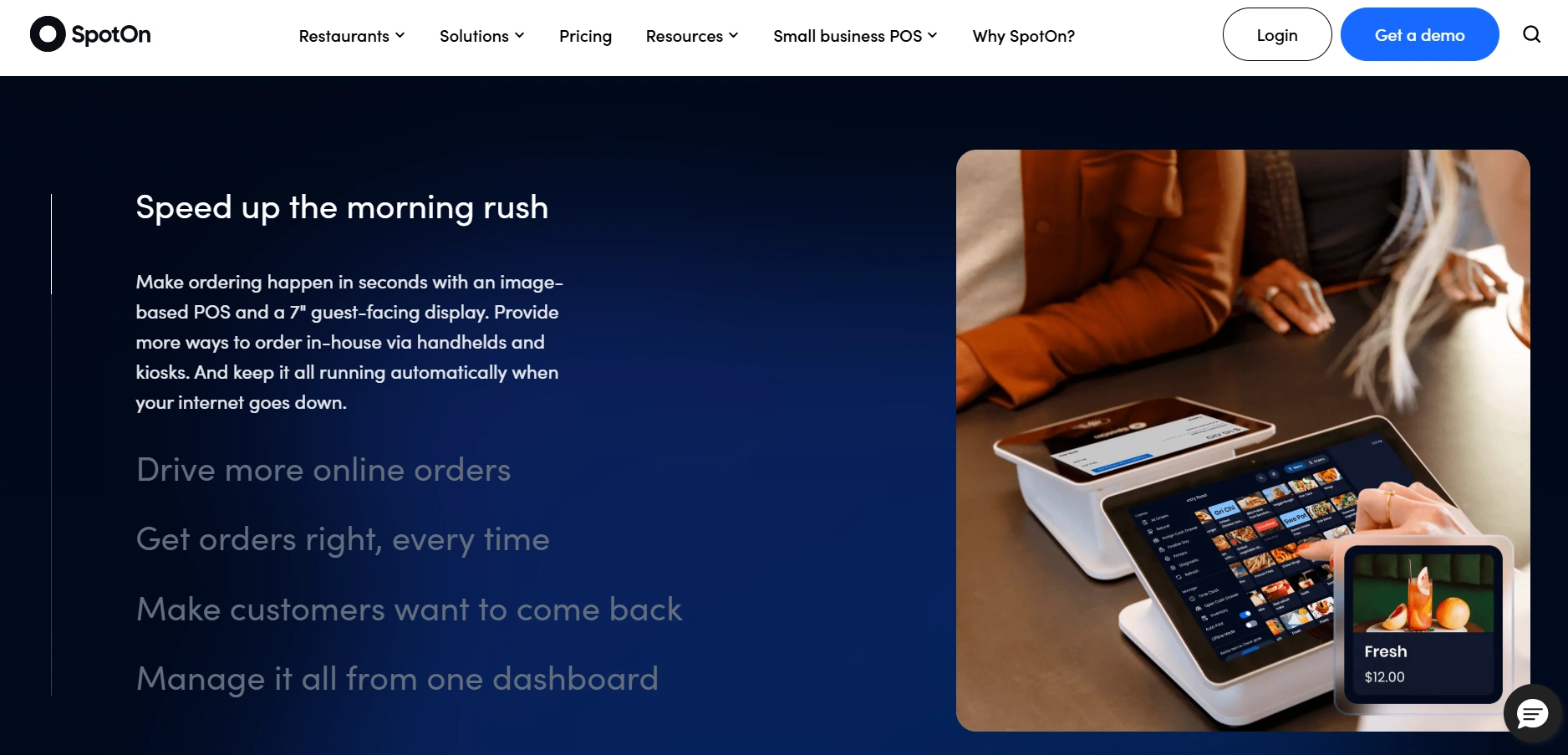
- Fast Transactions: With its user-friendly interface and fast processing, you can quickly capture, confirm orders, and process orders to keep the lines moving.
- Loyalty Rewards: You have an integrated loyalty program that lives right in the checkout flow, where customers earn points without a separate app or card.
- Online Ordering: SpotOn offers commission-free direct ordering via its own platform, allowing you to accept orders from your own website, bakery app, or even third-party delivery apps via Deliverect.
- Unified Dashboard: A central dashboard lets you access menus, sales analytics, and reporting insights on the go, so all your bakery processes and decisions are in one place.
Pros
- Easy to learn and use
- Faster transaction processing and multiple payment modes
- Automatically route orders to the kitchen
- Built-in marketing and loyalty program capabilities
Cons
- Advanced features like cost analysis and marketing campaigns are available as add-ons, not included in base plans.
- Slow response to feature requests and technical issues from the development team.
- Many users report poor customer service with longer wait times
- Users also face technical and connectivity issues, including a flawed offline mode during internet outages.
- Slow performance with high lag times and processing delays
Pricing
The POS Essentials plan is available at $55/station per month, with additional costs for implementation and payment processing.Ratings
G2: 4.4/5 Capterra: 4.2/56. Toast
Key Features
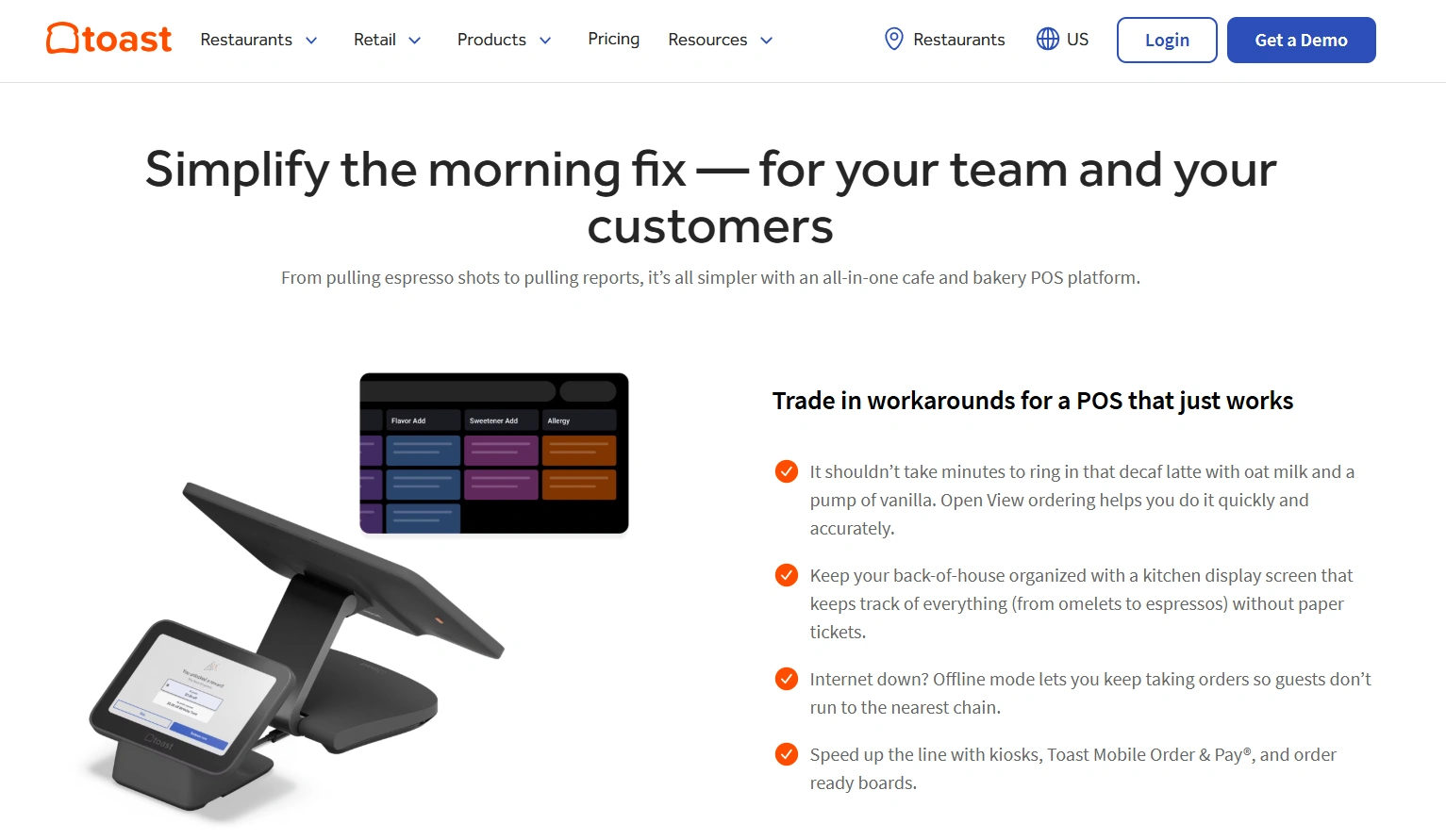
- Menu Management: Easily upload, view, and edit custom menus on the system. The Quick Edit Mode allows you to quickly change item availability or update pricing.
- Bakery POS Hardware: Toast offers restaurant-grade, cloud-based terminals, handhelds, guest order displays, and kitchen display systems to capture and route orders.
- Promotions and Loyalty Programs: Record customer data, manage personalized loyalty programs, and promote custom deals from your POS system.
- Toast Retail: For bakeries selling packaged goods, merchandise, and dry goods, Toast Retail helps you manage ordering and billing without a separate device.
Pros
- Built-in intelligence helps you analyze bakery performance and identify trends.
- Seamless setup process with an easy-to-use and intuitive interface
- Access all bakery-relevant features, billing, payments, menus, tables, reporting, and more from a single platform.
Cons
- Unlike hardware-agnostic software, Toast locks you into its own proprietary hardware ecosystem, requiring additional investment.
- 24/7 support is available, though many users report inconsistent response times.
- Some features, like Catering and Events or Toast Retail, are available as paid add-ons.
- Some users report slow software performance and unexpected outages.
Pricing
The paid plans start at $69/month, with custom pricing options and paid add-ons available.Ratings
G2: 4.2/5 Capterra: 4.2/57. Lavu
Key Features
- Custom Order Management: The tool comes with custom order features, allowing you to capture customization details, deposits, and future pickup dates within the POS.
- Ingredient-Level Inventory Tracking: Strong inventory management updates stock levels in real time as items are sold, and offers low stock alerts.
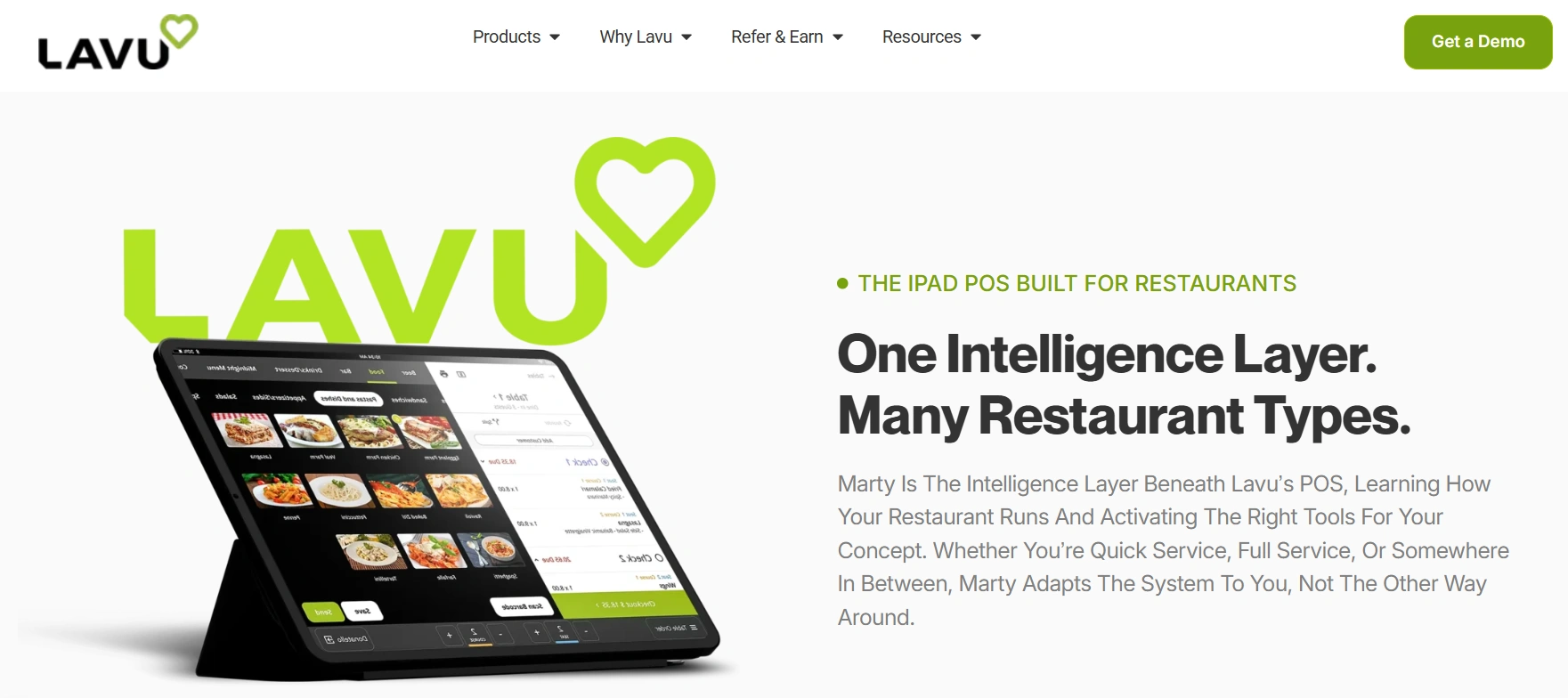
- Marty AI: Lavu is built on Marty AI, which understands your workflows and delivers daily sales briefings, forecast recommendations, and menu pricing guidance based on live POS data.
- Online Ordering: Online sales flow directly into the POS, supporting pickup, curbside, and delivery.
Pros
- iPad-based POS is easy for staff to learn quickly
- Whole pricing tiers and management
- Integrated employee management tools
Cons
- Poor customer support with longer response times.
- Accessing advanced features will require a higher subscription tier or add-on integrations.
- Many users report a clumsy and overwhelming navigation experience
- Users report that menu edits require computer access and cannot be made directly on the iPad.
Pricing
Starting at $79/month per terminal for the POS software, with additional costs for advanced modules and payment processing.Ratings
G2: 3.8/5 Capterra: 4.2/58. Clover
Key Features
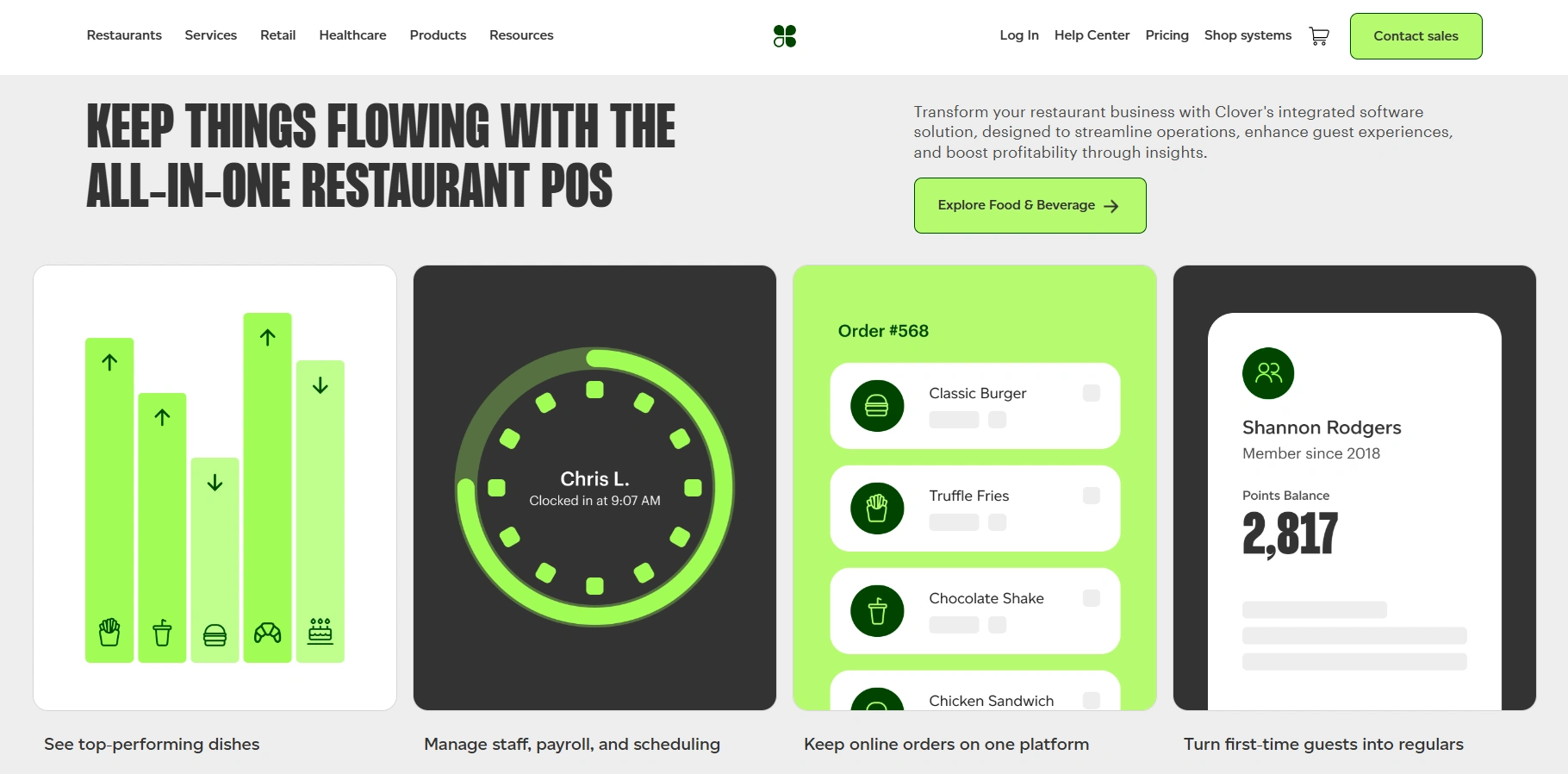
- Order Management: You can handle in-house, pickup, and delivery orders from one screen, making it easy to manage multiple channels and peak hour rush seamlessly.
- Inventory Tracking: Inventory management features allow you to track item-level sales, discounts, and taxes in real time.
- Customer Relationship Management: The tool remembers order histories, birthdays, and contact details for regular customers, so you can personalize offers and run targeted promotions for customer retention.
- Employee Management: Managing your staff becomes simpler as you can set schedules and access permissions across your team, with sales and tip tracking per employee to monitor performance.
Pros
- Omnichannel ordering management
- Integrations available via the App Market
- Dual-screen terminals for smooth customer interaction
- Access to real-time bakery sales trends to gain valuable insights
Cons
- Clover’s software is tied to its own hardware ecosystem, which limits device compatibility and can mean higher upfront investment.
- Many useful features require paid add-ons or third-party apps, which increases the monthly costs.
- Only basic inventory management features are available, with advanced features requiring additional costs.
- No built-in custom cake ordering or production forecasting features.
Pricing
Clover offers multiple payment plans for the hardware and software, depending on the business type. Plans also include additional transaction fees.Ratings
G2: 3.9/5 Capterra: 3.8/5How to Pick the Best POS System for Your Bakery?
With so many bakery POS systems in the market, narrowing it down to the best ones can feel overwhelming. Here are the factors that actually matter when making the decision-- Integration capabilities: A POS system that doesn’t connect with other tools can lead to more work for you. The right system should have a wide integration ecosystem and connect with your existing accounting software, delivery services, loyalty programs, and online ordering systems.
- Ease of use and staff training: A bakery POS system with an intuitive interface and solid onboarding and training resources will help new staff learn and use the system quickly.
- Hardware flexibility: Not every bakery counter looks the same. A good POS system should be hardware agnostic, working with devices such as countertop terminals, handhelds, kitchen display systems, and self-ordering kiosks without forcing you to buy expensive equipment.
- Customer support: When technical issues arise, you will need a responsive customer support team that addresses your concerns quickly and helps minimize downtime at the bakery.
- Scalability: As you grow your bakery, the system should grow with you. Look for a system that offers multi-location management, centralized reporting, and menu updates across outlets from a single dashboard, without needing a separate tool for each site.