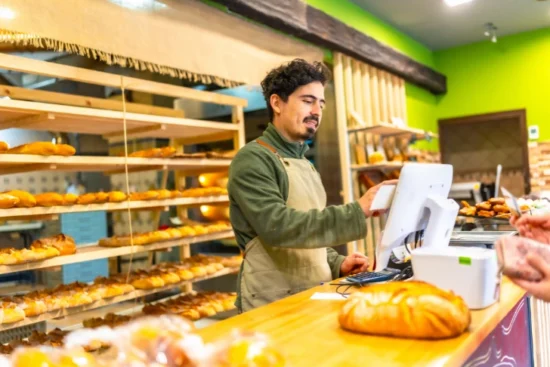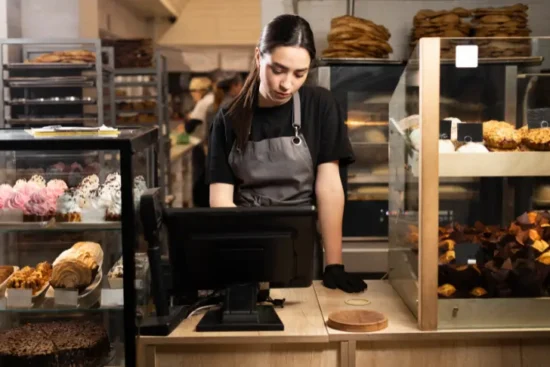
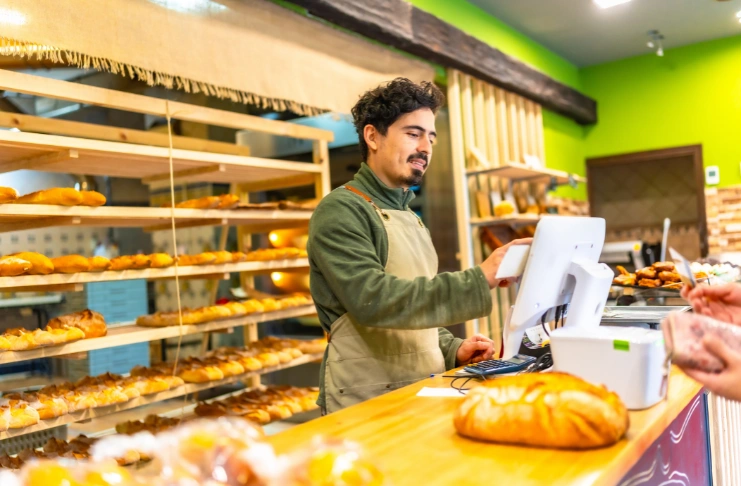

The moment you decide to expand your bakery into a franchise, spreadsheets, WhatsApp updates, and isolated systems stop working. Because it’s no longer just you and your small team planning prep, service, and customer experiences for one location.
It’s now a high-stakes business.
That’s the point when bakery franchises start investing in software. It helps you bring operations under one system instead of managing everything separately at each outlet.
But buying the software is only a small part of the process. The bigger, more challenging part is implementation. Different outlets will have different workflows, teams may resist new systems, and data structures may be inconsistent. Which, if not handled properly, can get messy quickly.
Let’s understand how you can go about implementing bakery software in franchises and the important considerations to take care of.
What you will learn
- Why do you need to implement the right bakery management system for your multi-location bakeries?
- What are the pre-implementation considerations to focus on?
- Step-by-step process to implement the bakery management solution
Benefits of Implementing Bakery ERP Software Across Multiple Locations
Managing multiple bakery outlets becomes much easier when every location is on the same system.
Everyone will know how to punch in orders, when and how to review inventory levels, and who to contact in case of issues. That’s what bakery software does. It gives your franchise businesses better control over daily bakery operations, reporting, inventory, and production
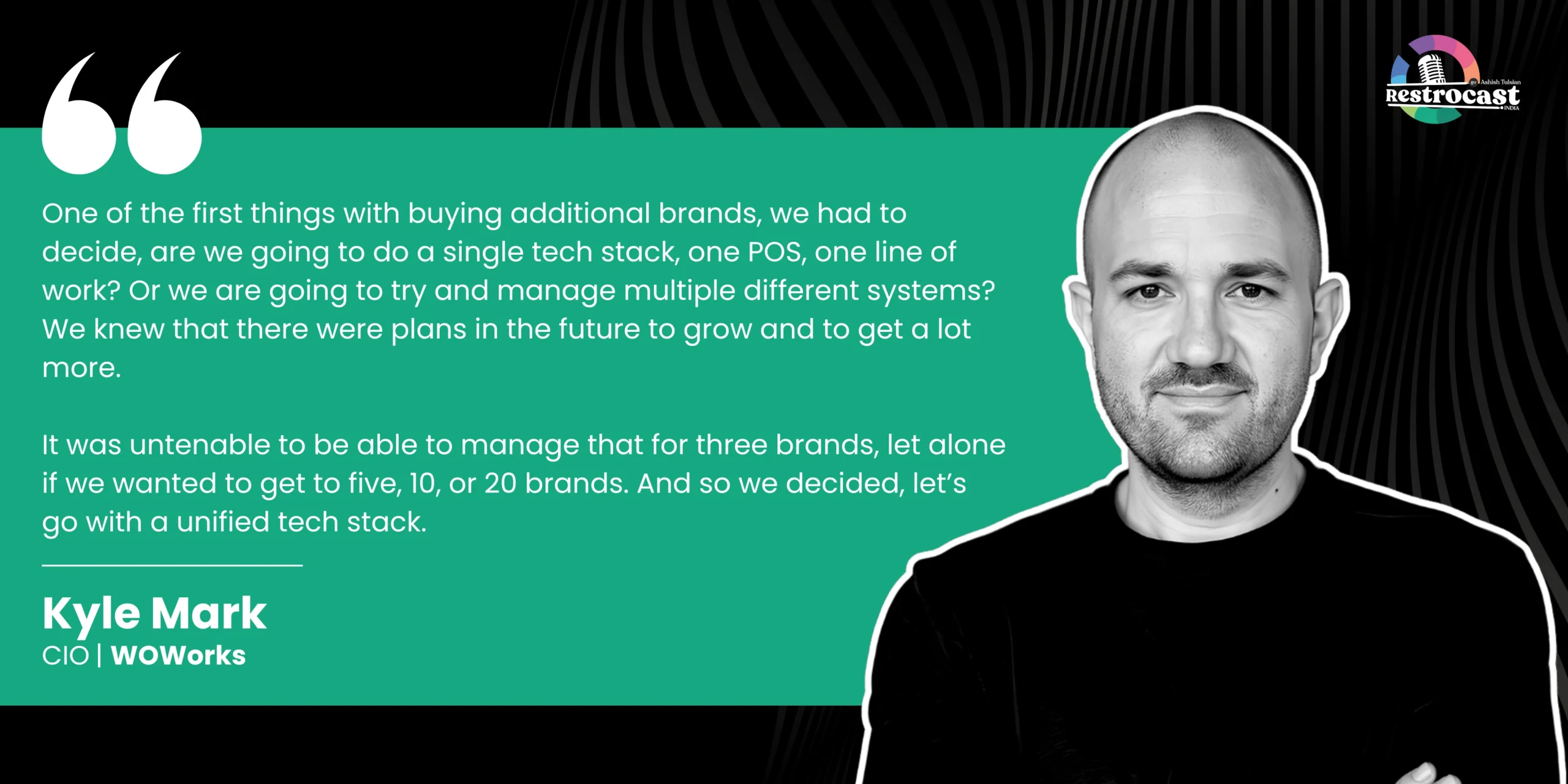
Speaking about scaling restaurant systems on Restrocast, Kyle Mark, CIO at WOWorks, said-
And the market growth is a clear indication of its benefits. The Bakery management software market was valued at $2.1 billion in 2025 and is projected to reach $5.3 billion by 2034, growing at a CAGR of 10.8%.
Some of its major benefits include-
1. Streamlines Bakery Operations
Bakery ERP systems bring different aspects of your business under one system. When you combine billing, kitchen production scheduling, batch tracking, real-time inventory tracking, team management, and reporting under the same workflow, everything is easier to manage. It also reduces manual back-and-forth and helps teams work faster with fewer errors.
2. Standardizes Recipe Management
What do all big bakery franchises have in common? Think Panera Bread, Cinnabon, or Magnolia Bakery; no matter which outlet you go to, you’ll get the same taste, consistent product quality, and experience.
This consistency is what makes any bakery franchise popular. For your baking business, software makes it easy to standardize recipes, portion sizes, and preparation methods across locations so customers get the same experience at every outlet.
3. Centralizes Inventory and Supply Chain Control
Inventory and supply chain are big cost centers for food businesses. If you handle it individually for each location, it will only lead to overstocking, wastage, or supply gaps.
A centralized system offers you better visibility into stock movement within and across outlets, raw material usage, vendor management, and procurement for all locations.
4. Real-Time Reporting with Bakery POS Systems
With POS integrated bakery management software, you can track sales, monitor ingredient usage, control costs, and outlet performance in real time across franchise locations.
So instead of waiting for manual updates at the end of the day or week, you can access reports instantly. This way, you have more control over performance, changes in future demand, and outlet-wise performance.
5. Cost Savings for Bakery Business
Better inventory management, fewer manual mistakes, and smarter production planning help reduce unnecessary costs.
Pre-Implementation Planning for Franchise Bakery Software
A lot of bakery franchises underestimate how messy software implementation can get as operations grow.
Something as simple as accurate inventory tracking can work differently across locations. One team updates stock throughout the day, another does it only at closing time. Reporting formats may differ. Even the way the kitchen works will be different.
So before you plan implementation, there are some things you need to take care of for a smoother process-
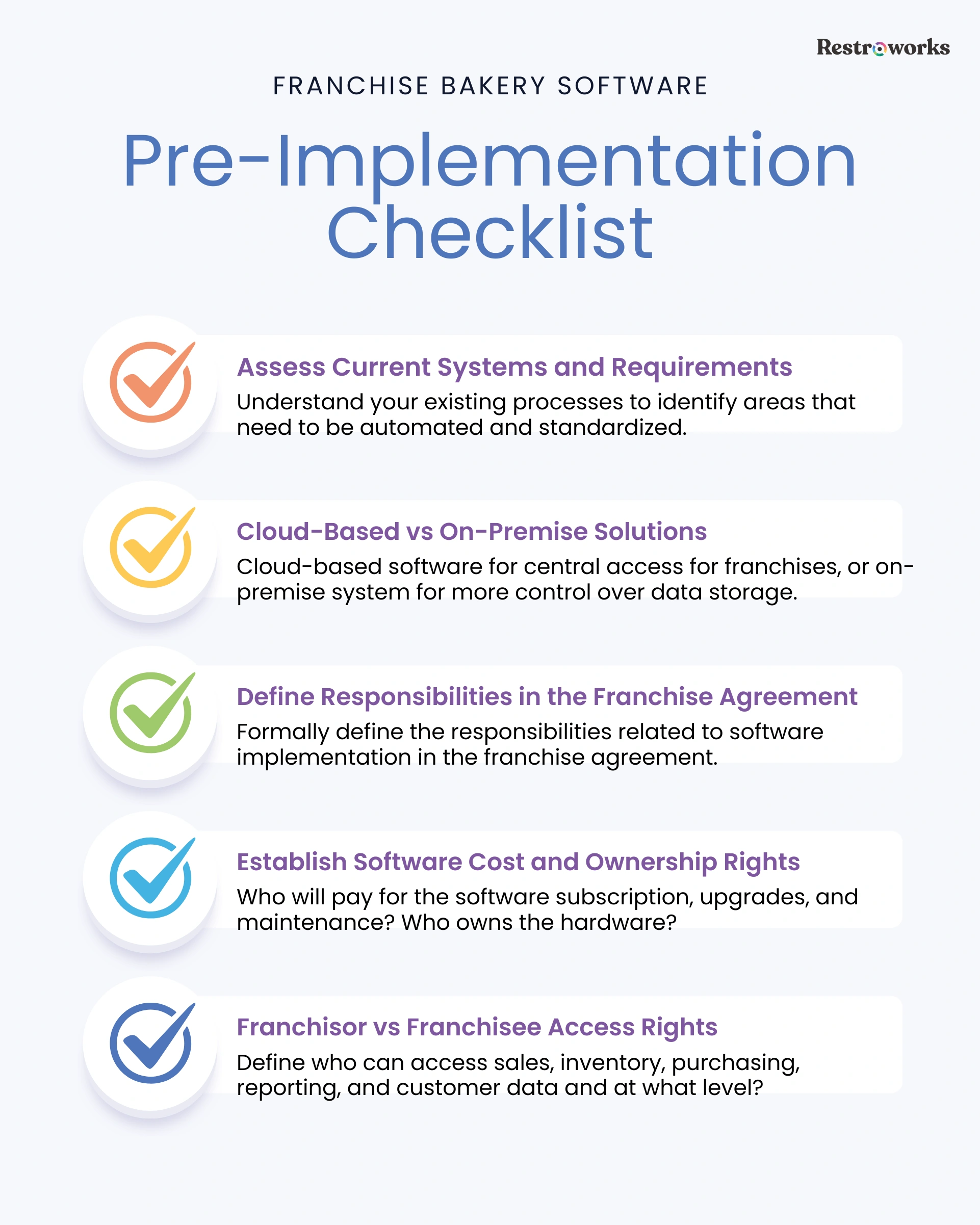
1. Assess Current Systems and Franchise Requirements
Before choosing any software, spend some time thinking about how your outlets currently operate. Look at how teams manage inventory, billing, production planning, vendor orders, reporting, and day-to-day coordination.
You’ll then understand what processes you want to standardize. For instance, things like billing formats, recipes, customer loyalty programs, or sales reporting need to be the same for every outlet.
On the other hand, you can keep some areas flexible and let franchisees decide how they want to approach staffing decisions or guest interactions.
2. Choose Between Cloud-Based vs On-Premise Solutions
Next, decide what solutions you want your franchisees to use. Ideally, cloud-based solutions work better if you want to manage multiple locations because they centralize user access, data, and reporting to streamline operations.
But if you want more internal control over infrastructure or data storage, an on-premise bakery management system can work.
3. Address Requirements in Franchise Agreements

Decisions related to software implementation within your bakery chain shouldn’t stay limited to operations teams. In franchise businesses, you need to formally define many of these responsibilities inside franchise agreements as well.
Questions around cost will usually come up first. Who pays for the software subscription? Will the franchisor cover the cost centrally, will it be divided, or will each franchise outlet pay separately? Additionally-
- Who will pay for software upgrades and maintenance costs?
- Who owns the POS hardware, tablets, printers, and kitchen display systems?
- Who will handle staff training during onboarding?
- Are there any mandatory workflows that franchise outlets are expected to follow?
Say, for instance, you want all outlets to follow the same inventory reporting structure or recipe formats inside the software. This needs to be a part of the agreement. Otherwise, individual locations may eventually start creating their own processes.
The same applies to technical support. If the POS system stops working during peak hours, franchisees should already know whether support comes from the software vendor directly or through the franchisor’s internal team.
4. Establish Franchisor vs Franchisee Access Rights
Data access and ownership are critical aspects of any software implementation. Once you implement bakery software, and it starts connecting sales, inventory management, invoice management, and customer data, it immediately raises questions like-
- Who can access sales and outlet-level reports
- Who owns customer and loyalty program data
- Which teams can view inventory and purchasing information
- What level of reporting can franchise owners access
- Whether franchisors can use customer data for brand-wide marketing campaigns
For example, you will want centralized access to sales and customer trends across all bakery outlets for brand-level planning. On the flip side, you want bakery owners to view outlet-specific data, while cashiers and staff don’t get that information at all.
These things are much easier to configure before the implementation itself.
Implementing Bakery Software in Franchises: A Step-by-Step Process
By this point, you’ve already finalized the software, listed out your franchise requirements, and thought through the rollout. Now comes the tricky part. Implementing the system.
And honestly, this is where you’ll realize that software implementation has very little to do with simply installing a system. And much more to do with changing workflows, training teams across locations, standardizing operations, and making sure every outlet adapts to the same processes without slowing the business.
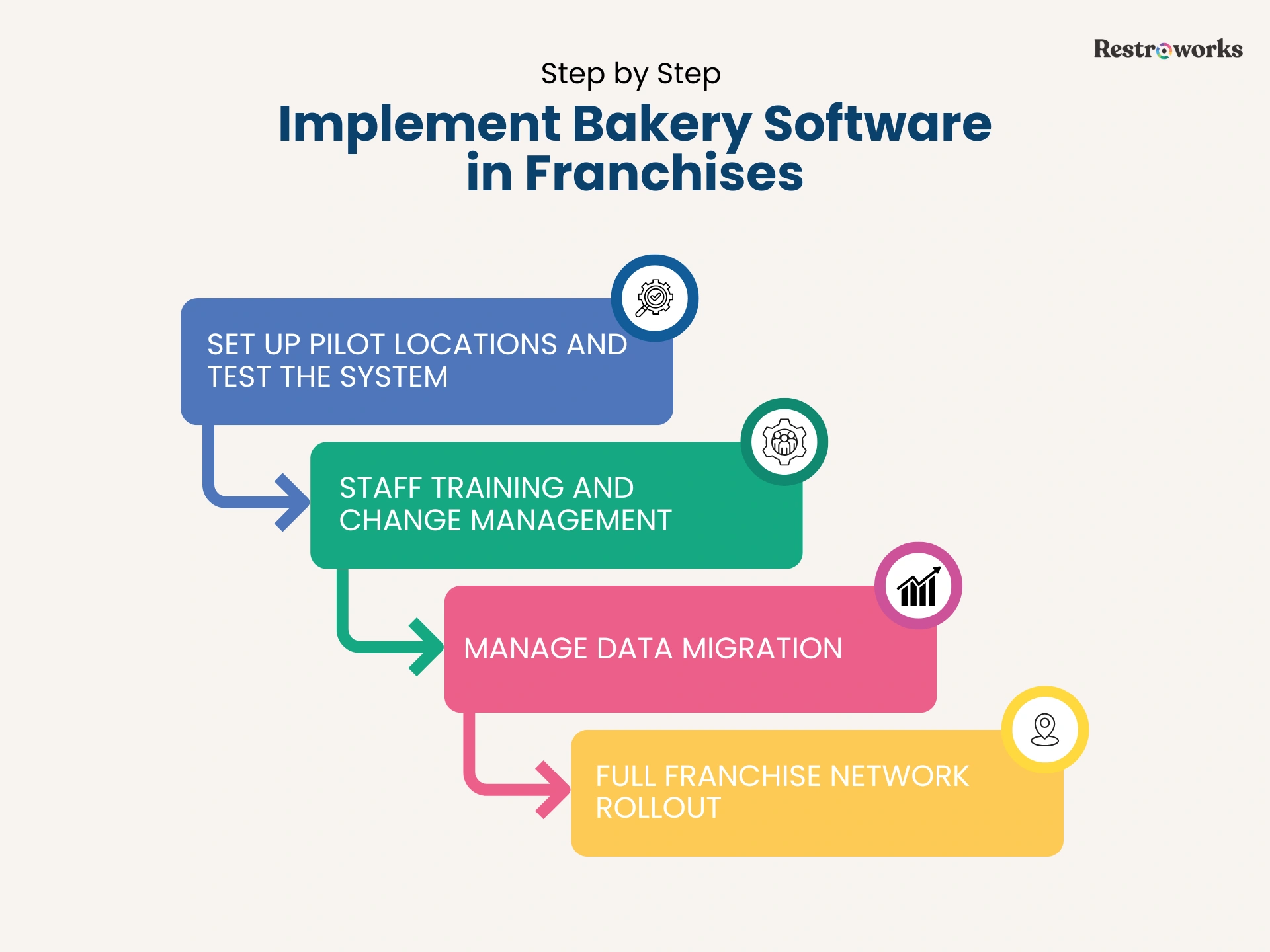
Phase 1: Set Up Pilot Locations and Test the System
To avoid turning your bakery software implementation into a mess, start small with pilot locations. Pick 1-3 outlets and use them as testing environments before expanding system-wide.
As a thumb rule, you can choose locations in different operating conditions within your franchise. For instance, a flagship outlet in a high-traffic location vs a delivery-heavy outlet. This gives you a much clearer picture of how the software performs across different workflows and challenges.
Most software vendors offer active onboarding and implementation support to ensure the system connects seamlessly with your bakery operations. So with the system live at pilot locations, you have to focus on three things-
- Integrations with the POS system
- Gaps in customer expectations
- Direct user feedback from FOH and BOH staff
If all’s good on these fronts, you’re good to think about the full rollout.
Phase 2: Train Your Staff
Even the best bakery software won’t work if teams across multiple locations don’t feel comfortable using it during service hours, which makes training a core part of your implementation plan.
But one mistake many franchises can make is treating training like a one-time onboarding session. Avoid that. A few demo videos or a single workshop isn’t enough. Your cashiers, kitchen staff, outlet managers, and franchise owners all interact with different parts of the system.
So their training needs to be personalized enough to reflect that.
A good way to go about this is to offer practical, simulation-based training that allows staff to learn how the software will work during actual service and how they can use it well. Additionally, do the following-
- Create short and practical training SOPs for uniform learning
- Identify one person at each location who understands the system well enough to help others
- Give your teams some time to adapt before you expect to see full compliance
Phase 3: Manage Data Migration
You know what they say, garbage in, garbage out. If your existing data is scattered or inaccurate, it will only lead to errors and poor operations.
Start with your menu. Download it from your POS system and define the following for each menu item-
- Customizations for size, fillings, flavors, or decoration that you offer
- Preparation time
- Pricing details
- Daily prep capacities, especially for those with a shorter shelf life
- Seasonal items and promotions
- Product photos
Sort through these details to standardize product names, descriptions, and pricing. Next, verify other bakery data to identify any errors, duplication, or inconsistencies. These other data insights will include-
- Historical sales data
- Recipes, formats, and ingredient units
- Vendor and supplier records
- Customer information and ordering history
- Customer preferences
- Outlet-level reporting
- Inventory categories and stock units
- Expiration date tracking
Clean POS and inventory data is the only way to ensure accurate order flow into the bakery system.
Phase 4: Full Franchise Network Rollout
Was the pilot phase successful? If the answer is yes, it’s time to start expanding the bakery software to the rest of your locations. But even then, avoid rolling everything out at the same time unless you’re very confident the system and teams are fully ready.
It’s better to handle this phase gradually, perhaps outlet by outlet or region-wise. That’ll make it easier to address any issues if something breaks during rollout. As a best practice, plan your rollout timeline to give each outlet at least 30-45 days for setup and training.
Also, avoid festive or holiday periods to not disrupt operations. And finally, don’t forget to take a backup of your essential data and processes to avoid losing anything during this transition.
Common Roadblocks to Implementation and Solutions
One thing to always remember: no matter how well thought-out and organized your implementation strategy is, be ready for the hiccups. Some issues could be technical, while others come from day-to-day operational habits that teams have followed for years.
For your bakery solution, here are some common roadblocks to prepare for-
- Resistance to Change from Franchise Owners: Franchise owners may not immediately support new systems, especially if their existing processes already seem good enough from their side. Show them why it’s good. Show how the ERP system will help with their daily operations, reporting, inventory control, and outlet performance.
- Integration with Existing Systems: Your existing POS systems, accounting systems, loyalty platforms, third-party delivery app integrations, or kitchen software may process and sync data differently. This can create technical issues such as a mismatch in reporting, delayed updates, or duplicate records.
- Maintain Compliance Across Different State Regulations: If your franchise operates across multiple states, you’ll have to deal with different tax structures, invoicing rules, labor regulations, food safety laws, and data security requirements. So, before the rollout starts, ensure the software helps you with state-wise compliance requirements seamlessly.
How to Measure the Success of Bakery Management Software Implementation?

The real indicator of successful bakery software implementation is how well it is working for your staff and if there’s any real improvement in operations.
To find this out, here’s what to do-
Track Operational KPIs for Multi-Location Bakeries
The easiest way to measure implementation success is by tracking operational changes after rollout. These include-
- Inventory variance across outlets
- Food waste levels
- Forecasting and production accuracy
- Billing speed and experience
- Outlet-wise sales trends
- Order processing time
- Stockout frequency
- Customer satisfaction scores and reviews
If you see major numbers improving over time, congratulations! Your software implementation is moving in the right direction.
Monitor Staff Adoption and System Usage
The system is fully installed, while the teams are still using notebooks, spreadsheets, or unofficial workarounds to operate. That defeats the purpose of your bakery software.
To ensure staff adoption and usage, focus on making the software easy to use through training, along with-
- Which outlets are actively using all system features?
- Are there any areas that teams are still managing manually?
- Where are you seeing the most support requests and from which locations?
- Are there any new processes you can automate?
Keep Improving
Software implementation is not a one-time project. In reality, the first few months are the most critical, as they will reveal operational gaps that only arise with regular use.
Review your workflows, processes, and system adoption regularly to identify areas of improvement.
Implementing bakery software across franchise locations takes time. Some outlets will adapt quickly, while others may need more support before they get used to new workflows.
The important thing is not to rush the process. For successful implementation, start small, test systems properly, train teams, and fix operational gaps before expanding across the full network.