


1. Restroworks
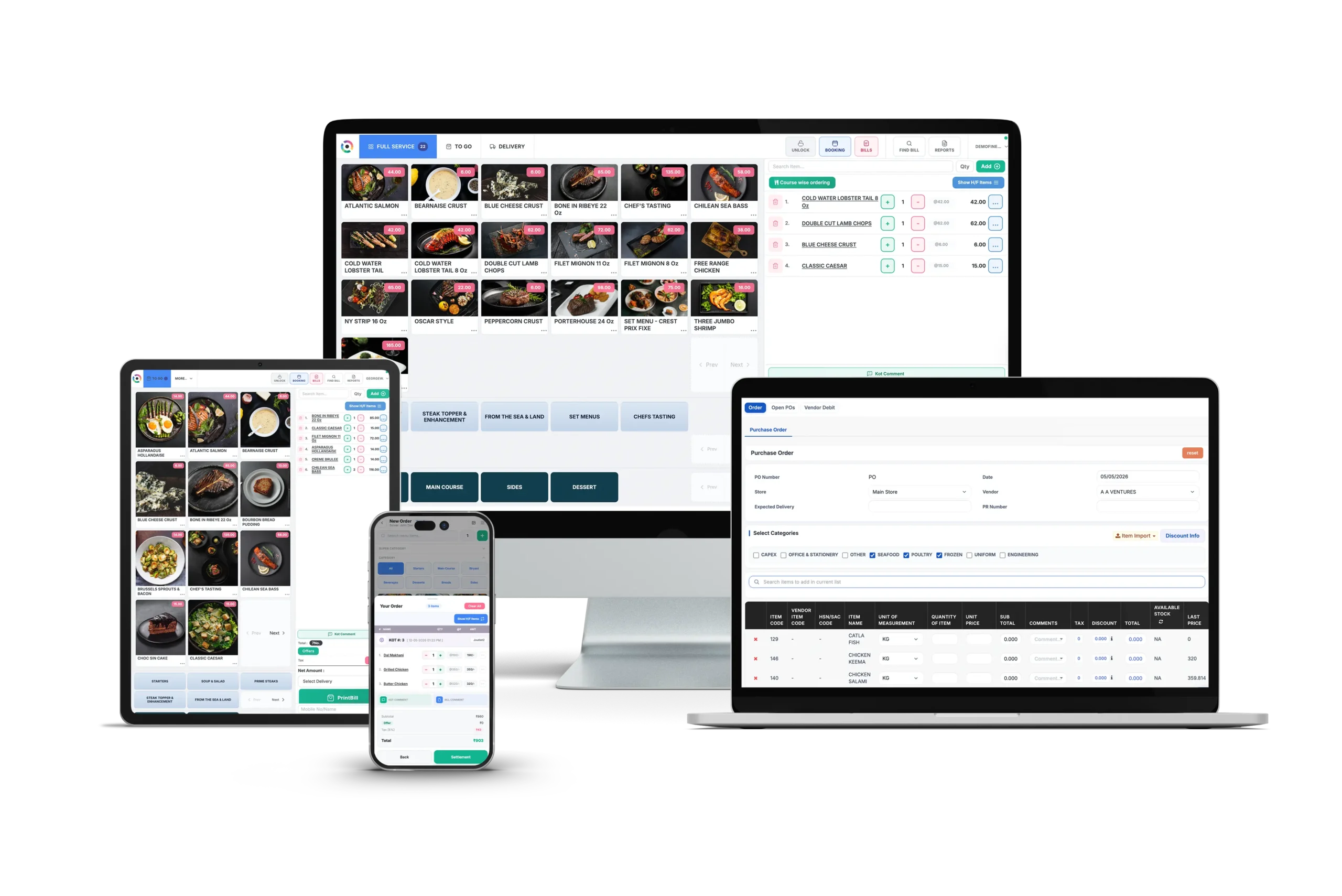 Best for: All-in-one restaurant management software
Restroworks is one of the fastest-growing restaurant management software solutions for enterprise chains, with consistent recognition on review platforms such as G2.
It currently operates more than 25,000 locations across 53 countries, including brands such as Subway, Taco Bell, Denny’s, Dunkin’, and Sbarro. What sets it apart for multi-location and enterprise restaurants is the architecture underneath.
Restroworks is built on a scalable BFCD model (Brand, Format, Cluster, Deployment) that gives operators clean control across all formats and locations from a single system. That same system brings the full suite into one place: billing, inventory and supply chain, kitchen operations, recipe management, CRM, loyalty, analytics, and digital ordering.
What Does It Offer?
- Centralized Restaurant Management: Restroworks gives you one dashboard to run your entire operation. So you can manage your entire group through one hierarchy. Standardize menus, pricing, and recipes at the brand level, then vary them by cluster, format, or outlet, all in one place.
- Built for Multi-Geography Scale: Restroworks is built for scale. Not only is it flexible enough to bring all your new outlets in one place, but it also allows you to expand to other geographies seamlessly. Since it is hardware and OS-agnostic, with built-in multi-lingual and multi-currency support, you can enter a new region, launch a different format, or add another outlet on the same underlying platform.
- AI-Powered Aggregator Control: Restroworks offers NEO, a standalone, AI-enabled app within the Restroworks ecosystem that gives growth and marketing teams complete control over the digital ordering channels (GrubHub, Uber Eats, DoorDash, etc). With it, teams can push menu, pricing, and promotion changes on one dashboard with a single prompt. Plus, it is natively synced to the POS system, so any configuration changes reflect automatically, and there’s no manual intervention required.
- Recipe and Inventory Control: Restroworks ties every menu item to its recipe and inventory data, from brand to outlet level. So you can implement as many recipes as you need, and the system will deduct the exact ingredient quantities when a menu item is sold. This way, it will also record theoretical vs. actual variance to tell you where margins are leaking across outlets.
- Intuitive Business Intelligence Dashboard: Restroworks’ analytics platform and Cockpit App give you a 360-degree view of restaurant operations, with 200+ reports updated in real-time. You’ll always have complete visibility into revenue performance, menu-level insights, costs, deployment performance, and daily sales trends at your fingertips.
- Open API-Enabled Integration Ecosystem: An open API means Restroworks doesn’t lock you into a closed set of tools. You can connect with 500+ integrations across food aggregators, payment gateways, accounting tools, scheduling tools, and logistics partners to create a unified tech stack for your restaurant group.
Where it Excels
- It acts as a single source of truth for your restaurant group, consolidating data in one place, in real time, so there are no reconciliation gaps.
- Flexible enough to support different restaurant models, from QSRs and casual dining to cafes, bakeries, and cloud kitchens.
- Strong multi-brand, multi-format, and multi-location management capabilities.
- Offers 99.5% uptime with a reliable offline mode that keeps your operations going even during power outages or unstable internet speeds
- Hardware, OS, and payment gateway agnostic means you’re never locked into one vendor’s ecosystem.
- 24/7 customer support
- Complete implementation and onboarding support
What Could Be Better?
- Restroworks will better suit operators managing multiple locations, brands, or complex workflows, rather than those only looking for POS-centric capabilities.
- Some advanced features for enterprises may require initial onboarding and training during setup.
Pricing
Customized pricing is available depending on the business requirements.
Customer Rating
G2: 4.8/5
Capterra: 4.9/5
2. OpenTable for Restaurants
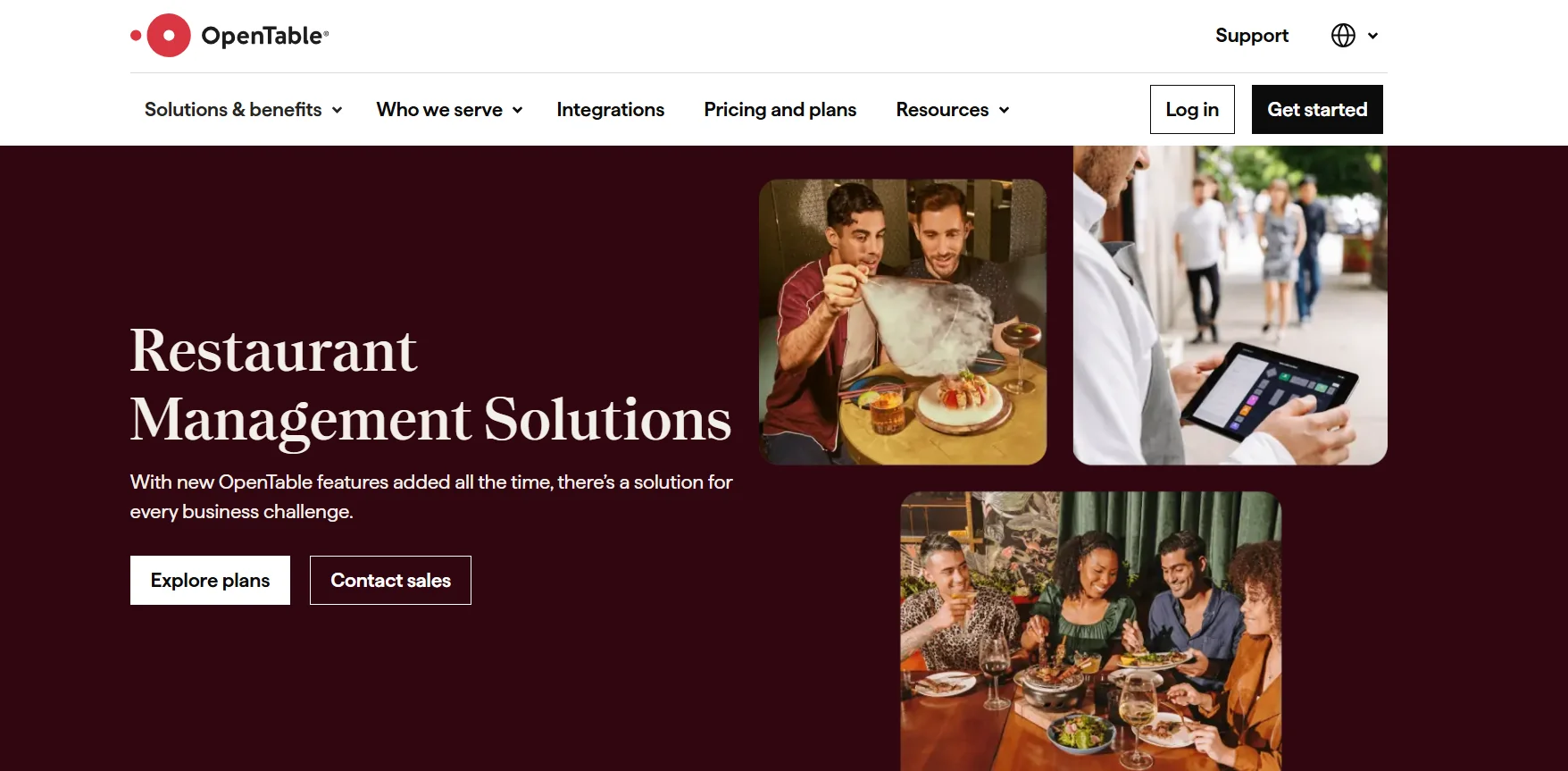
Best for: Reservation, table, and guest relationship management
Most people know OpenTable as a restaurant reservation platform. But over the years, it has evolved into a broader guest management and restaurant operations solution.
Today, OpenTable allows you to manage bookings and tables, handle guest relationships, optimize marketing campaigns, track inventory, and view business performance, all within your POS integration.
That said, if you’re looking for deeper inventory, supply chain, or back-of-house management capabilities, this will not be the right fit.
What Does It Offer?
- Reservation Management: You can accept, manage, and organize reservations from a single platform while maintaining control over availability and table inventory.
- Shared Guest Profiles: Guest data isn’t limited to a single restaurant location. Find and share guest insights, such as dining history, preferences, and visit patterns across locations to deliver a more consistent experience.
- Enterprise-Level Booking: OpenTable allows you to manage reservations across multiple locations from a centralized system. With real-time booking visibility, you can make it easy for guests to book at any of your locations.
- Seamless Integration: OpenTable offers more than 150 booking APIs and integrates with hundreds of platforms, including POS systems, payments, email marketing, loyalty programs, and more.
Where it Excels
- OpenTable offers reliable performance across the web and mobile app
- Responsive customer support
- Easy-to-use platform with an intuitive interface
What Could Be Better?
- OpenTable is not an all-in-one restaurant management solution, so you’ll need to rely on integrations or add other software solutions to get the full FOH and BOH suite.
- Limited reporting customizations
- Many users find the platform fees expensive, especially for independent restaurants.
Pricing
OpenTable offers 3 paid plans: Basic at $149/month, Core at $299/month, and Pro at $499/month. All these plans feature extra fees for network cover, prepaid ticketing, and prepaid experiences.
Customer Rating
G2: 4.4/5
Capterra: 4.7/5
3. Lightspeed Restaurant
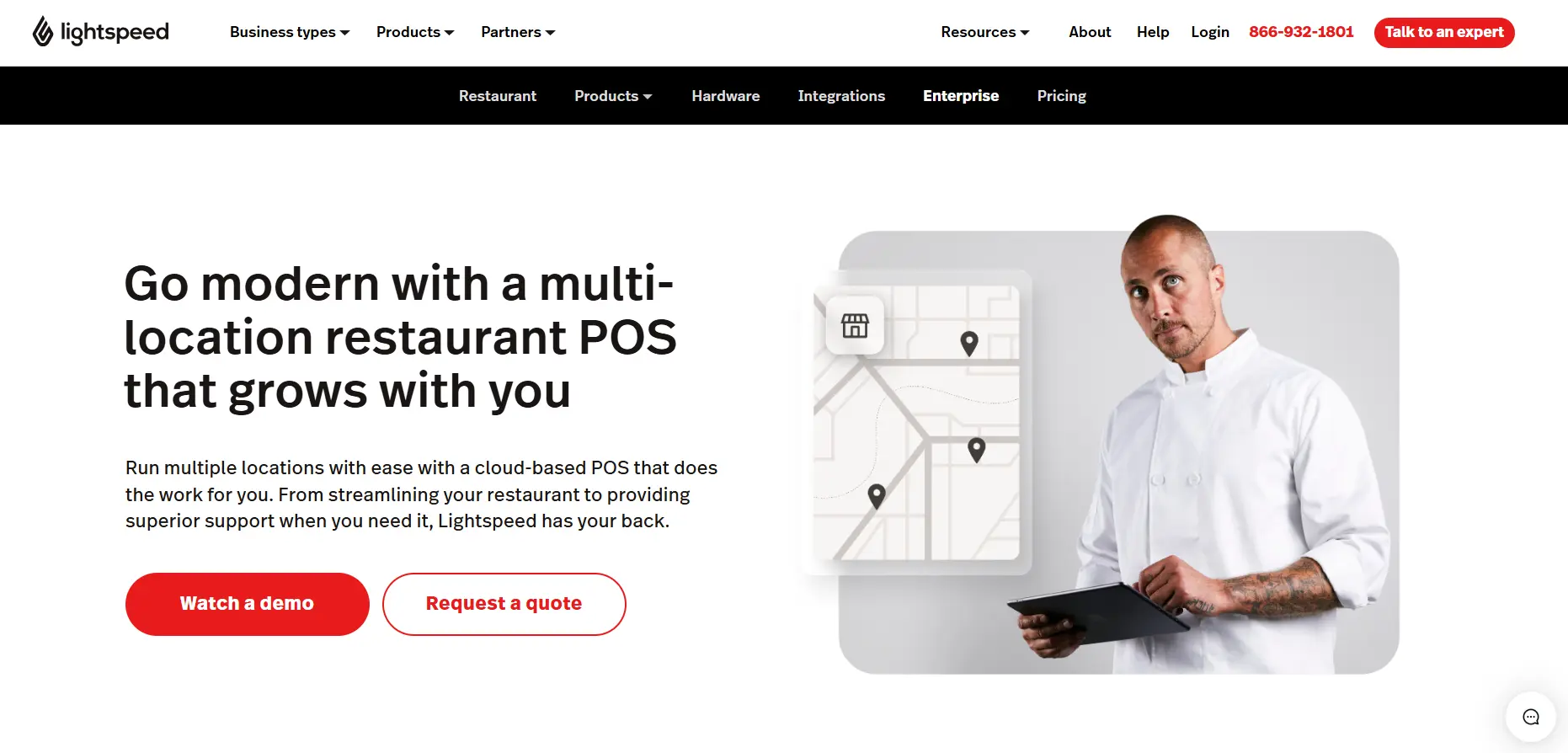
Best for: POS-led suite with inventory controls
There’s a good chance you’ve come across Lightspeed while researching restaurant POS systems. That’s what the company is best known for: its cloud-based POS.
But over time, Lightspeed has expanded its restaurant offering to cover POS, inventory, reporting, payments, and multi-location management in one system.
If you want software to improve your service speed, you’ll find tools for tableside ordering, QR ordering, self-service experiences, and integrated payments built into the platform.
What Does It Offer?
- Customizable Workflows: You can customize Lightspeed POS to your unique workflows, from floor plans and screens to menu and kitchen processes.
- Multi-Location Management: With Lightspeed, bring all outlets in one place to track menu performance, sales, inventory, and so on. Plus, it even lets you create and manage different menus for different locations or for dine-in vs. delivery services.
- Delivery Orders in One Place: It consolidates all your online orders from top apps like DoorDash and Uber Eats into a single dashboard, so you don’t miss any incoming orders.
- Multiple Payment Options: Lightspeed gives you an EMV-compliant terminal and restaurant POS software, which ensures faster transactions across cash, debit, and credit cards, mobile payments, or gift cards.
Where it Excels
- Strong hardware speed and reliability
- Built-in reporting suite that offers in-depth insights into revenue, menu performance, sales, labor, and inventory
- Broad integration ecosystem to support your current operations
What Could Be Better?
- Lightspeed POS software works with its own hardware ecosystem, so you’ll need to switch existing systems and incur additional costs.
- Enterprise functionality is not as extensive as some platforms built specifically for large restaurant chains.
- If your restaurant group deals with complex supply chain, commissary, or franchise management requirements, you may need additional software.
- Many users report difficulty in setting up the system, with longer implementation times.
Pricing
LightSpeed Restaurant offers 4 plan tiers: Starter at $69, Essential at $189, Premium at $399, and a customizable Enterprise plan for restaurants with complex needs.
Customer Rating
G2: 4.3/5
Capterra: 4.4/5
4. Crunchtime
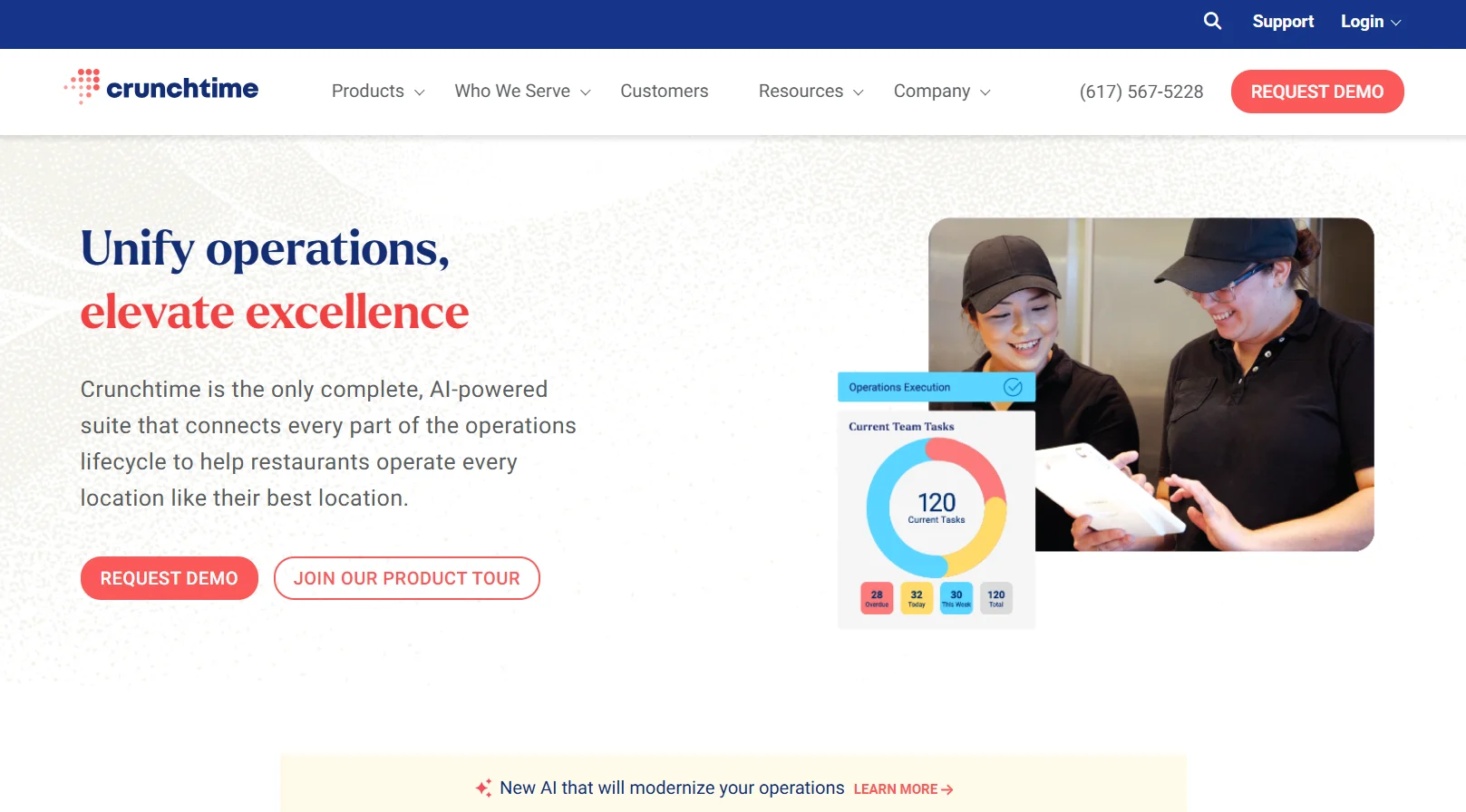
Best for: Supply Chain and Labor Optimization
Crunchtime is a complete operations management platform that brings together inventory, labor management, kitchen management, food safety, and task execution into a single ecosystem.
And that’s exactly what stood out to me during my research. Beyond inventory and scheduling, the platform includes tools for audits, task management, food safety monitoring, and operations execution, helping restaurant groups maintain standards across every location.
What Does It Offer?
- Inventory Management with AI Forecasting: You get automated sales forecasting, vendor purchasing, faster inventory counts, and recipe management, so your food costs stay accurate without a manual recount every week.
- Labor and Scheduling: Schedules are built using sales forecasts and staffing requirements, helping you align labor with expected demand.
- Operations Execution: Daily checklists, audits, store tasks, and rollout programs can be managed from a centralized system, making it easier to monitor execution across locations.
- Operational Intelligence: The software brings all your data across sales, labor, inventory, food waste, staff, and more into one place, with actionable insights. As a result, you can make informed decisions to optimize labor, control costs, and streamline operations.
Where it Excels
- Comprehensive inventory and food cost management capabilities.
- Strong customization, useful if you want to configure it around your workflow
- Seamless integrations
What Could Be Better?
- Some users note a lack of screen consistency across modules, which can slow down onboarding for new staff.
- Slow response times from customer support
- There’s a steeper learning curve for new users
Pricing
Contact their team for a custom quote based on your needs.
Customer Rating
G2: 4.3/5
Capterra: 4.4/5
5. Restaurant365
Best for: All-in-one operations management and accounting
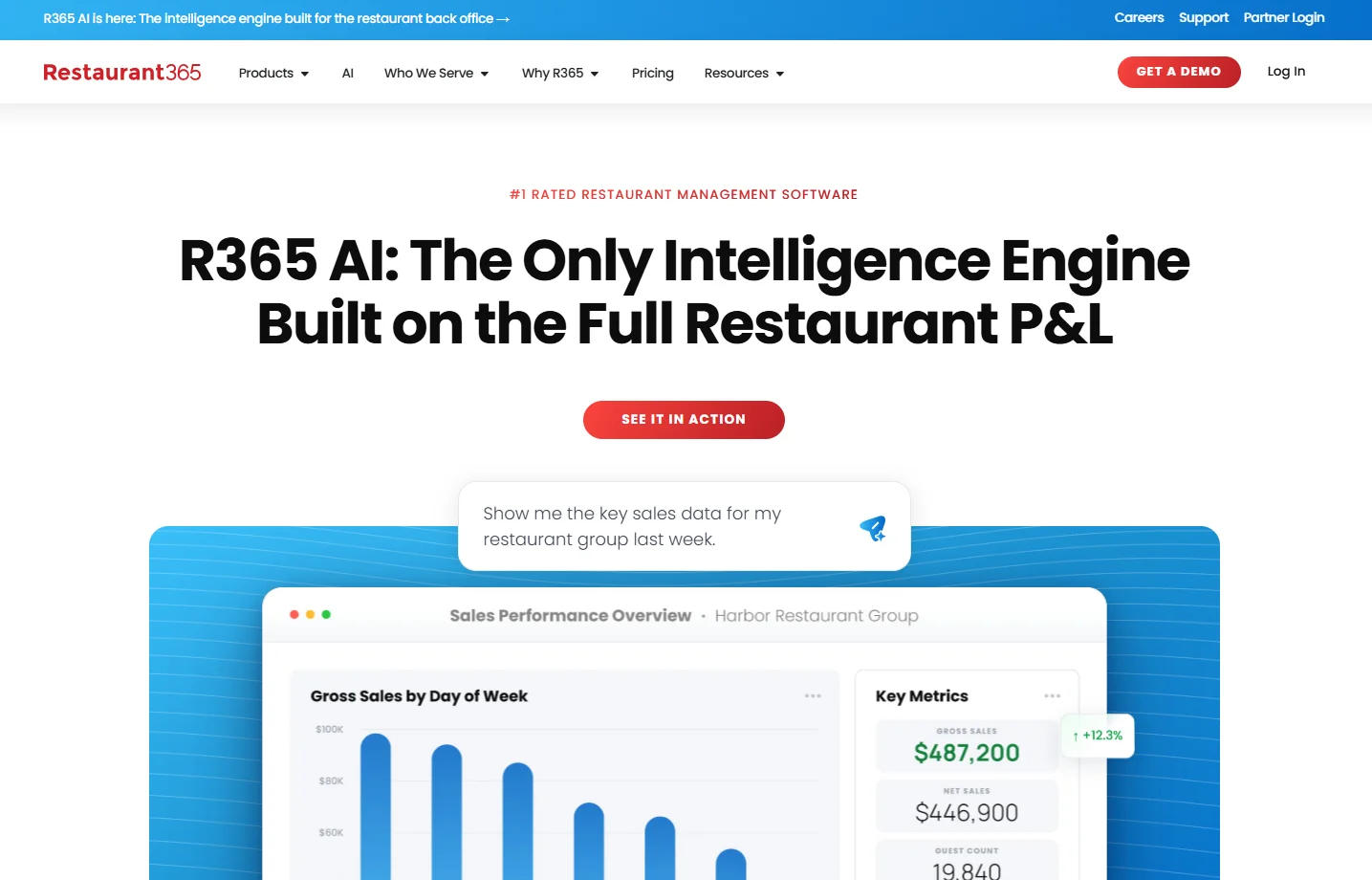
If accounting is the headache that keeps you up at night, Restaurant365 was built for exactly that. It positions itself as an all-in-one restaurant management platform, but its accounting capabilities are what set it apart.
R365 is more of a back-of-house solution, combining financial management with inventory, labor, payroll, purchasing, and reporting tools, giving you a more connected view of business performance.
More recently, the platform has also introduced R365 AI, offering predictive insights on top of financial, inventory, and labor data so you can catch cost variances and labor overruns before they affect your profits.
What Does It Offer?
- Restaurant Accounting: This is the platform’s biggest differentiator. No more relying on separate accounting software; you can manage financial reporting, accounts payable, budgeting, and cash flow within the same system.
- Inventory and Purchasing Management: Keeping track of food costs becomes easier when purchasing, inventory counts, and vendor information are connected. You’ll also have better visibility into variances and ingredient usage.
- Workforce Management: Restaurant365 brings scheduling, labor management, payroll, and employee-related processes into one platform, helping you manage labor costs alongside the rest of your operations.
- Mobile Access: Mobile tools allow you to approve invoices, review reports, manage schedules, and stay connected to restaurant operations while on the move.
Where it Excels
- Connects operational data with financial reporting in a single platform
- The software is quite user-friendly and intuitive
- Supports multi-location restaurant groups with centralized visibility.
What Could Be Better?
- Some food service businesses may not need the depth of accounting functionality included in the platform.
- Limited reporting capabilities and customizations
- Many users report time-consuming implementation and training
- Users also report missing features for payroll and reporting
Pricing
Contact the sales team for a custom quote.
Customer Rating
G2: 4.6/5
Capterra: 4.1/5
6. NCR Voyix- Aloha Cloud
Best for: POS-native operational ecosystem
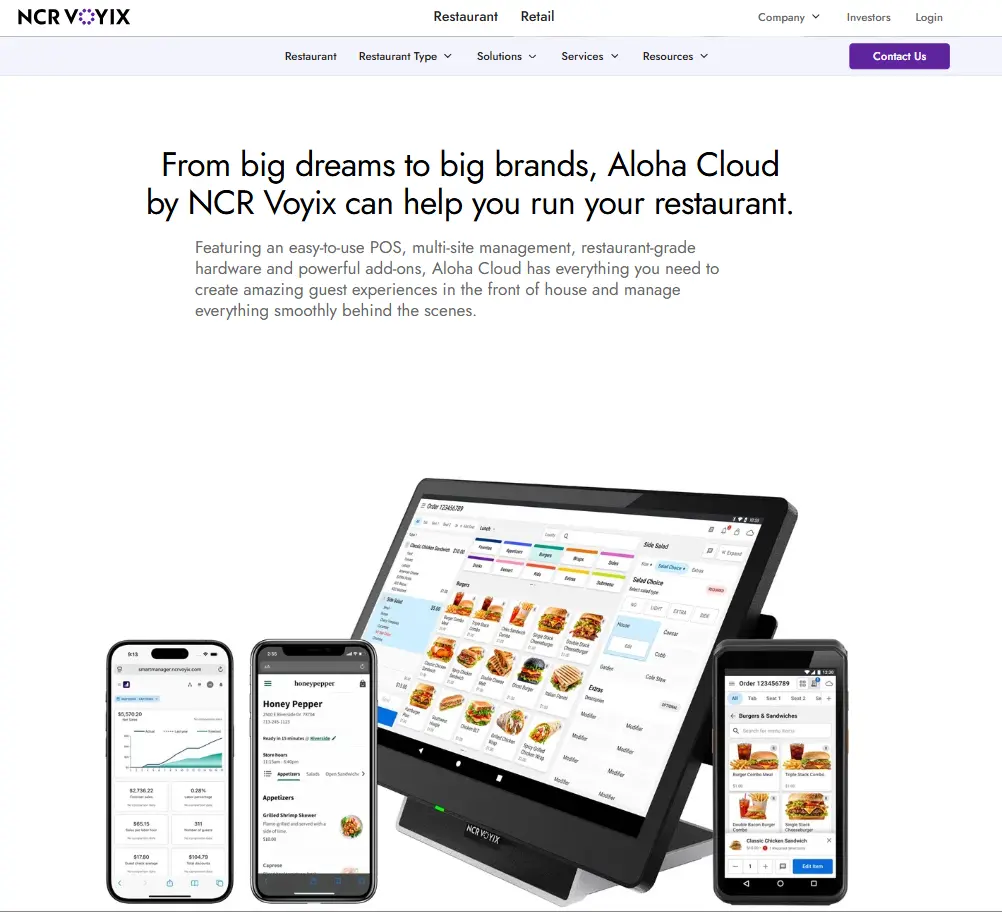
Aloha Cloud is NCR Voyix’s modern, cloud-based entry into the restaurant industry, backed by a brand with serious legacy credibility. You get an easy-to-use POS with multi-outlet management, restaurant-grade hardware, and powerful add-ons, built for restaurants that want simplicity now with room to add features as they grow.
But here’s the catch. Aloha Cloud is fundamentally POS-first, not a complete management platform out of the box. It offers online ordering, advanced reporting and business intelligence, gift cards, payroll, and labor and inventory management as optional add-ons rather than included features.
What Does It Offer?
- Central Back Office: For multi-location management, NCR Voyix lets you manage menus, pricing, employees, and reports from a centralized back-office system rather than updating each store separately.
- Modular Add-On Ecosystem: Since it’s a POS-native solution, you can start lean and then include add-ons for online ordering, advanced reporting, labor and inventory management, kitchen display, or gift cards as your locations grow more complex.
- Front-of-House Management: The POS solution streamlines FOH operations with faster transactions, customizable workflows, and an easy-to-use interface.
- Aloha Smart Manager: This is the all-in-one back-office solution that offers built-in reporting capabilities, along with labor and inventory management and efficient scheduling as add-ons, giving you access to real-time insights.
Where it Excels
- Users consistently appreciate its intuitive interface
- Real-time reporting and flexibility to manage operations from anywhere
- Automatic data backups
What Could Be Better?
- Many users report limited customization, unstable performance at times, and inconsistent customer support response times.
- Useful restaurant management features like inventory management and online ordering are available as add-ons.
- Limited documentation for complex use cases
Pricing
NCR Voyix offers monthly subscription-based plans for its POS software, which includes hardware, software, and payment processing costs.
Customer Rating
G2: 3.9/5
Capterra: 3.7/5
5-Point Framework for Evaluating Modern Restaurant Management Software
Now you’ve seen the options, how do you narrow them down? I found it helpful to evaluate each platform against different factors that matter most to you, as an enterprise restaurant owner.
If a solution performs well across these areas, it’s usually worth a closer look. So, when comparing restaurant management systems, do what I did: evaluate each platform against these five key factors-