
The Best POS Software for Multi-Location Restaurants
I researched each of these POS software solutions in detail with one goal: to help you find the best POS system out there. One that packs superior multi-outlet management features, is easy to use, and well-appreciated by users.
Here’s an honest analysis of the top-rated point of sale systems for multi-location restaurants-
1. Restroworks
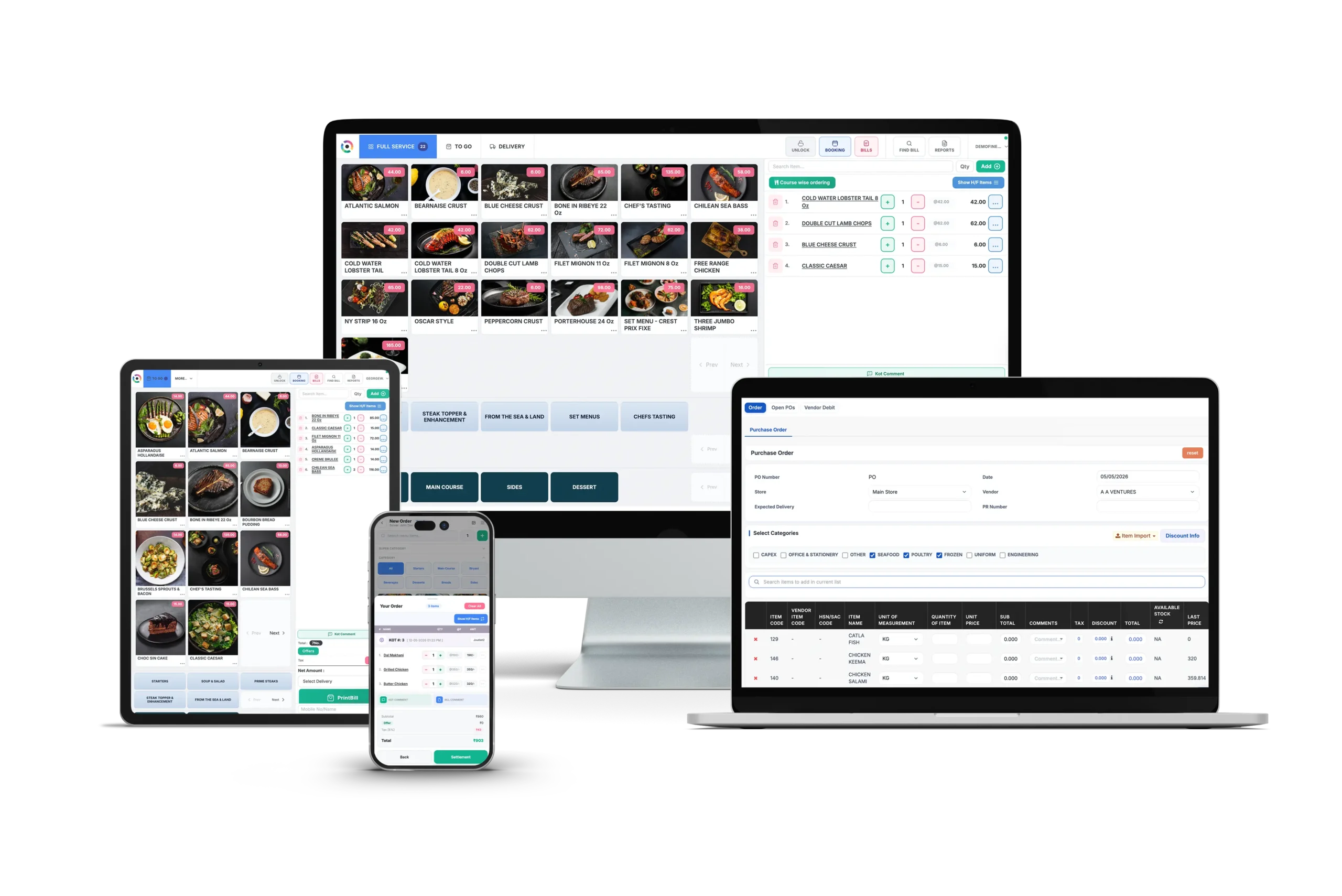
Restroworks is an enterprise-grade, hardware and OS-agnostic restaurant technology platform powering 25,000+ locations across 53 countries. In recent years, the platform has steadily expanded its presence among both enterprise restaurant groups and growing multi-unit operators globally.
In fact, it continues to gain recognition on industry review platforms such as G2, where it ranks among the momentum leaders in restaurant POS software. Today, it’s the restaurant technology platform of choice for some of the world’s largest multi-chain restaurant brands like Starbucks, Taco Bell, Denny’s, Dunkin’s, and Subway.
Unlike most POS solutions, Restroworks is purpose-built for enterprise and multi-location operations from day one. It simplifies multi-location management with a scalable architecture that gives you a multi-dimensional view of your business that most POS systems don’t come close to offering.
The best thing is that it covers every layer of restaurant operations in one place: POS, inventory and supply chain, kitchen management, recipe tracking, analytics, CRM, and digital ordering.
Key Features
- BFCD Architecture (Brand, Format, Cluster, Deployment): This is what separates Restroworks from every other platform on this list. Thanks to the BFCD architecture, you can ensure visibility and reporting by brand, by restaurant format, by regional cluster, or by individual deployment.
- Unified Ecosystem: Alongside POS capabilities, Restroworks includes inventory and supply chain management, kitchen operations, recipe and food cost management, analytics, CRM, loyalty, and digital ordering, helping restaurant groups manage their entire operation from one platform.
- Central Menu Management: With centralized menu management, you can control menus, pricing, and item availability across all locations, while still making location-specific changes when needed. At the same time, it offers role-based access to users, so you can still allow your outlet managers to individually edit and update menus.
- Central Kitchen Management: Get complete visibility into inventory transfers between the main kitchen and outlets with Restroworks. Track raw material usage, quantity, and status of transfers, monitor wastage, and update inventory levels automatically.
- Supply Chain Control: Restroworks brings all your purchase orders, vendors, and stock transfers in one place. You can monitor outlet-to-outlet transfers, procurement, and purchase requisitions and get them approved swiftly. This helps reduce stock shortages, minimize waste, and keep inventory flowing smoothly across your restaurant network.
- Centralized Reporting: The enterprise reporting suite covers 200+ real-time reports across sales, food costs, labor, order rejections, aggregator performance metrics, and outlet-level breakdowns. This way, all your data is available in one place and not fragmented across multiple systems.
- Demand Forecasting: Another standout feature from Restroworks is its forecasting capabilities. The platform uses historical sales data and seasonal variations to generate accurate forecasts. Plus, you have a centralized view of all purchase orders, so you can even manage inventory based on the projected sales.
- 500+ Integrations via Open API: Restroworks lets you connect your POS system with delivery aggregators, payment gateways, loyalty platforms, accounting tools, and more. The open API makes it easy to build a connected tech stack without being locked into a closed ecosystem.
Pros
- Built for enterprise and multi-location operations from the ground up.
- A hardware-agnostic tool that works across tablets, terminals, and printers without forcing proprietary hardware.
- Top-rated POS software, recognized consistently in the Gartner Digital Markets network.
- The offline functionality allows you to continue operations even during power outages or internet connection issues. Combined with a 99.5% uptime, it helps keep the service running smoothly.
- Quick implementation and seamless migration with no disruption to ongoing operations. You also get onboarding support at every step of the process.
- 24/7, responsive customer support from restaurant technology specialists.
- Intuitive interface that simplifies ordering and billing operations.
Cons
- Best suited for operators managing multiple locations, brands, or complex workflows, rather than only POS-centric requirements.
- Some advanced enterprise capabilities may require initial onboarding and training during setup.
Pricing
Customized pricing is available depending on the business requirements.
Rating
G2: 4.8/5
Capterra: 4.9/5
2. SpotOn
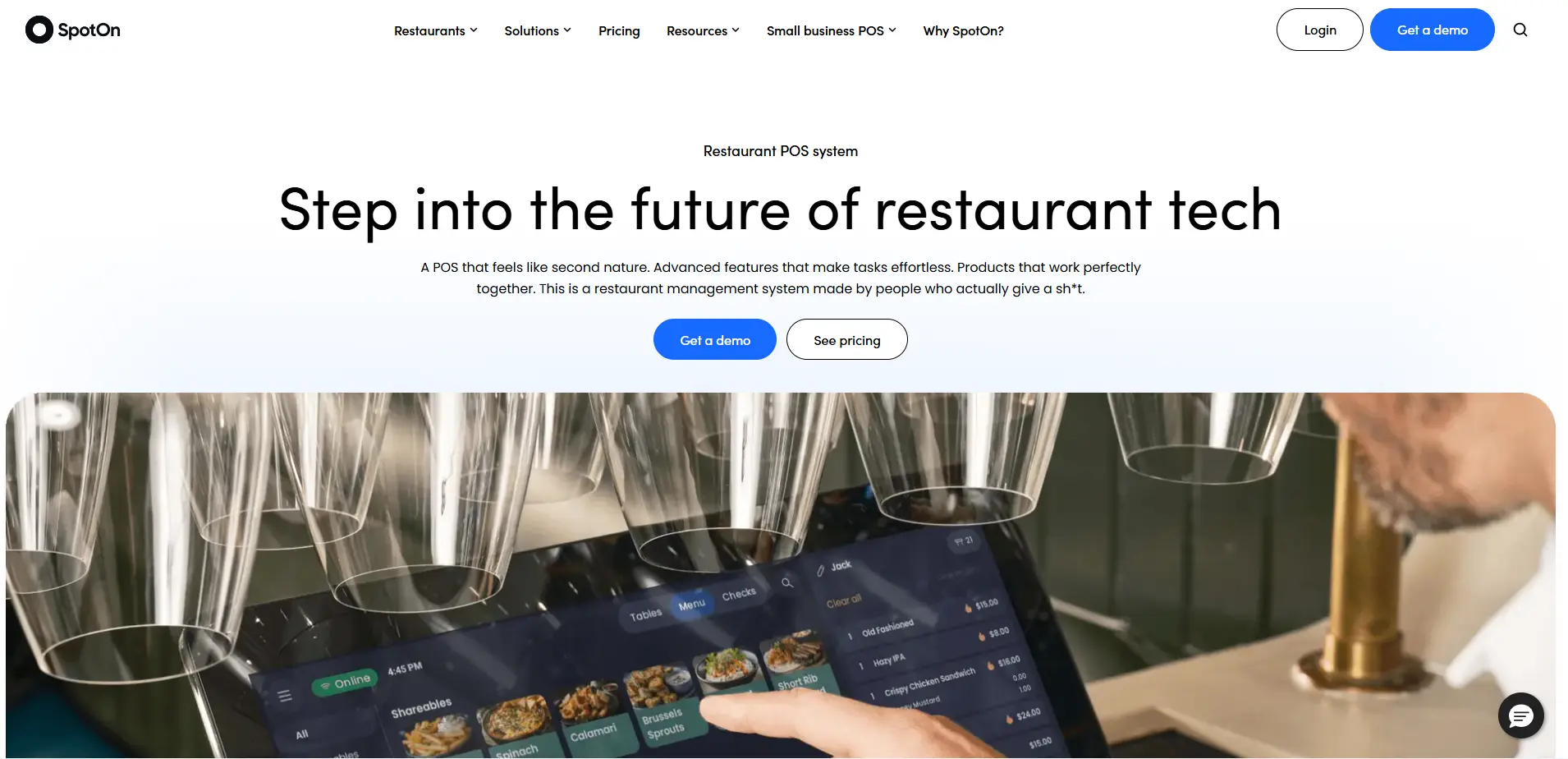
SpotOn is an all-in-one restaurant management platform that combines POS, online ordering, loyalty, reservations, marketing, and payroll integrations under one roof. What makes it stand out is its plan flexibility, as most platforms charge extra for features that SpotOn includes in the base plan.
It covers full service, quick service, fast casual, and bars, with a multi-location dashboard built into the core product.
Key Features
- Multi-Location Dashboard: One login, every location. Compare sales performance across sites, manage shared menus, push online menu updates everywhere at once, and sync loyalty rewards, all from the same screen. No switching between accounts.
- AI Menu Assistant: Build and modify menus using prompts instead of doing it item by item. For operators managing menus across multiple sites with frequent updates, this cuts the time significantly.
- Labor and Scheduling: Schedule staff using projected vs. actual sales data pulled directly from the POS. Plus, manage employee information and clock-ins from an intuitive interface.
- Built-In Marketing and Loyalty: The base plan includes marketing capabilities like email campaigns, loyalty rewards, and gift cards. Plus, customer data from every location feeds into one profile, so you can manage loyalty points and promotions seamlessly.
Pros
- AI menu assistant reduces time spent on menu management at scale
- Minimal learning curve
- Faster transaction processing and flexible payment options
Cons
- Many users report poor customer service with longer wait times
- The system setup can be a bit complex
- Connectivity issues, which often cause POS terminals to go offline
- Slow performance, which can cause delays in deposits
Pricing
The POS Essentials plan is available at $55/station per month, with added costs for payment processing and implementation.
Rating
G2: 4.4/5
Capterra: 4.2/5
3. LightSpeed
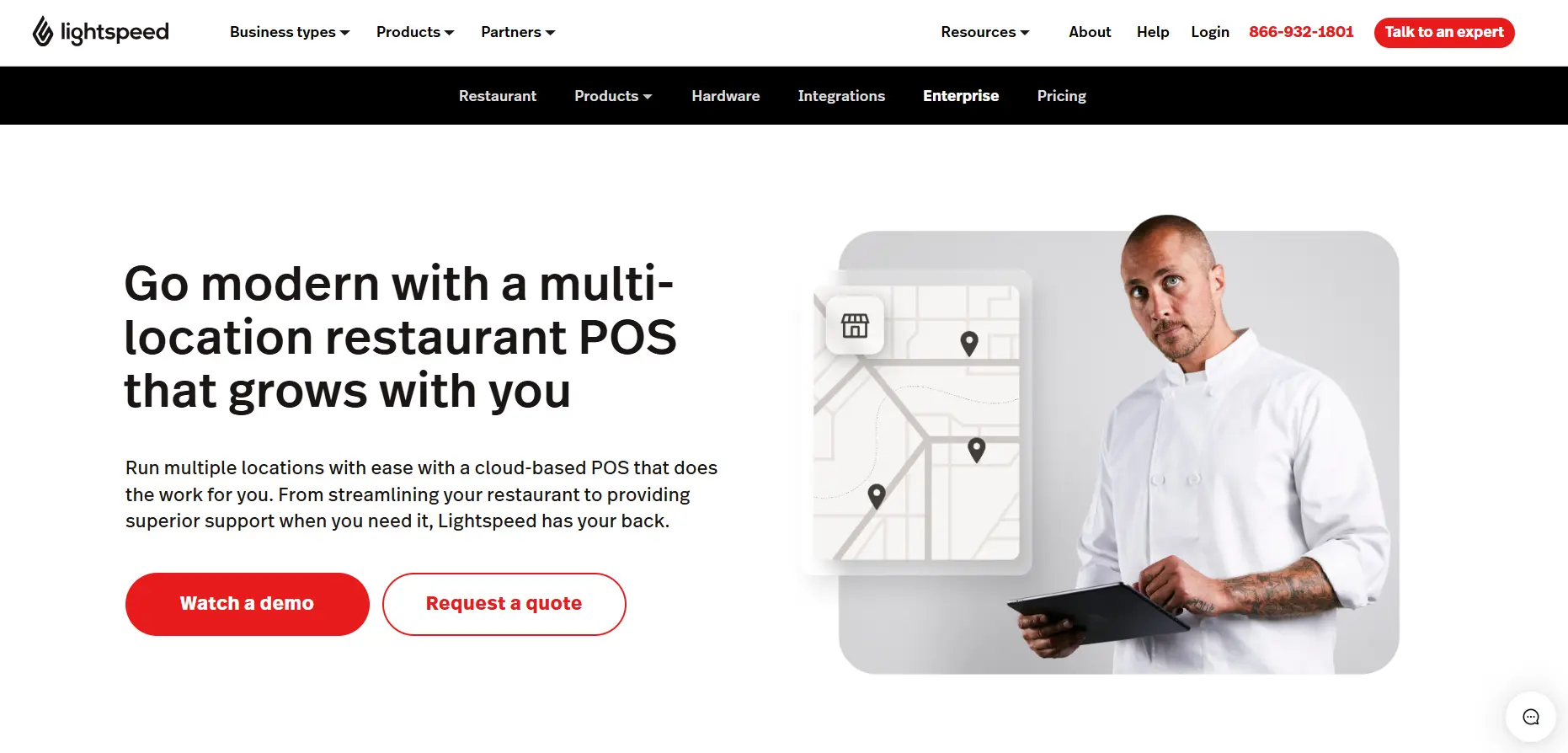
Lightspeed is a cloud-based POS built for mid-sized to large, multi-location restaurants looking for a scalable solution.
The platform covers everything from order management and payments to inventory and staff scheduling, but where it stands out is in reporting depth. Lightspeed tells you who bought from the menu, how often they come back, and which server closed the table, across every location, from one dashboard.
That level of visibility is what makes it a strong fit for multi-location operators who are making decisions based on real performance data.
Key Features
- Per-Location Menu Customization: Each location can run a different menu, or a different version for dine-in versus delivery, and assign menus to specific devices. This is extremely useful for chains where regional menus or pricing vary by market.
- Multiple Payment Support: Allow your customers to pay using multiple payment modes, from contactless and digital payments to credit and debit cards with an EMV-compliant terminal POS software at no extra cost.
- Real-Time Reporting: A mobile dashboard that gives you real-time sales trends, voids, comps, and discounts across all locations. You can switch between business-level and individual location reporting on the fly.
- Delivery Integration: All your orders from third-party delivery platforms like Uber Eats and DoorDash feed directly into the POS and consolidate on one screen for easy access. Plus, you also get reporting features that show which delivery channels are actually profitable.
Pros
- Easy to use and set up
- Extensive integration ecosystem
- Smooth and streamlined order processing capabilities
Cons
- Users report unresponsive customer support
- High processing fees
- Poor hardware and software performance
- Payment processing issues and high cancellation fees
Pricing
LightSpeed Restaurant offers 4 plan tiers: Starter at $69, Essential at $189, Premium at $399, and a customizable Enterprise plan for restaurants with complex needs.
Rating
G2: 4.3/5
Capterra: 4.4/5
4. Square POS
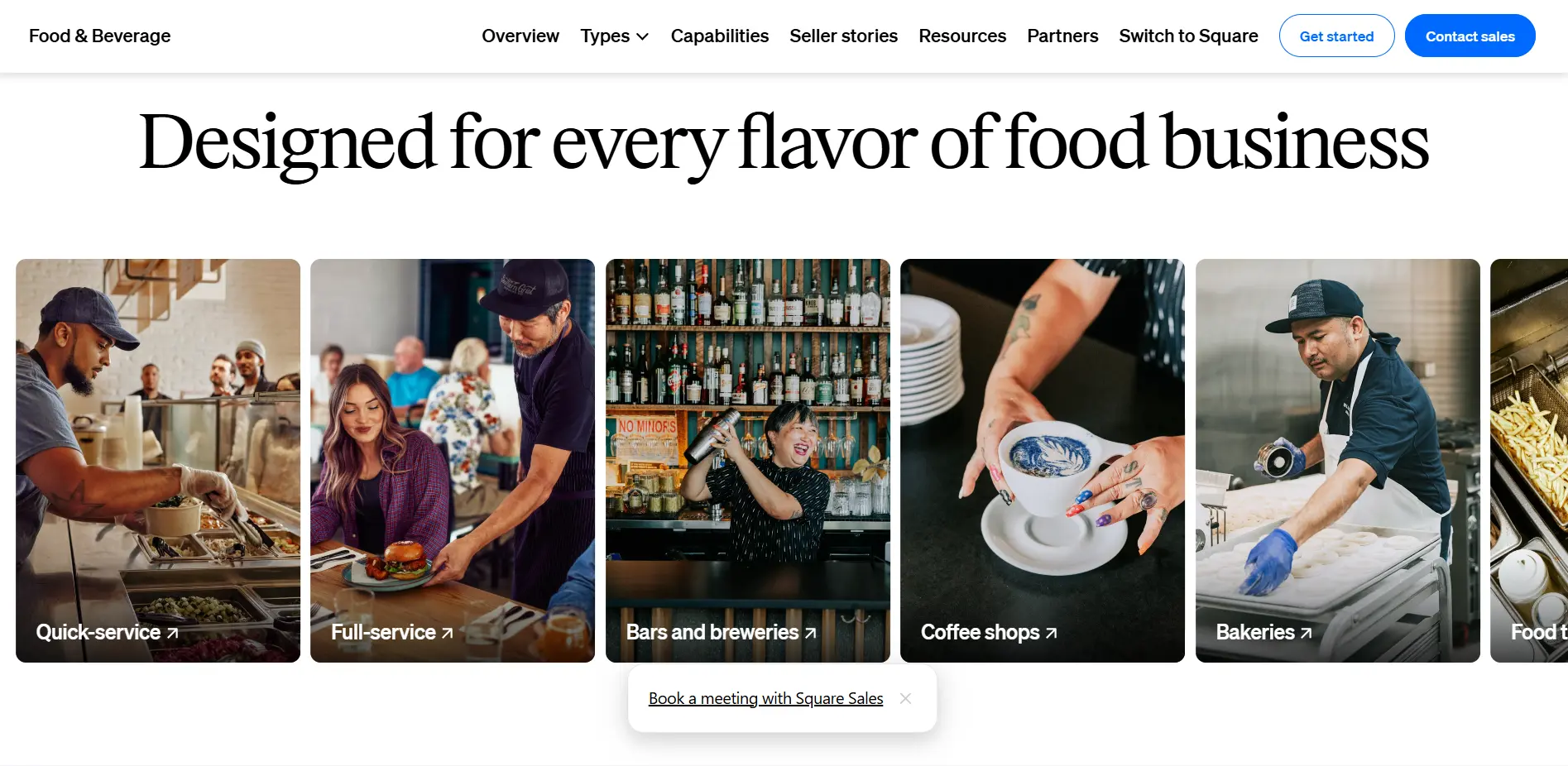
Square for Restaurants is the food and beverage arm of Square, one of the most widely used payment and POS platforms in the US. It powers a wide range of food service businesses, from single-location coffee shops to multi-concept operators.
It works well for operators who want straightforward, accessible, and affordable technology. But many reviewers who run complex, high-volume operations have consistently flagged that the multi-location controls are limited as compared to purpose-built restaurant platforms.
Key Features
- Manage Orders in One Place: All your orders — in-house, online, delivery apps, or QR codes — get recorded in one place. So you can easily track and deliver them on time.
- Vendor Cost Comparison: Upload price sheets from multiple food vendors and see a side-by-side cost comparison in real time. You can also convert your menu into an ingredient list automatically, cutting hours of manual prep work.
- Ingredient-Level Inventory Tracking: Real-time inventory tracking powered by MarketMan integration, with ingredient-level visibility to reduce waste and keep margins in check.
- Menu Reporting: See how your menu and individual items are performing with customers. Identify your bestsellers and capture their demand effectively.
Pros
- Faster payment processing
- Users appreciate its fast setup and ease of use
- Accept multiple payment modes
- Streamlines admin tasks
Cons
- Square charges additional payment processing fees, which may get expensive as the restaurant expands
- Some users report limited features and poor customer support
- Integrations are not customizable enough for many users
- Users report limited room to negotiate lower transaction rates
Pricing
Square POS offers Free, Plus, and Custom plans, with the Plus plan at $40 per month + processing fees.
Rating
G2: 4.6/5
Capterra: 4.6/5
5. Oracle Simphony
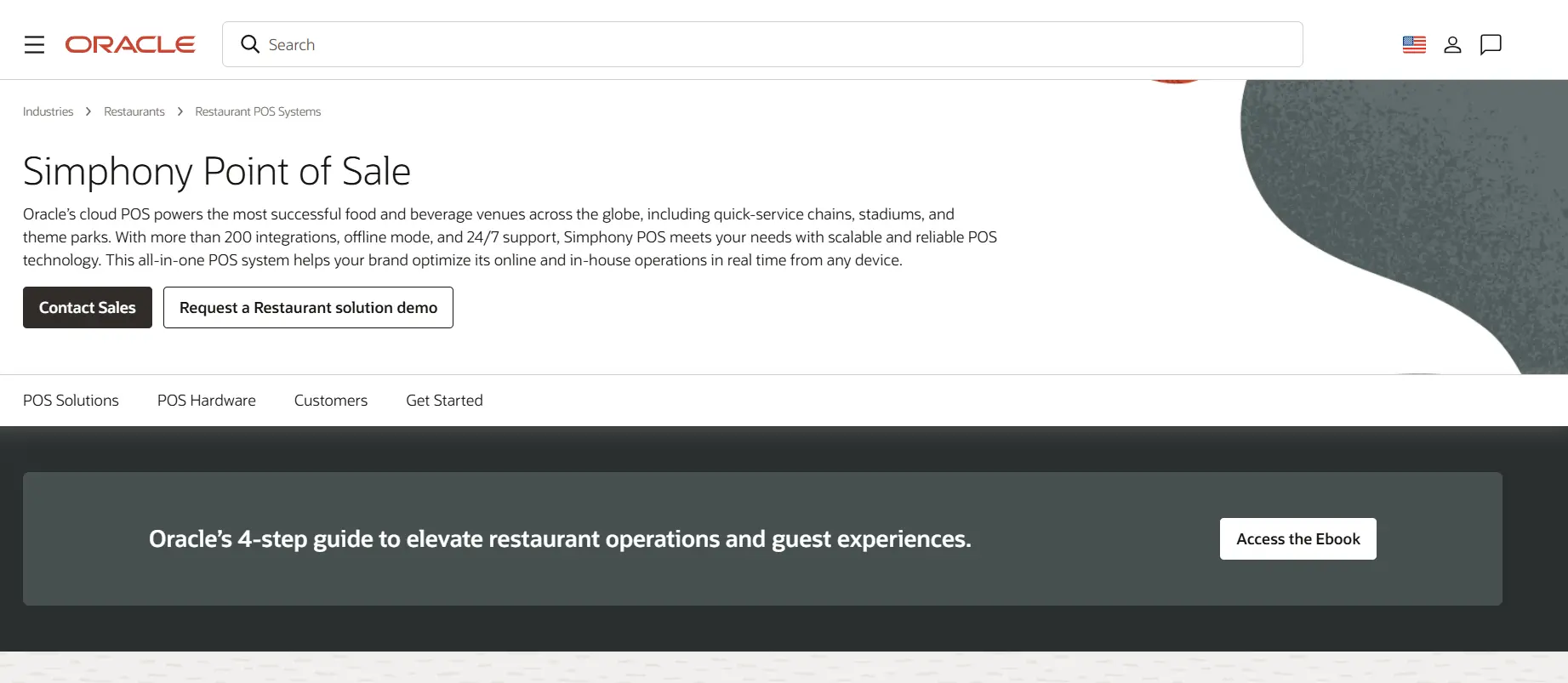
Oracle Simphony is an enterprise-grade POS that processes transactions annually across hundreds of countries. If you’re running a large, complex multi-location operation and need a system that can keep up with global expansion without disrupting operations, Simphony is built for that.
That said, it’s also a heavyweight system. It has a complex back-end configuration, which means you’ll need skilled administrators to maintain the system, and most customizations outside the initial setup come at an extra cost.
Key Features
- Simphony Frontline Manager: It’s a web-based tool to simplify managerial tasks. You can control menu items, pricing, and promotions across all locations from any device, while still giving individual outlets the flexibility to manage their own configurations.
- User-Friendly Design: Simphony POS features a simple, modern UX and configurations that the staff can easily learn and adapt to. You can even customize the graphical interface to match your restaurant’s branding and layout.
- Real-Time Reporting and Analytics: You get access to out-of-the-box KPI dashboards with automated report distribution and mobile alerts for critical actions. The Business Intelligence API connects Simphony’s data to your existing finance, HR, or inventory systems.
- CrowdTwist Loyalty: This is a full loyalty and engagement platform built into Simphony. You can run personalized promotions, gamify engagement, and track customer behavior across locations without needing a separate CRM.
Pros
- Support for multiple languages and currencies.
- Easy to push central menu, pricing, and promotion updates.
Cons
- Users report a longer implementation time
- Poor hardware performance
- Costly POS solution
- Many customers report a poor experience with the customer support
Pricing
Oracle Simphony offers monthly payment plans. Contact the sales team for pricing.
Rating
G2: 3.6/5
Capterra: 4.2/5
6. NCR Vyoix
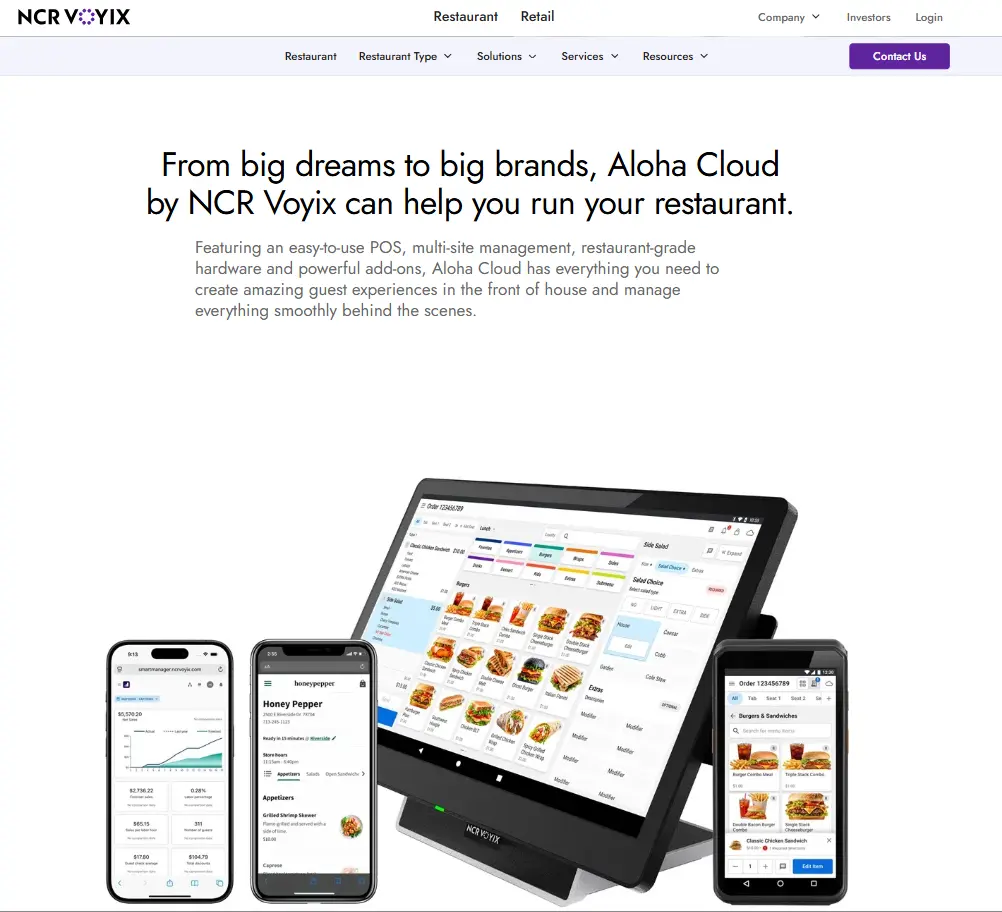
NCR Voyix is one of the most recognized names in restaurant technology. The platform powers thousands of restaurants globally, from independent operators to chains like Chipotle, Firehouse Subs, and Wendy’s.
NCR Vyoix offers POS management solutions for restaurants of all sizes, and it includes two tiers: Aloha Cloud and Aloha Essentials. Aloha Cloud is an Android-based POS built for independent restaurants and emerging chains with less complex operations.
Alternatively, you have Aloha Essentials, which runs on Windows and is the more robust option for restaurants, with deeper reporting, more configurability, and better suited for established multi-location operators.
Key Features
- Combine FOH and BOH: NCR Vyoix offers a complete solution to manage both front and back-of-house operations with an easy-to-use interface. You can quickly process orders and payments, manage floor plans, track orders, get kitchen alerts, and manage multi-location menus.
- Multi-Store Menu Management: Multi-store management lets you build menu items at the company level and push them to every location, update pricing and promotions, and access reports centrally. All this, without logging into each site separately to make the same change five times.
- Aloha Smart Manager: It is an all-in-one system for Aloha Cloud that combines labor scheduling, basic inventory tracking, and reporting into one back-office tool. You can access all critical data and reports in real-time, and make smarter, more informed decisions.
- Hardware Range: NCR Vyoix also offers a range of durable solutions, including dedicated POS terminals for full-service and quick service restaurants, along with handhelds for tableside ordering.
Pros
- 24/7 support is included in every plan
- Easy-to-use system with an intuitive interface
- Smooth and reliable, with the flexibility to operate from anywhere
Cons
- The POS software is compatible with its own range of hardware, which means you’ll have to switch from your existing tech and incur more hardware costs.
- Accessing advanced reporting or online ordering features will require additional payments.
- Users report limited features and customizations
- Slow and less responsive customer support
Pricing
NCR Vyoix offers monthly subscription-based plans for its POS solutions, which cover hardware, software, and payment processing costs. It also includes certain upfront costs for implementation.
Rating
G2: 3.9/5 (Aloha Cloud)
Capterra: 3.7/5 (Aloha Cloud)
7. Revel Systems
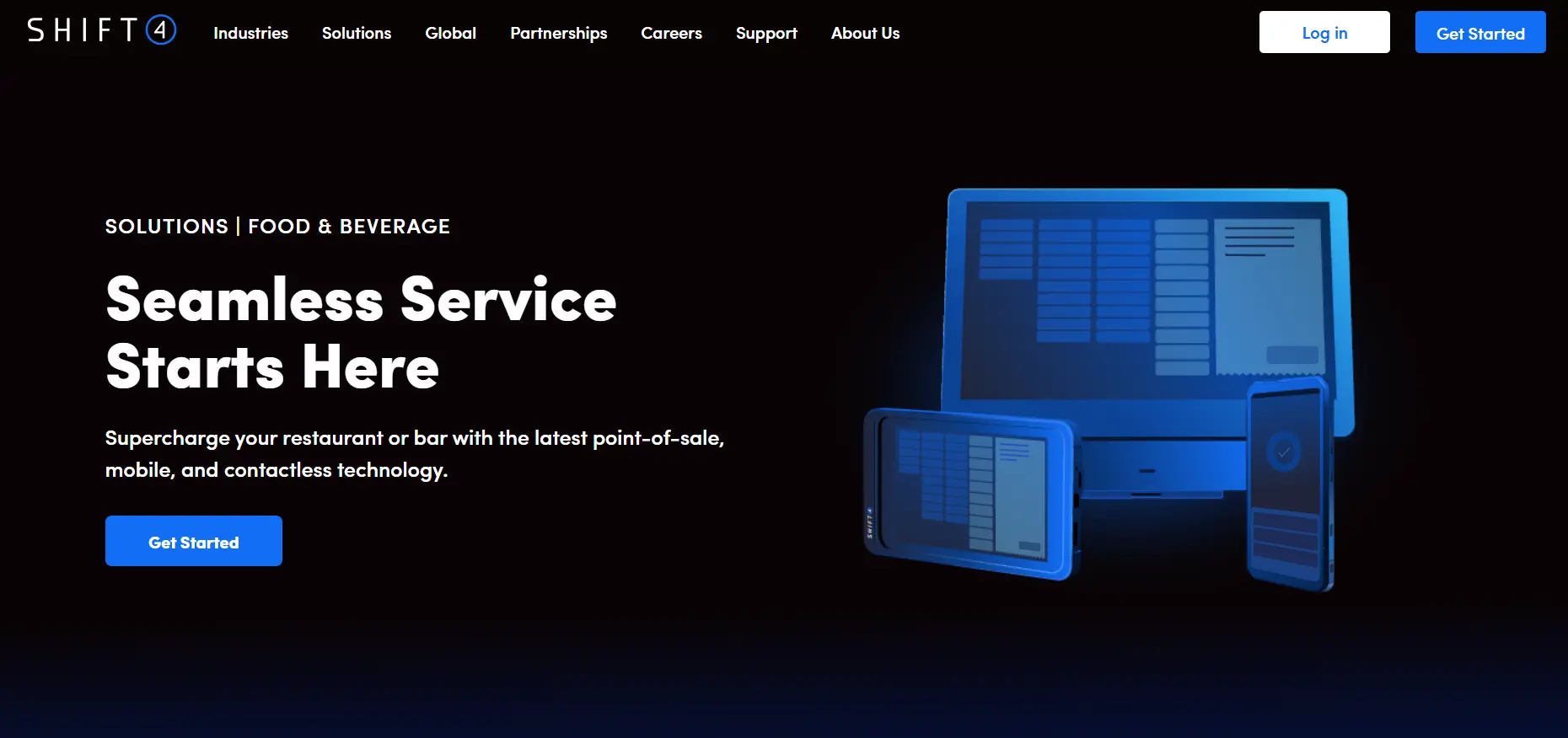
Revel Systems (now acquired by Shift4) is an all-in-one POS solution for restaurants. Following a $250 million acquisition in 2024, Shift4 has absorbed Revel’s core capabilities into its own platform, Shift4 Dine.
However, existing Revel merchants continue to receive support through Shift4’s infrastructure. With Revel’s multi-location and enterprise DNA now a part of the Shift4 ecosystem, you get complete control and visibility into your chain operations.
Key Features
- Enterprise Control and Location Flexibility: With Revel Systems, you get both: the ability to centrally manage menu items, pricing, and tax updates, and outlet-level flexibility to tailor menus and configurations.
- Scalability: You can easily add new locations and organize your POS operations by region, brand, or franchise for faster rollouts.
- Access Reports: The POS system offers you enterprise-wide insights into your sales, inventory, menu, and staff performance. So you can always stay updated and make data-driven decisions.
- Handheld Mobile Devices: Shift4 also offers a range of POS hardware for hospitality, along with handheld devices that support mobile ordering, tableside ordering, and takeaway and delivery operations.
Pros
- User-friendly navigation and advanced features
- Strong open API with broad third-party integration support
- Straightforward staff training with a minimal learning curve
Cons
- Many users report order and payment issues, including difficult mistake corrections and lost transactions.
- Users report high monthly fees and hidden charges that can increase the overall ownership cost.
- Bugs and connectivity issues can disrupt operations
- Limited inventory management functionalities
Pricing
Revel Systems, or Shift4 Dine, offers a custom pricing plan with additional payment processing fees. Contact the team to request a quote.
Rating
G2: 4.1/5
Capterra: 3.6/5
8. PAR POS
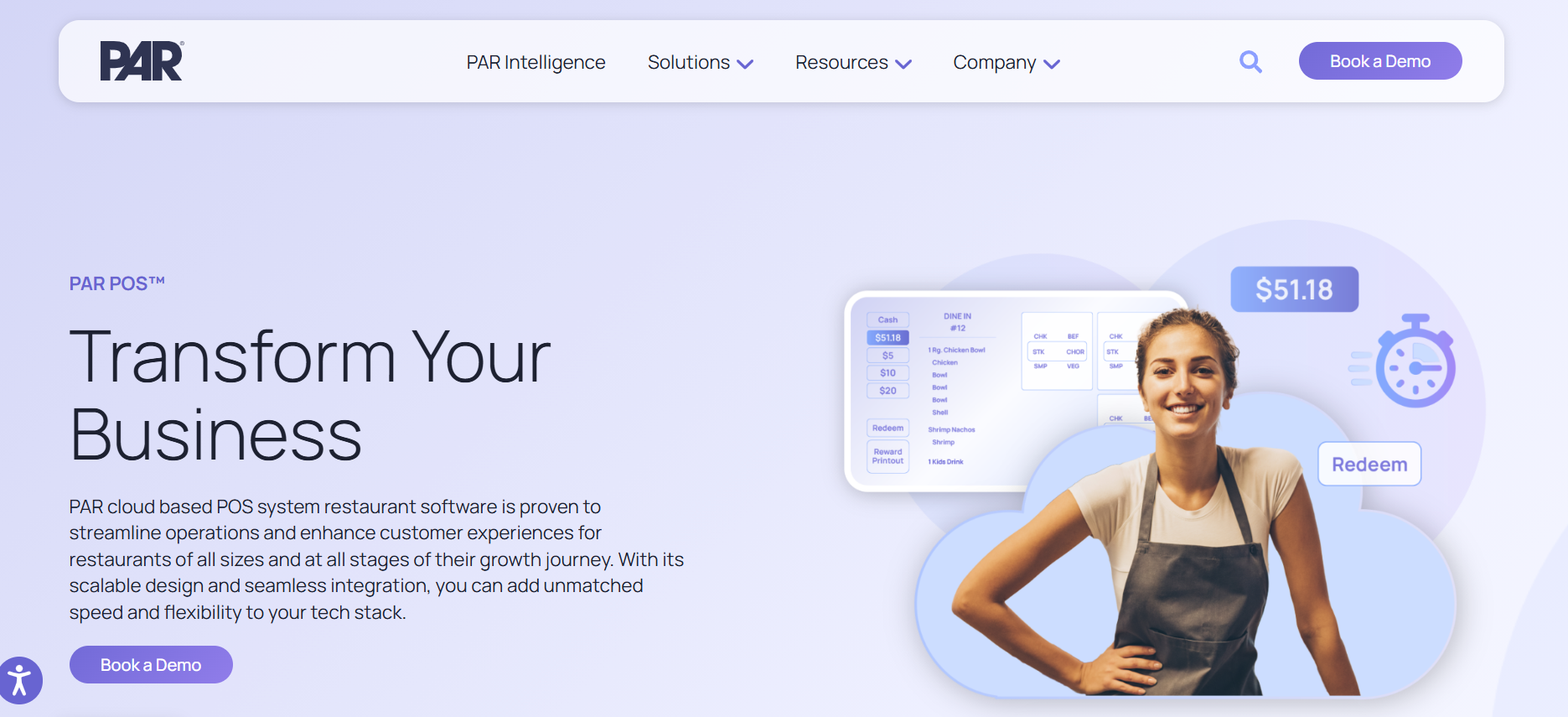
PAR POS, which started as Brink POS, is a cloud-based POS system built specifically for restaurant chains and multi-unit operators. It was acquired by PAR Technology in 2014 and has since grown into one of the most recognizable names in enterprise restaurant tech.
It runs across several locations, including Arby’s, Carl’s Jr., and Tropical Smoothie Cafe. The POS software is a part of a broader PAR ecosystem that includes loyalty, online ordering, payments, and kitchen displays.
Key Features
- Drive-Thru Mode: It offers a comprehensive suite of solutions to improve drive-thru operations for QSR and fast casual. The POS supports complex ordering workflows, modifiers, and KDS (kitchen display system) functionalities to keep the service flowing.
- Role-Based Access Controls: Location managers see their own data, while brand owners can see everything. Permissions are granular enough that you’re not constantly managing who has access to what.
- Enterprise Reporting and Analytics: The solution pulls data from across your entire tech stack into one consolidated view. You can track sales, predict demand, and build custom reports without exporting spreadsheets from five different systems.
Pros
- High uptime and transaction processing at volume
- Easy to learn and use
- Seamless integrations with current systems
Cons
- Limited features
- Many users report a lack of customization
- Menu programming features for multi-chain restaurants are not smooth
- Users also report calculation errors on promotions and refunds
Pricing
Pricing depends on your business size and needs. Contact the sales team for a customized quote.
Rating
G2: 4.5/5
Capterra: 3.1/5
Multi-Location Restaurant Challenges POS Software Actually Solves

As you can see, there are several amazing POS solutions available in the market today. But choosing the best restaurant POS system is all about identifying the key business bottlenecks they address.
Here are the core challenges a multi-outlet POS software solves and the features that matter when choosing a tool-
Operational Inconsistencies
Customers expect the same experience regardless of which location they visit. But maintaining this consistency becomes difficult if all your outlets manage menus, pricing, discounts, or workflows independently.
For instance, one outlet takes inventory counts daily, while the other does it weekly. This is a small inconsistency, which can impact inventory management, production planning, and food costs for each outlet.
Plus, it will also make it harder to enforce brand standards across the business.
A multi-location POS helps standardize operations by allowing you to manage key settings centrally and push updates to all locations at once. So you can-
- Push centralized menu and pricing updates across stores
- Establish location-specific permissions and role-based user access
- Standardized discount and promotion rules
- Consistent order workflows and reporting structures
This reduces manual coordination and helps every location operate on the same standards.
Fragmented Inventory and Cost Leakage
Another major challenge is inventory management, which is already very tricky to handle even in a single location.
With multiple outlets in the mix, you can either track inventory individually, where you’ll only discover waste, over-ordering, or food cost issues later.
Or, you can centralize everything with a POS software. A POS system connects your inventory and recipe-level data across multiple locations, so you have better visibility over procurement, usage, and inter-outlet transfers in real-time.
An integrated POS system lets you-
- Track inventory levels across all stores from one dashboard
- Standardize recipes and ingredient usage
- Monitor stock transfers between locations
- Set low-stock alerts and automate reordering
- Reduce waste and spoilage with improved expiration date tracking
No more worrying about over-ordering inventory or errors in stock counts. Your multi-location POS software will handle everything for multiple locations.
Sales and Performance Data Silos
When every outlet has its own reporting format or sends them separately, getting a clear picture of business performance becomes a task in itself. That way, you’ll only be switching between dashboards, comparing spreadsheets, and waiting for managers to share numbers.
But let me tell you. That’s not only inefficient, but it often results in poor decision-making.
Multi-location POS systems solve this by offering you real-time data insights into sales, strong inventory management features, customer demand, and so much more. Plus, it consolidates reports in one place so you can see what’s happening across all stores without the manual hassle.
At a basic level, you can get-
- Consolidated sales reporting
- Store-by-store performance comparisons
- Real-time sales dashboards with daily, weekly, and monthly insights
- Menu performance reporting across locations
So you spend less time decoding reports and more time growing your restaurant chain.
Disconnected Loyalty Programs
Many restaurant chains struggle to run loyalty programs across multiple locations. Customers earn rewards at one store, visit another location a week later, and discover their points, offers, or purchase history aren’t updated. Instead of building loyalty, it actually builds dissatisfaction.
If that’s something you’re also looking to solve, a multi-location POS will support brand-wide loyalty management with features such as-
- Shared loyalty accounts across locations.
- Centralized rewards and promotions
- Central view of customer details like purchase history, average order size,
- Location-based campaign tracking
This allows customers to interact with your brand as a whole rather than as a collection of individual locations. The result? A more seamless experience for the customers, and better insights into retention for you.
After comparing these platforms across user reviews, multi-location capabilities, customer support, and usability, I’ve noticed something interesting. While most POS systems can handle transactions, reporting, and basic multi-store management, the real difference lies in how much operational complexity they can manage as your restaurant grows.
As you evaluate your options, look beyond individual features and focus on the challenges you’re trying to solve. Because at the end of the day, the right POS should help you standardize operations, reduce manual work, control costs, and give you the insights needed to make better decisions across every location.