
1. Restroworks
Best for: Multi-Location Restaurant Chains and Global Operators
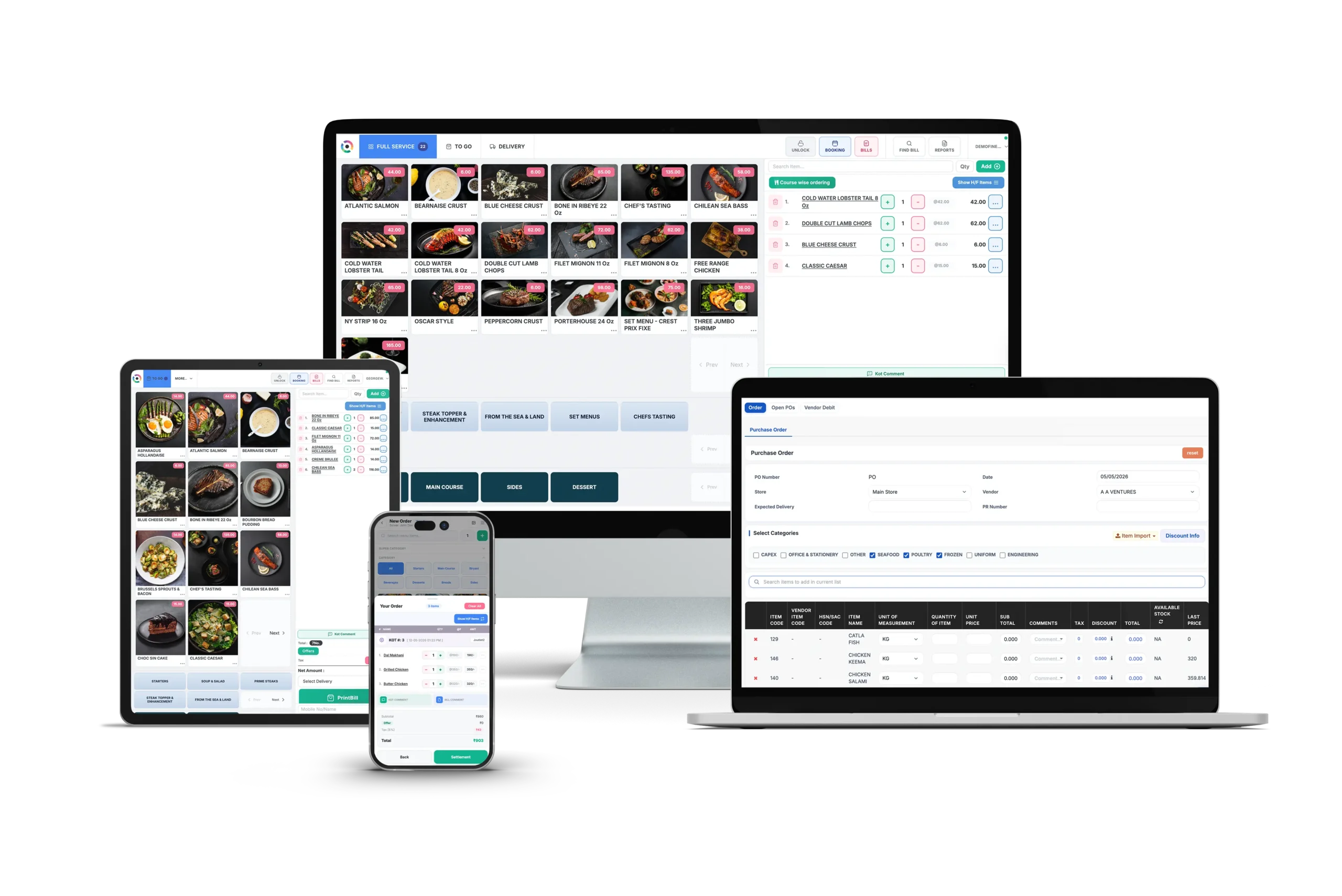
Restroworks is a cloud-based, hardware-agnostic enterprise restaurant technology platform built for multi-location chains, franchise groups, and large cloud kitchens. It powers more than 30,000 restaurants across 52+ countries, including Taco Bell, Subway, Starbucks, Dunkin’, and more, with an open API connecting 500+ integrations to existing tech stacks.
At its core is a POS built for enterprise scale. It is hardware-, OS and payment-agnostic, has a reliable offline mode, and comes with 24/7/365 expert support.
The recognition also backs it up. Restroworks is the #1-rated restaurant management software on G2, carrying G2’s Spring 2026 Momentum Leader and Enterprise Leader badges, and earned multiple accolades from Gartner Digital Markets (Capterra, Software Advice and GetApp) in 2025. It also holds ISO 27001, SOC 2, and GDPR certifications.
For a chain that wants one platform instead of fifteen, nothing else I reviewed covers this much ground natively.
What stands out: It is the only platform here built from the ground up for operators running restaurants across multiple countries on any hardware they choose.
Restroworks uses a BFCD (Brand, Format, Cluster, Deployment) architecture that gives corporate teams a single view across every concept and market. Menu updates, pricing changes, and promotional campaigns push to all locations in real time, while each outlet retains local flexibility where needed. The Cockpit mobile app delivers restaurant analytics directly to your phone.
Key Features
- Central menu and price control: You push menu and price changes to every outlet and channel at once, with no outlet-by-outlet edits. Multiple brands, formats and regions run from one view, with region-specific tax, compliance and language built in.
- Omnichannel order routing with Neo: Get a single view of orders across all your digital channels – DoorDash, Uber Eats, Grubhub, kiosk, QR, and website – with real-time updates on out-of-stock items across outlets. Plus, Neo updates menus, prices, images, and offers with a single prompt (BETA) and integrates with your POS, so delivery orders go straight to the kitchen.
- Offline mode: When the internet drops, staff keep billing, taking orders, and printing kitchen tickets. Once you’re back online, every transaction syncs to the cloud automatically with a 99.9% uptime.
- Live back-of-house sync: Ingredients deduct from stock the moment a bill settles. AI restock alerts factor in upcoming production, not just par levels. Recipe costs update as supplier prices change. Central kitchen tools handle outlet indents, bulk production, and batch-tracked dispatch.
- Complete table service toolkit: A live floor plan shows each table’s status, covers, bill total, and running time. Hardware-agnostic handhelds take the full order at the table. Checks are split by person, item, category, or payment mode, and reservations capture allergies, dietary preferences, and advance payments.
- Anti-theft and 200+ reports: Behavioral analysis flags unusual voids, edits, discounts, and deleted bills, with instant alerts. A live BI dashboard compares performance across brands, regions and outlets. The Cockpit app keeps those numbers on your phone.
- Onboarding without downtime: Staff train on Restroworks Academy before go-live. Outlets switch together with no downtime or order loss, and the fastest go-live has taken 48 hours. After launch, support runs 24×7 by chat, phone, and email with real people, not a ticket queue.
Pros
- 2x to 3x faster order processing and 99.99% order accuracy
- Enterprise-grade multi-location management without hardware lock-in
- Real-time reporting with global operational visibility
- Quick implementation and seamless migration with no disruption to ongoing operations
- Intuitive interface that simplifies ordering and billing operations
Cons
- Built for multi-location chains, not single-store operators
- Initial data mapping and setup demands dedicated onboarding
Avoid if: You run a single location or a food truck. Restroworks is built for chains. The onboarding, pricing, and feature set assume multi-unit operations.
Pricing
Custom pricing based on restaurant format, location count, and deployment scope.
Rating
G2: 4.8/5
Capterra: 4.9/5
2. Lightspeed Restaurant
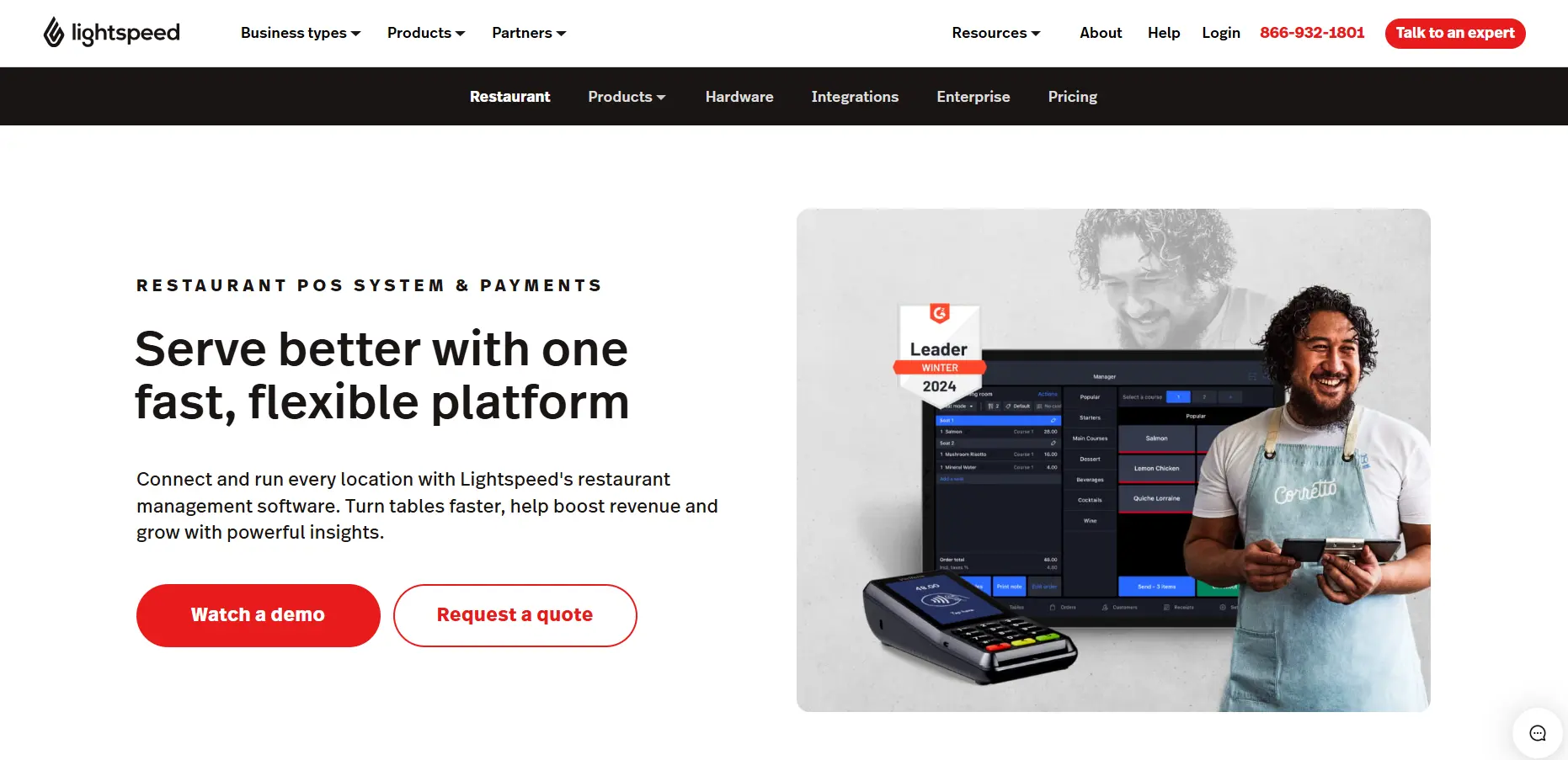
Best for: Fine Dining and Complex Inventory Management
Lightspeed Restaurant is a cloud POS with deep inventory tracking, customizable workflows, and multi-location management. Originally built for retail, Lightspeed now offers rich restaurant-specific features including floor plans, coursing, and QR code ordering.
What stands out: Ingredient-level inventory management tracks cost per menu item in real time, automatically deducting stock as orders come in. The system integrates with hotel property management software, making it a fit for restaurants operating inside hotels.
Key Features
- Local market benchmarks: Benchmarks & Trends compares your restaurant with similar restaurants in your market, including how your food and drink prices compare locally. The data updates daily, but the feature needs a minimum number of Lightspeed merchants in your area, so it isn’t available everywhere.
- Manage tables: Occupancy heat maps help you spot and fill empty tables. Managers can use per-table timelines to coach staff on pacing and upselling.
- Hotel PMS integration: You can plug your hotel PMS into the restaurant POS and manage multiple revenue centers. Hotel guests get a connected experience from their room to the restaurant.
- Customer tabs and guest display: View every order a guest has placed in the customer tab. A customer-facing display shows guests their order and pricing in full, which cuts down on questions at the counter.
Pros
- Deepest inventory and menu engineering tools in this set
- A good fit for fine dining, hotels, and multi-concept groups
- Dedicated account manager on the Enterprise plans
Cons
- High cancellation fee and poor support access
- Reservations is available as a paid add-on
- Steeper learning curve than simpler systems
Avoid if: You are on a tight budget or run a simple counter-service operation.
Pricing
Starter plan from $69/month. Essential $189/month. Premium $399/month. Enterprise custom. KDS adds $30/screen per month.
Rating
G2: 4.3/5
Capterra: 4.4/5
3. Square for Restaurants
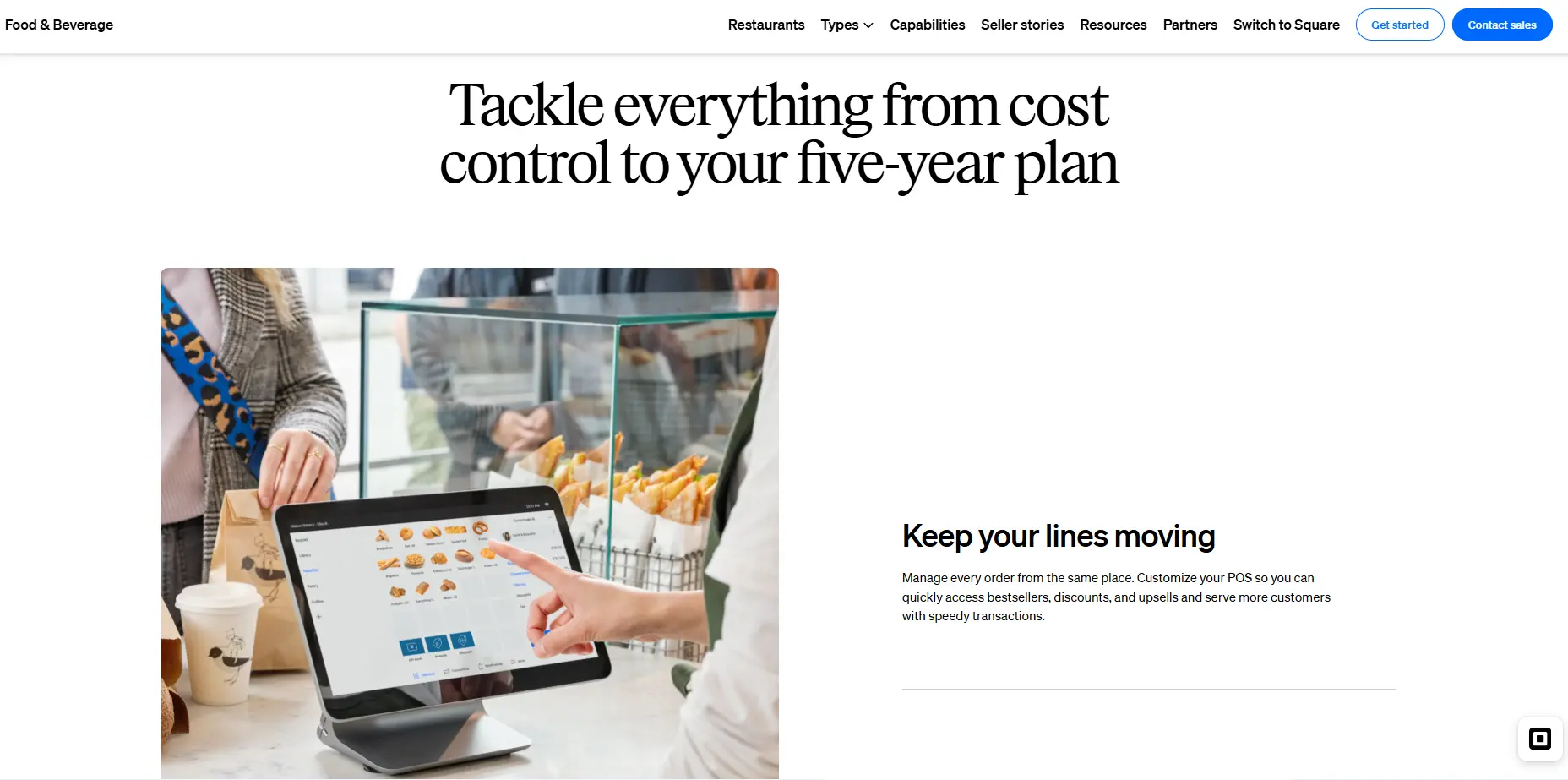
Best for: Small Restaurants, Food Trucks, and Startups
Square for Restaurants is the restaurant-specific tier of Square’s payment and POS ecosystem. The system offers a genuinely free entry point with no long-term contracts, making it the lowest-risk way to start taking digital orders.
What stands out: A restaurant can start with nothing more than a card reader and a smartphone, then add terminals, kitchen displays, and kiosks as the operation grows. The free plan includes basic POS, online ordering, and reporting.
Key Features
- Simplified ordering: Tableside ordering keeps service moving. Scan-to-pay QR codes, item splits and bar tabs help turn tables faster.
- Coursing and seat management: Seat management lets servers track guests as they move around the restaurant, which simplifies splitting bills. Coursing and seat management are available in the Premium tier.
- Auto-86 sold-out items: Square KDS can auto-86 sold-out items and customize tickets for your setup. Square KDS costs $30 per device per month on Plus and $20 on Premium.
- Shifts and payroll: Square Shifts handles scheduling, time tracking and payroll prep. Square Payroll adds time tracking and automated tax filings. Team tools also cover onboarding and communication with staff.
Pros
- Genuinely free plan with no contracts
- Fast setup with minimal hardware investment
- Transparent, published processing rates
Cons
- Advanced restaurant features require paid upgrades (Plus $49/mo, Premium $149/mo)
- Offline payment capability expires within 24 hours or up to 72 hours for Square Register, Terminal, and Handheld devices.
- High credit card processing fees counteract the free plan
Avoid if: You run a complex full-service restaurant with coursing, seat-level ordering, and deep inventory needs. Square’s restaurant features are functional but shallow compared to purpose-built systems.
Pricing
Free plan available. Plus from $49/location per month. Premium $149/month. Pro with custom rates for high-volume restaurants. Free 30-day trial on paid plans.
Rating
G2: 4.6/5
Capterra: 4.6/5
4. SpotOn
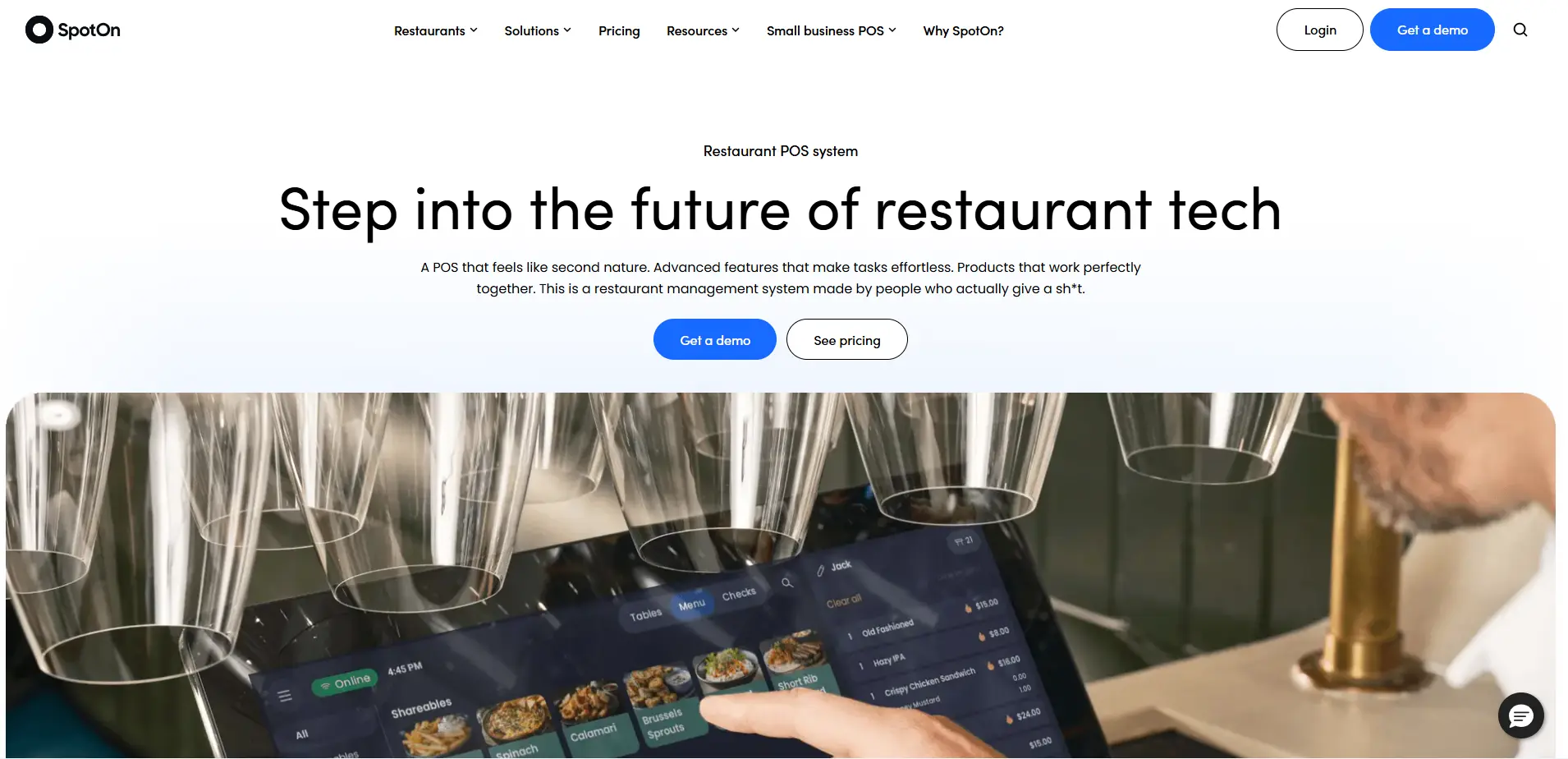
Best for: Full-Service Restaurants with Integrated Marketing
SpotOn is a cloud-based restaurant POS that combines front-of-house ordering, kitchen operations, and guest engagement tools in one platform. G2 rates it 4.4 out of 5 across 249 verified reviews.
The system positions around restaurant-grade hardware and an offline mode that keeps stations and kitchen displays firing when the internet drops.
What stands out: SpotOn bundles marketing, loyalty, reservations, and review management into the POS, albeit as paid add-ons. The AI Menu Assistant lets operators build and modify menus with prompts instead of item-by-item editing. Commission-free online ordering protects delivery margins.
Key Features
- AI-powered profit analysis: Profit Assist, available as a paid add-on at $100 per location/month, connects to your accounting software and uses AI to scan your P&L for waste, spikes, and errors, at one location or many, without line-by-line review. It syncs with QuickBooks Online, Restaurant365 and Xero, too.
- Tip pooling: Basic tip pooling comes with the POS and distributes tips by hours worked, attendance, or orders.
- Sales-based scheduling: Builds schedules from sales data to avoid over- or understaffing and syncs timecards with payroll. Staff get a mobile app for schedules, shift swaps, time-off requests, and real-time shift updates.
- Ticketed experiences: SpotOn lets you sell ticketed events and prix-fixe experiences directly. This is useful for wine dinners, chef’s tables and holiday menus that need upfront payment.
Pros
- Strong marketing and guest engagement tools, but at extra charge
- Offline mode keeps the kitchen running through internet outages
- Simple and easy to use
Cons
- All-In Plan at $0/station requires a minimum two-year contract
- Interface can feel cluttered with large or heavily modified orders
- Many users report connectivity issues and slow performance that disrupts service
- Long wait times and slow support response
Avoid if: You need a system that works outside the US, or want the $0 All-In plan without a two-year hardware contract.
Pricing
All-In Plan from $0/station per month (hardware included, 2-year term). POS Essentials from $55/station per month.
Rating
G2: 4.4/5
Capterra: 4.2/5
5. HungerRush
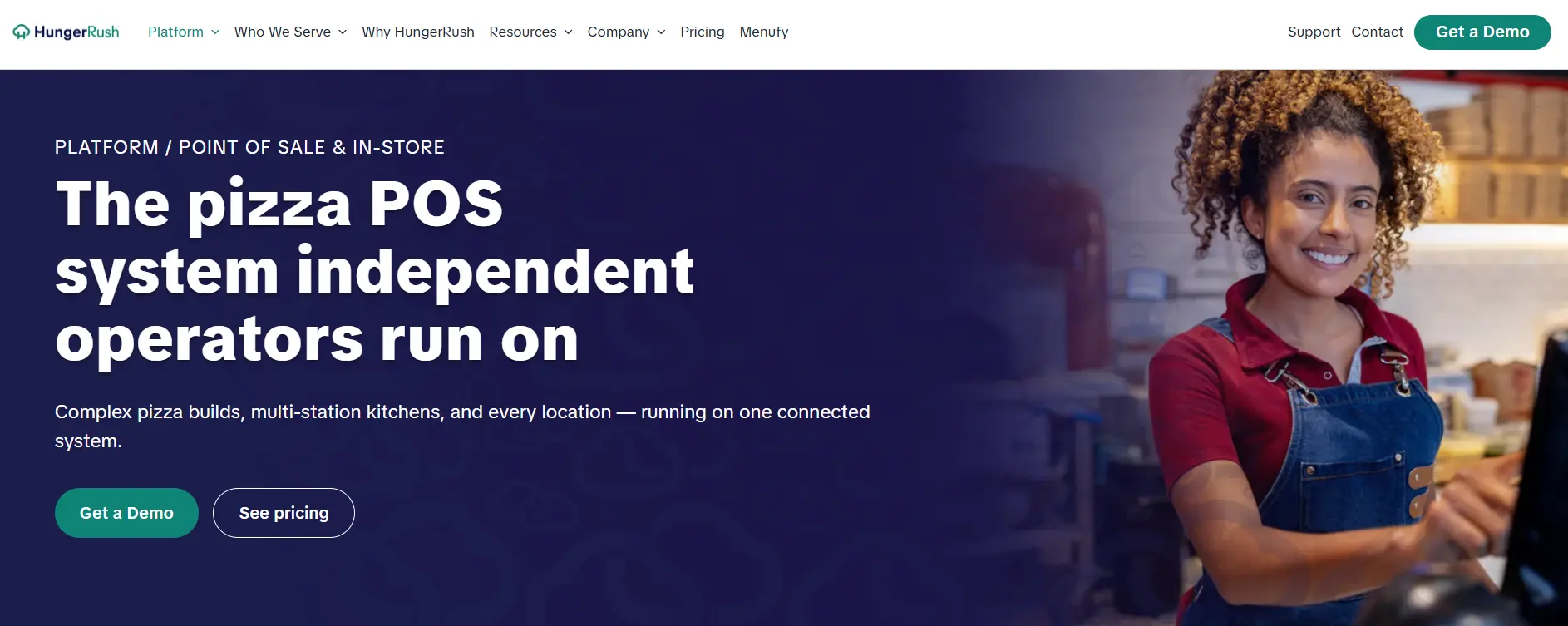
Best for: Independent pizza shops and delivery operations
HungerRush is a cloud-based POS focused on delivery-heavy restaurants, pizza shops, and QSR operations with complex menu customization. The platform combines POS, online ordering, delivery management, loyalty, and marketing in a single system.
What stands out: Native delivery management with driver routing, delivery zones, and estimated arrival times comes built into the POS — not bolted on through a third-party integration. Caller ID integration connects incoming phone orders to customer profiles automatically.
Key Features
- Pizza-specific order entry: Split toppings, split sauces, per-side pricing and modifiers four levels deep are entered in seconds and sent to the make line correctly.
- Delivery dispatch and driver tracking: You can dispatch both in-house drivers and third-party drivers like DoorDash, and map each order’s route and ETA. Auto-dispatch fires as soon as an order lands, with live tracking for you and the guest.
- Caller ID lookup: When a call comes in, caller ID instantly pulls up the customer’s name, address, order history and loyalty status. Staff skip the address and spelling back-and-forth.
- Guest feedback capture: A built-in feedback tool helps you capture and respond to guest feedback
Pros
- Purpose-built for independent and delivery pizza restaurants
- Native delivery tools eliminate third-party delivery management fees
- 24/7 US-based customer support
Cons
- Users report complex setup with a steep learning curve to operate the tool
- Limited integrations than other cloud-based POS systems
- Delayed feature rollouts
Avoid if: You run a traditional sit-down restaurant where table management and coursing matter more than delivery routing.
Pricing
Custom pricing only. Add-ons available for online ordering, delivery, loyalty, and KDS.
Rating
G2: 4.4/5
Capterra: 4.1/5
6. Toast
Best for: Full-Service Restaurants and Growing Multi-Unit Groups
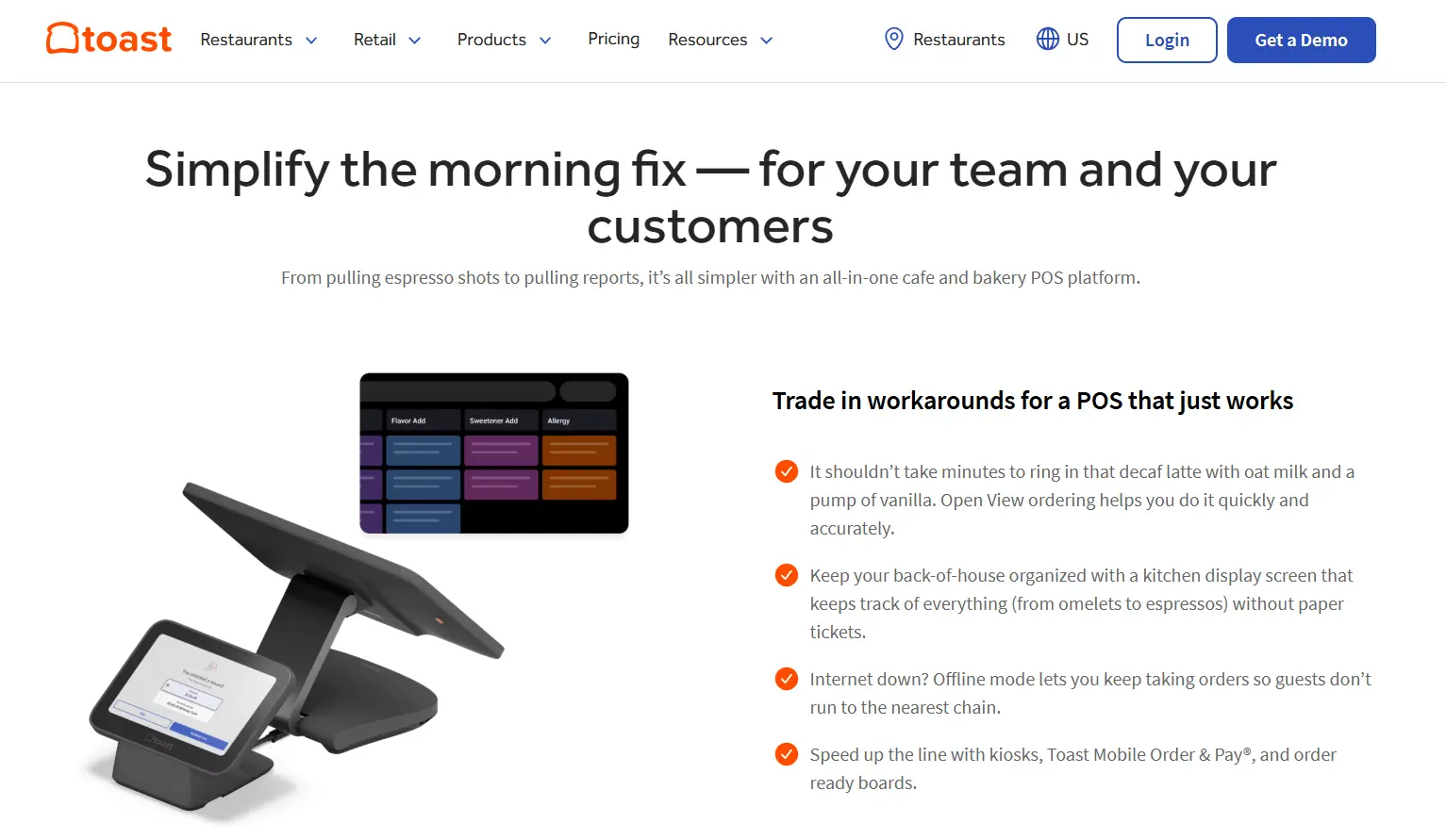
Toast is a restaurant-only POS platform with 200+ integrations and proprietary hardware built for kitchen environments. The system powers full-service restaurants, bars, cafes, and growing multi-location groups with a tightly integrated stack covering POS, online ordering, payroll, and guest engagement.
What stands out: Toast’s hardware is designed for restaurant conditions — terminals survive heat up to 120°F, spills, and long rushes. A built-in cellular backup keeps orders flowing during internet outages.
Key Features
- Toast Go 3 cellular handheld: Servers can take payments and print receipts or kitchen tickets beyond Wi-Fi range, which helps on patios and at off-site events. Cellular costs an extra $20 per device per month.
- Digital invoicing: You can send digital invoices that customers pay online or in person, and collect deposits that apply to orders online or on the POS, at no extra monthly cost.
- Native tips manager and payroll: Tips Manager automates tip pooling with no cap on the number of rules you can set. It syncs pooled tips directly with Toast Payroll & Team Management.
- Guest display terminal: Guests see their order in real time as it is rung in, and it doubles as a prompt for loyalty sign-ups.
Pros
- Purpose-built for restaurants
- An intuitive design makes it easy to use, with minimal training
- Free Starter tier lowers the barrier to entry
Cons
- Locked into Toast for payment processing and hardware
- Hardware costs add up beyond the software subscription
- High transaction fees
Avoid if: You want to use your own payment processor or need hardware you can repurpose later. Toast locks you into its processing and proprietary terminals.
Pricing
Starter Kit from $0/month (integrated processing). Point of Sale from $69/month. Build Your Own for custom enterprise pricing.
Rating
G2: 4.2/5
Capterra: 4.2/5
7. TouchBistro
Best for: iPad-Based Sit-Down Restaurants
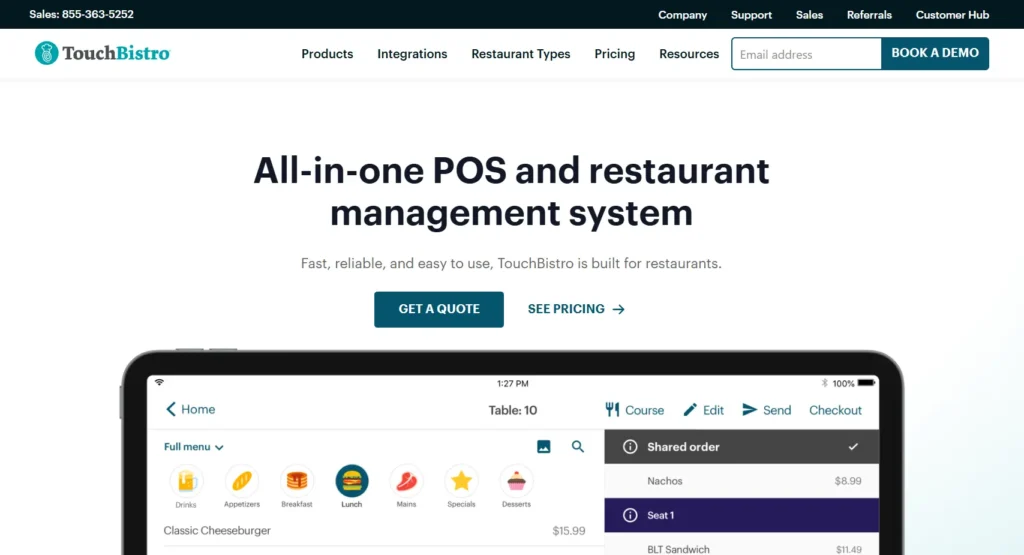
TouchBistro is an iPad-native restaurant POS built around table management and the dine-in guest experience. Review platforms rate it 3.8 out of 5 across 412 verified reviews. The system is modular — operators start with the core POS and add kitchen display, reservations, online ordering, and loyalty as needed.
What stands out: The floor plan editor lets managers customize dining layouts and track table status, wait times, and server sections in real time. The system continues taking orders during internet outages through local iPad processing.
Key Features
- Real-time reporting and analytics: Access 50+ real-time reports across sales, promotions, employee scheduling, hiring, and so on.
- TouchBistro payments: Payments integrate directly with the POS, so there is no double entry. Offline mode keeps payments running when the internet goes down, with end-to-end encryption and 24/7 support. But offline payments only work if you use TouchBistro Payments.
- Labor forecasting and scheduling: Labor needs are forecast by net sales, day part, guest count and revenue center, and schedules are built from that forecast. It tracks blocked dates, shift trades, and overtime rules, with a central hub for staff communication and task checklists.
- iPad tableside ordering: Staff take orders, upsell, and split bills at the table on a mobile POS. It supports bill splitting, separate checks and modifier prompts.
Pros
- Intuitive iPad interface with fast staff training
- Modular pricing avoids paying for features you do not use
- User-friendly POS system with a reliable interface
Cons
- Runs exclusively on iPad, which means you’ll need to shift your existing hardware
- Reservations and online ordering require paid add-ons
- Weaker centralized multi-location management than enterprise options
- Many users also report poor customer support
Avoid if: You use Android devices, need centralized multi-location management, or want reservations and online ordering included in the base price.
Pricing
POS software from $69/month per location. Hardware and add-ons quoted separately.
Rating
G2: 4.1/5
Capterra: 3.8/5
8. Clover
Best for: Flexible Hardware and App Integrations
Clover is a payments-first POS within the Fiserv ecosystem, offering six hardware configurations across service styles. It streamlines your ordering, seating, staff, and reporting processes for seamless operations. A subscription model lets operators get equipment with no money down.
What stands out: Clover’s hardware range — from the Flex handheld to the Station Duo countertop — fits quick-service, counter-service, and full-service setups without switching platforms. The app marketplace adds features through third-party integrations.
Key Features
- Clover Flex handheld: This handheld POS has a built-in printer and barcode scanner for tableside orders and on-the-go payments. It is one of several form factors that run the same software.
- Connect your front-of-house: With Clover handheld POS, you can take orders and payments at the table, seat guests with live table tracking, and access loyalty apps.
- Consistent card rates: All cards, including AMEX and rewards cards, are charged the same rate. This makes processing costs easier to forecast.
- Back office management: Clover POS brings you tools to track sales, COGS and employee performance reports, manage payrolls, keep an eye on your finances with ease.
Pros
- Easy to set up and use
- Subscription plan eliminates upfront equipment cost
- Strong payment processing infrastructure through Fiserv
Cons
- Requires Clover’s own payment processing, which locks you in
- Advanced features often need paid Marketplace apps
- 3-year contract required for hardware promotions
Avoid if: You want to negotiate your own payment processing rates or avoid a three-year hardware commitment. Clover locks you into Fiserv processing.
Pricing
Monthly subscriptions for full-service restaurants: Starter is $179/mo for 36 months, or $1,799 upfront plus $89.95/mo; Standard at $239/mofor 36 months or $2,548+ $109.90/mo; and Advanced at $354/mofor 36 months or $4,447+ $129.85/mo. Free 90-day trial available on select plans.
Rating
G2: 3.8/5
Capterra: 3.8/5
9. NCR Voyix Aloha Cloud
Best for: Small and independent restaurants
NCR Voyix Aloha Cloud is the cloud-native evolution of the established NCR Aloha platform, built for full-service restaurants and independent operators that want remote access and real-time reporting without abandoning familiar Aloha workflows. Review data for the cloud product is limited on major platforms.
What stands out: Operators who already run Aloha on-premises can migrate to the cloud version with minimal workflow disruption.
Centralized controls, real-time dashboards, and remote menu management address the pain points of managing multiple locations from legacy terminals.
Key Features
- Check, tab and table management: Staff can manage tables and tabs and transfer checks to one another, which supports flexible table-service workflows.
- Manage modifiers and custom orders: The POS handles complex pizza and wings orders, nested modifiers, multi-tiered check splitting and multiple revenue centers.
- Long-shift handhelds: The handhelds have a 6-inch screen, 8 to 10 hours of battery, and NFC wallet acceptance.
- Unified workflows: Aloha Cloud reduces friction in restaurant operations by bringing in-store, online, and takeaway orders in one place with consistent routing.
Pros
- Smooth migration path for existing Aloha customers
- Real-time data visibility across all locations
- Backed by NCR Voyix enterprise support
Cons
- Better suited to independent restaurants than larger operations
- Implementation timelines can be longer than cloud-native competitors
- It offers limited flexibility and customization compared to other leading POS solutions
- Many users report slow performance and connectivity issues
Avoid if: You are not already on legacy Aloha. If you are starting from scratch, cloud-native platforms like Restroworks offer faster deployment and more modern workflows.
Pricing
Contact sales for the quote.
Rating
G2: 3.9/5
Capterra: 3.7/5
How to Choose the Right Cloud POS for Your Restaurant?
Most POS systems look great on paper. The menu loads fast, the screens are easy to navigate, and the staff can learn it quickly. But which one will live up to your expectations when you’re opening another location or the Wi-Fi goes down during a busy shift?
Use these factors to narrow your shortlist, and ask each vendor the question that follows:
- Your future needs: Look for a system that lets you add an outlet by copying an existing location’s menu, taxes, users and settings. Multi-location reporting and brand-level views should be included in the plan you’re buying, not unlocked by an enterprise tier.
- Central menu and pricing control: You want one central console where a single edit updates every outlet, kiosk, QR menu and delivery app at once. Good systems also let you set prices by region or outlet and schedule changes in advance.
- Hardware freedom: The POS should run on Android and iOS and work with standard terminals, receipt printers, cash drawers, and kitchen screens. That lets you reuse what you own and switch vendors later without throwing out every device.
- Payment processing fees: Look for a POS that integrates with multiple processors, so you can choose your own provider and negotiate rates as volume grows. Check that it supports chip, tap, digital wallets, QR payments and gift cards from one checkout screen.
- Onboarding and support: Look for a structured migration plan that moves your menus, data and integrations over with zero downtime. Staff should get training before go-live, ideally through self-paced courses or certifications. Support should be 24/7 by phone and chat with real people.
There’s no shortage of cloud POS systems, and most of them do the basics well. The real differences show up as you grow: when you add locations, take on more channels, or need a straight answer on what’s happening at every outlet without making a dozen phone calls.
If you run a single restaurant and want to keep costs low, several tools on this list will serve you well for now. Just check how far each one can scale before you commit.
For multi-location chains, franchises, and enterprise brands, Restroworks is the one I’d recommend. It runs your front-of-house, kitchen, inventory, and every ordering channel on one platform and works with the hardware and payment providers you already use.
As you evaluate your options, look beyond individual features and focus on the challenges you’re trying to solve to get the best of your POS system.