

#1: Restroworks
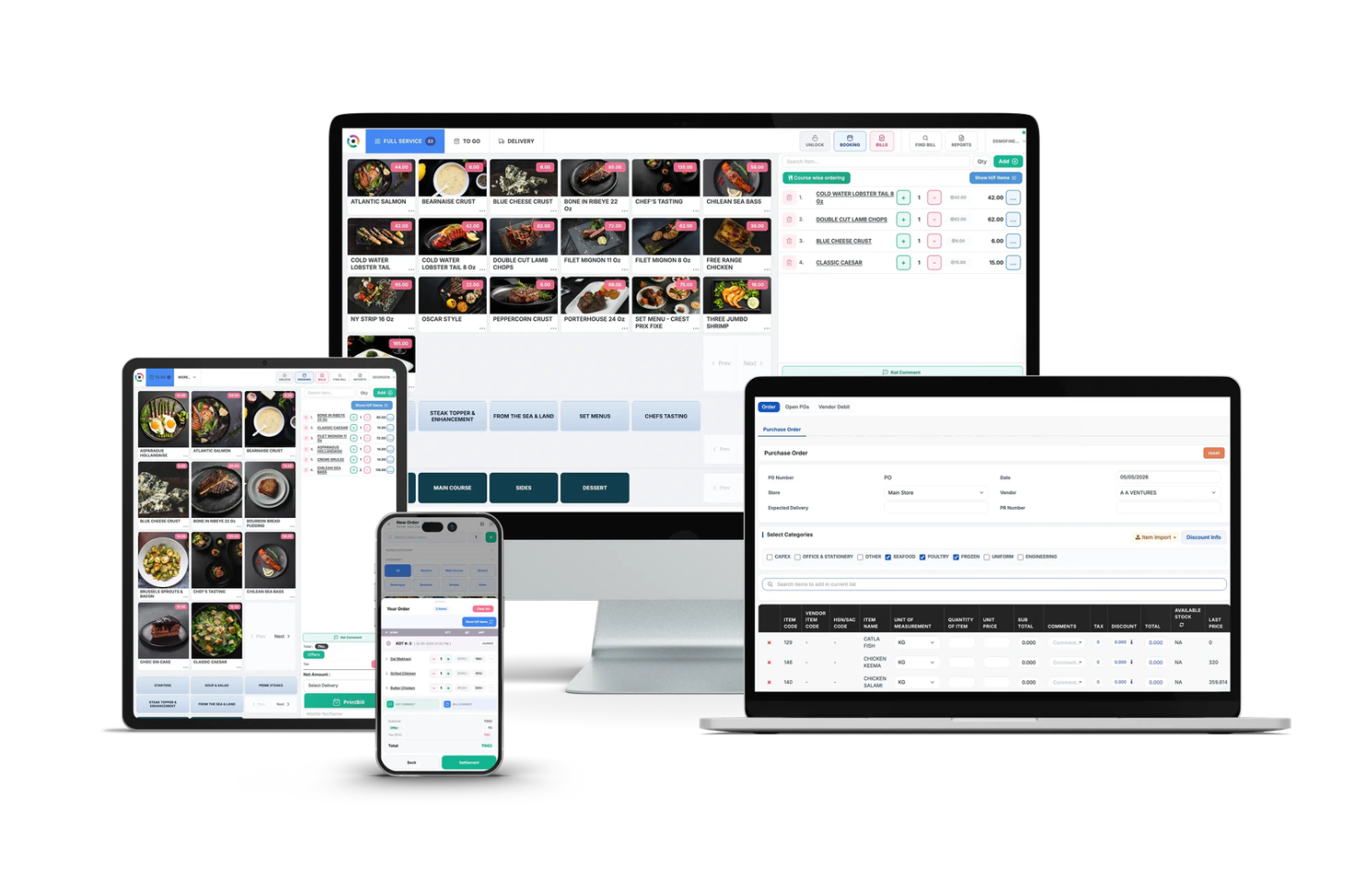
Restroworks is a cloud-based, hardware-agnostic restaurant platform used by more than 30,000 restaurants across 52+ countries. Its clientele includes big brands like Starbucks, Taco Bell, Subway, Dunkin’, and more. On Capterra, it holds a 4.9 rating across roughly 710 reviews, the highest and largest review base of anything on this list.
As for cloud kitchen, Restroworks gives you one dashboard for every digital ordering channel, with NEO serving as native middleware between the Restroworks POS and those channels. It connects to major US marketplaces including DoorDash, Uber Eats, and Grubhub, while also managing kiosks, QR menus, digital menu boards, and your website.
What’s interesting here is that while every aggregator on this list is also middleware, the difference is around who builds it. For example, with Otter, Deliverect, etc., there’s a whole separate vendor between your POS and the marketplaces, syncing on its own schedule. With Restroworks, the middleware comes from the same company as the POS. NEO reads the same menu and pricing data as the POS, so there’s nothing to pull, sync, or reconcile later, and no third-party vendor sitting in the middle.
Basically, NEO is native to the POS, but it runs independently of it – meaning if the POS goes down, NEO keeps running, menus across digital channels stay live, and orders keep coming in.
What Does It Offer?
Online Orders and Menus (NEO)
- Delivery orders keep coming in even if the POS goes offline. NEO runs on its own infrastructure, so there is no backup tablet or manual switch.
- One real-time, searchable view of every delivery order across platforms, with status, special instructions, and customer requests.
- A live out-of-stock view showing which items are out, at which outlets, right now.
- Menus and prices set by platform, outlet, or any custom group you define (say, all of Chicago), with the same item priced differently per platform from one screen.
- Platform errors turned into plain next steps, plus catalog checks for missing photos, unmapped modifiers, and unpriced variants.
- Role-based permissions and approvals for network-wide changes, with scheduled changes and dayparting. Revert and menu versioning are in beta.
- AI assistant (beta): describe a change in plain words, NEO prepares it, and you approve it before it goes live.
Multi-brand Kitchens
- One POS for every brand’s orders, with KDS routing tickets to the right kitchen station and billing them to the right brand + AI forecasting helps sequence production across brands.
- Brand-level P&L in shared kitchens. Purchases, consumption, recipes, and costs are tracked per brand even when brands share the same kitchen, ingredients, and suppliers.
- Brand-specific recipes with access controls, and new brands launched on your existing kitchen, POS, and item master instead of from scratch.
- Multi-kitchen supply – Run transfers from a base kitchen to your own outlets, plus B2B supply, side by side.
Inventory and Platform
- Yield-aware recipe costing, batch reconciliation for bulk prep, item-wise COGS and variance reports, and AI invoice matching against POs.
- 500+ integrations across delivery, payments, accounting, and loyalty, plus an open API, offline operation with automatic data syncing, and the Cockpit mobile app for comparing brands and clusters on the go.
Pros
✔️ The biggest thing I like is that the POS and the online-order middleware come from the same company but run independently, so you aren’t depending on a third vendor in the middle, and one failure doesn’t automatically take down the other.
✔️ NEO executes operational changes across channels with approvals, permissions, and the option to undo.
✔️ Sales, stock, food cost, and delivery data are all there in one place, so there’s no reconciliation gap between systems.
✔️ Hardware-agnostic, so you can keep the devices you already own.
✔️ Highest review rating and largest review base on this list, with 24/7 support.
Cons
❌ The AI assistant is still in beta. I’d want to test the prompt-based workflow against your actual channel mix before relying on it for network-wide changes.
❌ It’s built for multi-location, multi-brand operators. If you run a single kitchen with one brand, you’ll likely pay for more than you use.
Pricing: Custom pricing based on kitchen format, brand count, location count, and deployment scope.
Avoid if: You run a single cloud kitchen with one brand. Restroworks is built for operators managing multiple brands across multiple locations — the onboarding and pricing reflect that scale.
#2: Otter
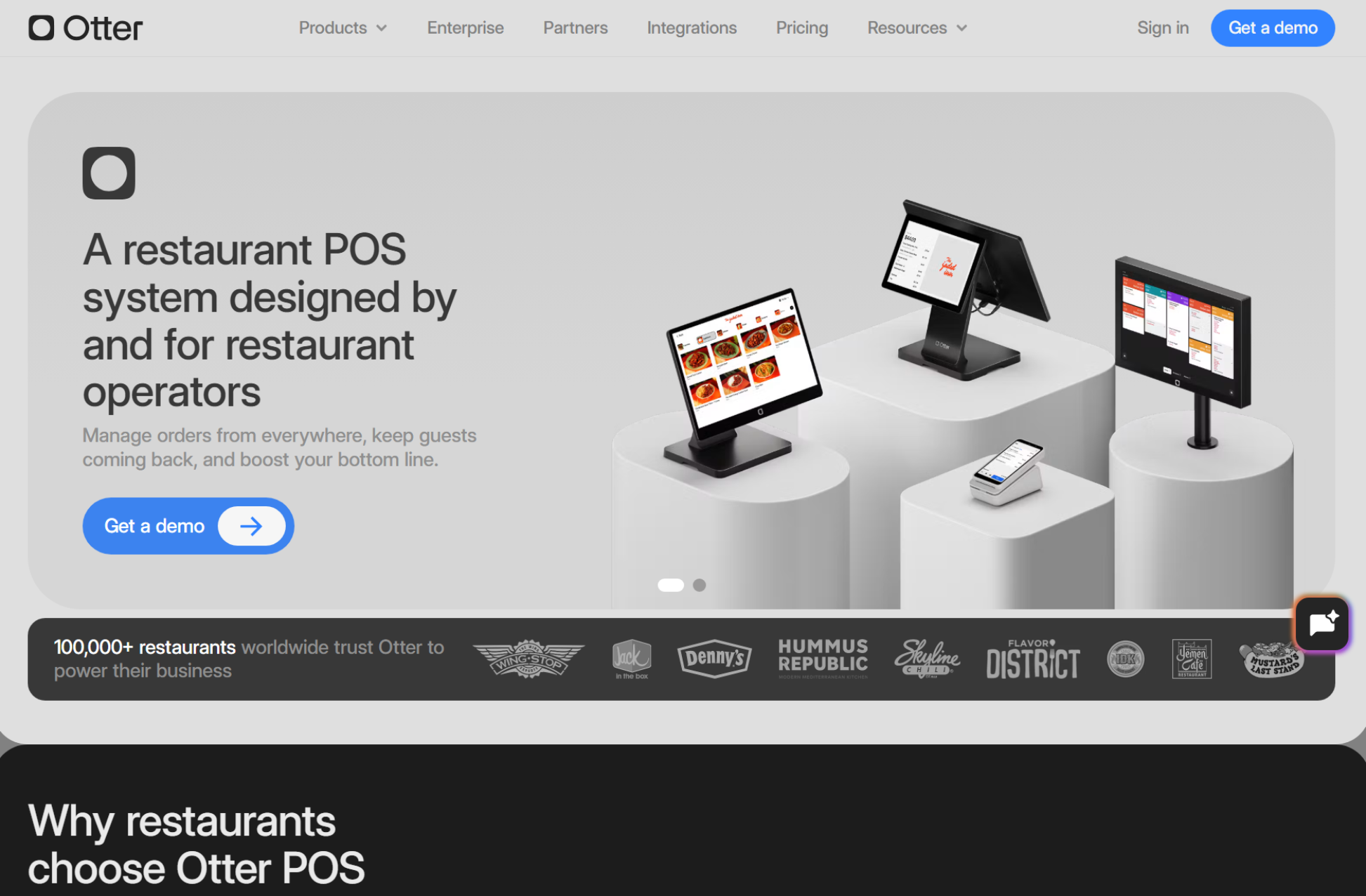
Otter is part of Atoms, the company formerly known as City Storage Systems, which also operates CloudKitchens (Travis Kalanick’s ghost-kitchen real estate business). It launched in 2020 to power CloudKitchens’ own facilities and now sells to standalone restaurants too. Kalanick has said publicly that Otter processes 18% of US online delivery orders (Sept 2024), which, if accurate, gives you a sense of its scale.
What’s changed recently is that Otter has expanded into a broader restaurant operating system, including its own POS, kiosk, QR, and online ordering. So depending on what you buy, Otter is either a layer on top of your existing POS or a replacement for it.
What Does It Offer?
- Single-tablet order consolidation across the major U.S. delivery platforms
- Menu sync across marketplaces from one place
- Virtual brand support from one kitchen
- Sales, promotion, and per-platform performance analytics
- POS connectivity, or Otter’s own POS, kiosk, and online ordering
Pros
✔️ The biggest thing I like is that it eliminates “tablet hell” — the problem of managing separate tablets for each delivery platform — by consolidating all incoming orders into one interface. Menu sync pushes changes to every connected marketplace simultaneously.
✔️ Strong virtual-brand tools for operators running several concepts from one kitchen.
✔️ Huge market footprint.
Cons
❌ Contract terms. Several pricing reviews (and users) report 24-month commitments, often tied to hardware leases.
❌ I’d be a little cautious about the ownership. Otter is part of the same group that runs CloudKitchens and its Future Foods virtual brands. Some operators are uncomfortable with a potential competitor seeing their order data, so read the data terms closely.
❌ Independent reviews are thin on G2 and Capterra, so it’s hard to judge support quality from the outside. Ask for references.
Pricing: Starter costs $79/month, Advanced $178/month, and Professional $278/month, plus a transaction fee. 24-month contract is required for all hardware leases.
Avoid if: You need inventory management, recipe costing, or full kitchen operations — Otter handles order flow only. Pair it with your existing POS and an inventory tool like MarketMan for the complete stack.
#3: Deliverect
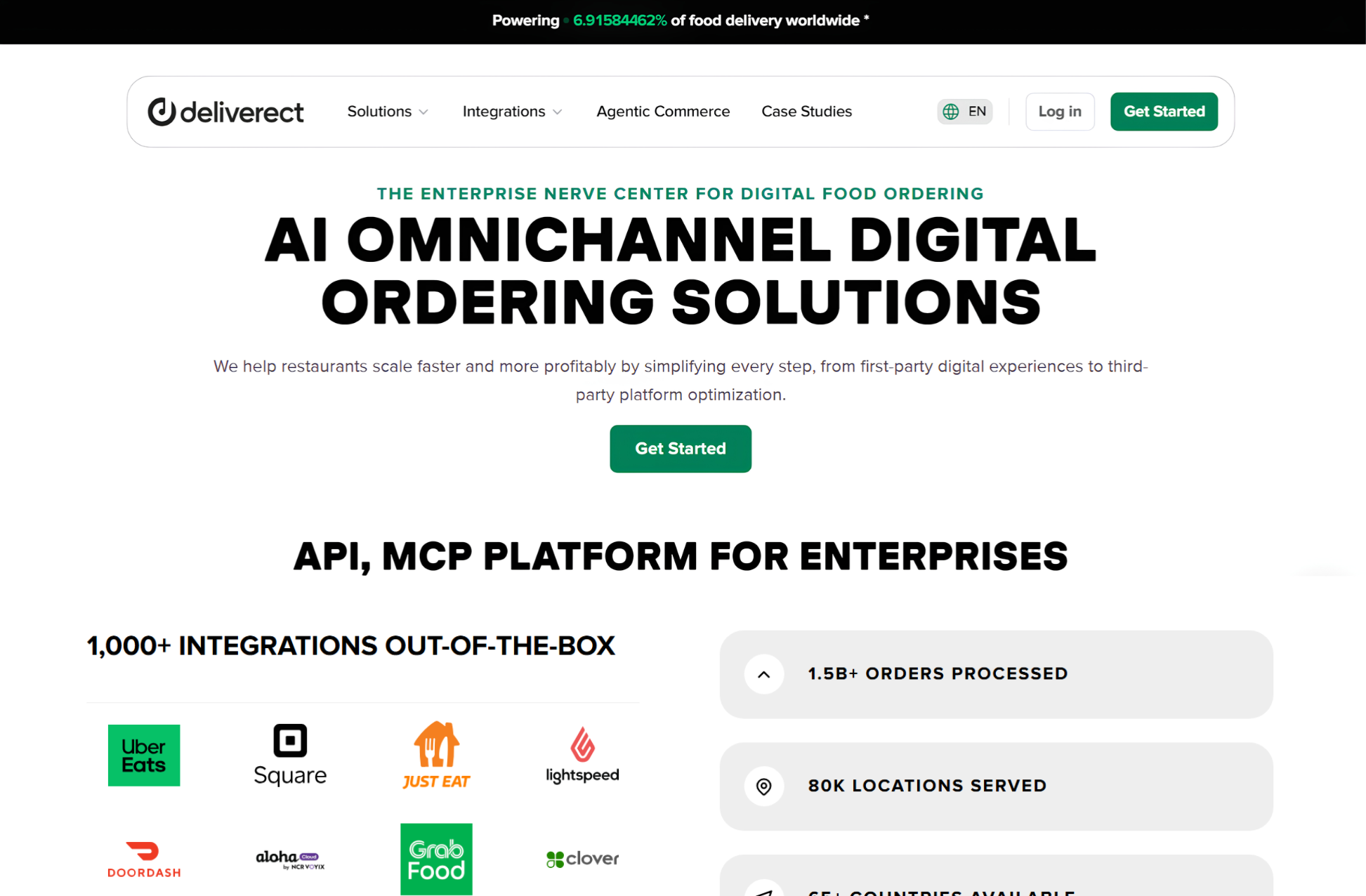
Deliverect is a delivery integration platform founded in 2018. It takes orders from DoorDash, Uber Eats, Grubhub, and other channels and injects them straight into your POS, while pushing menu changes from one place out to every marketplace. The company says it has more than 1,000 certified integrations across POS systems, delivery channels, and other tools.
Deliverect’s real strength is breadth of connections and handling volume across many sites. The platform reports a high successful order injection rate, reducing failed or manually re-entered orders during rush periods.
What Does It Offer?
- Direct order injection from marketplaces into your existing POS
- Centralized menu management pushed to every connected channel
- Multi-location and virtual-brand management
- Order status tracking and reporting across channels
- Add-ons like a kitchen display, a pickup screen for couriers, and catering/pre-order workflows
- Separate products for direct ordering and delivery dispatch
Pros
✔️ Widest POS integration ecosystem among aggregators
✔️ High order injection reliability reduces manual work
✔️ Extends into catering and pre-order workflows
Cons
❌ On Capterra, Deliverect scored 2.5 out of 5 across just 11 reviews, and its G2 score is similarly low on a handful of reviews, with complaints focused on support and cancellation.
❌ Not a standalone kitchen management platform — requires a POS underneath
❌ Sent a cease-and-desist to a smaller competitor (Cuboh) for a comparison page, raising questions about competitive transparency
Pricing: Custom pricing. Contact sales.
Avoid if: You do not already have a POS system. Deliverect is an integration layer, not a standalone platform — it connects marketplaces to your existing POS.
#4: Chowly
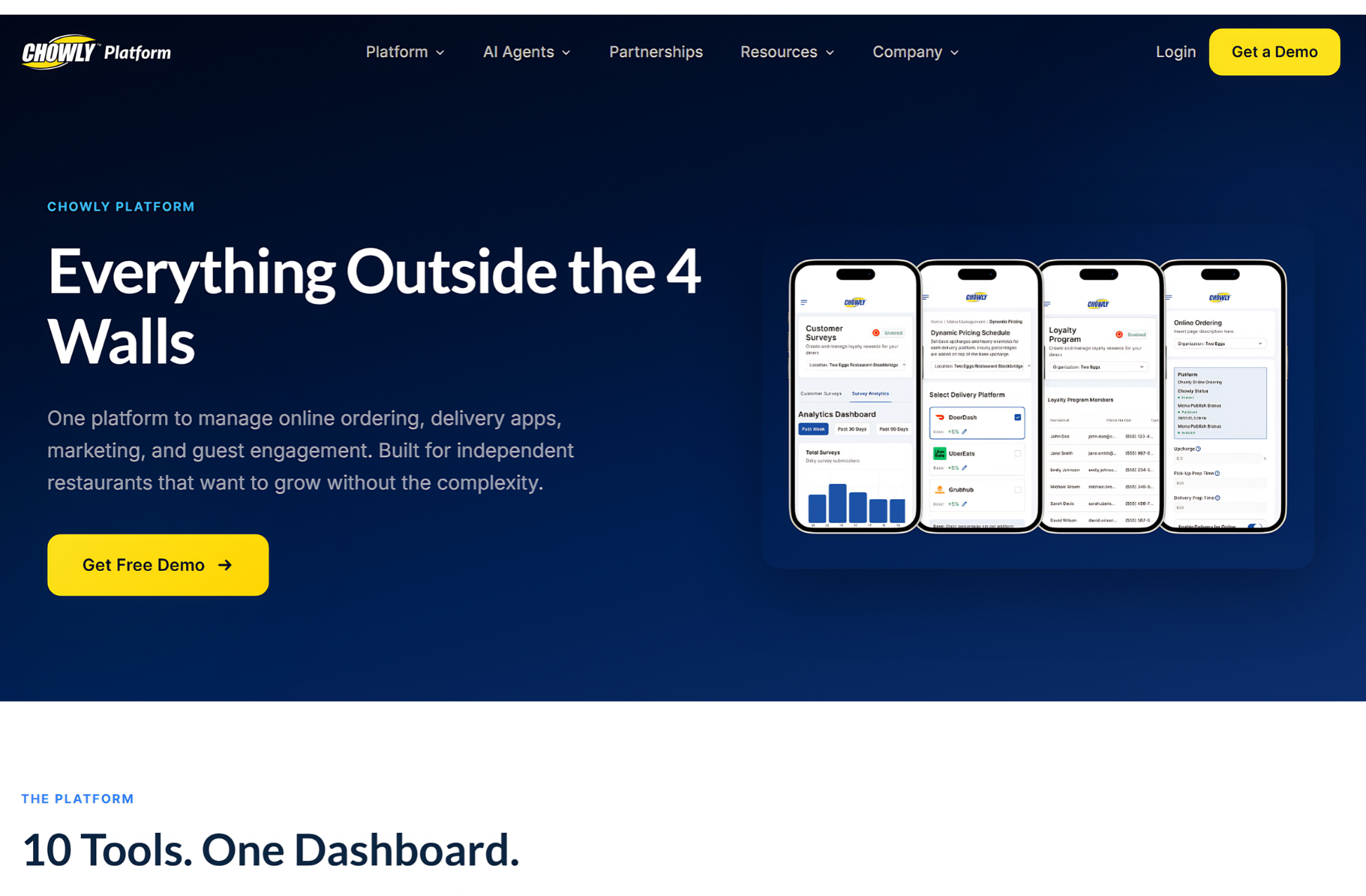
Chowly specializes in connecting third-party delivery marketplaces directly into a restaurant’s POS system, supporting 150+ marketplace integrations into 50+ POS systems. US brands, including Playa Bowls, use Chowly for marketplace-to-POS integration.
What stands out: The breadth of integration – 150+ marketplaces into 50+ POS systems – is the widest in this set. Chowly also offers tools to convert third-party demand into first-party ordering, reducing commission dependency over time.
What Does It Offer?
- Direct order injection from third-party marketplaces into your POS
- Menu management through the POS, synced to connected channels
- Dynamic pricing on marketplaces, without changing in-store prices
- First-party online ordering, loyalty, and promo codes tied to the POS
- Managed ads and automated marketing
- Refund and chargeback dispute management
Pros
✔️ Widest marketplace-to-POS integration coverage
✔️ First-party ordering conversion tools reduce delivery commissions
✔️ Established US presence with named brand clients
Cons
❌ Pricing requires a sales consultation
❌ Independent review data is limited, and some of what exists criticizes support response times.
❌ The product has drifted toward marketing. If all you want is a clean, cheap integration, you may end up paying for a growth suite you don’t use.
Pricing: Custom pricing. Contact sales.
Avoid if: You need more than integration — Chowly connects platforms but does not manage your kitchen operations, inventory, or recipe costs.
#5: ChowNow Hub (Formerly Cuboh)
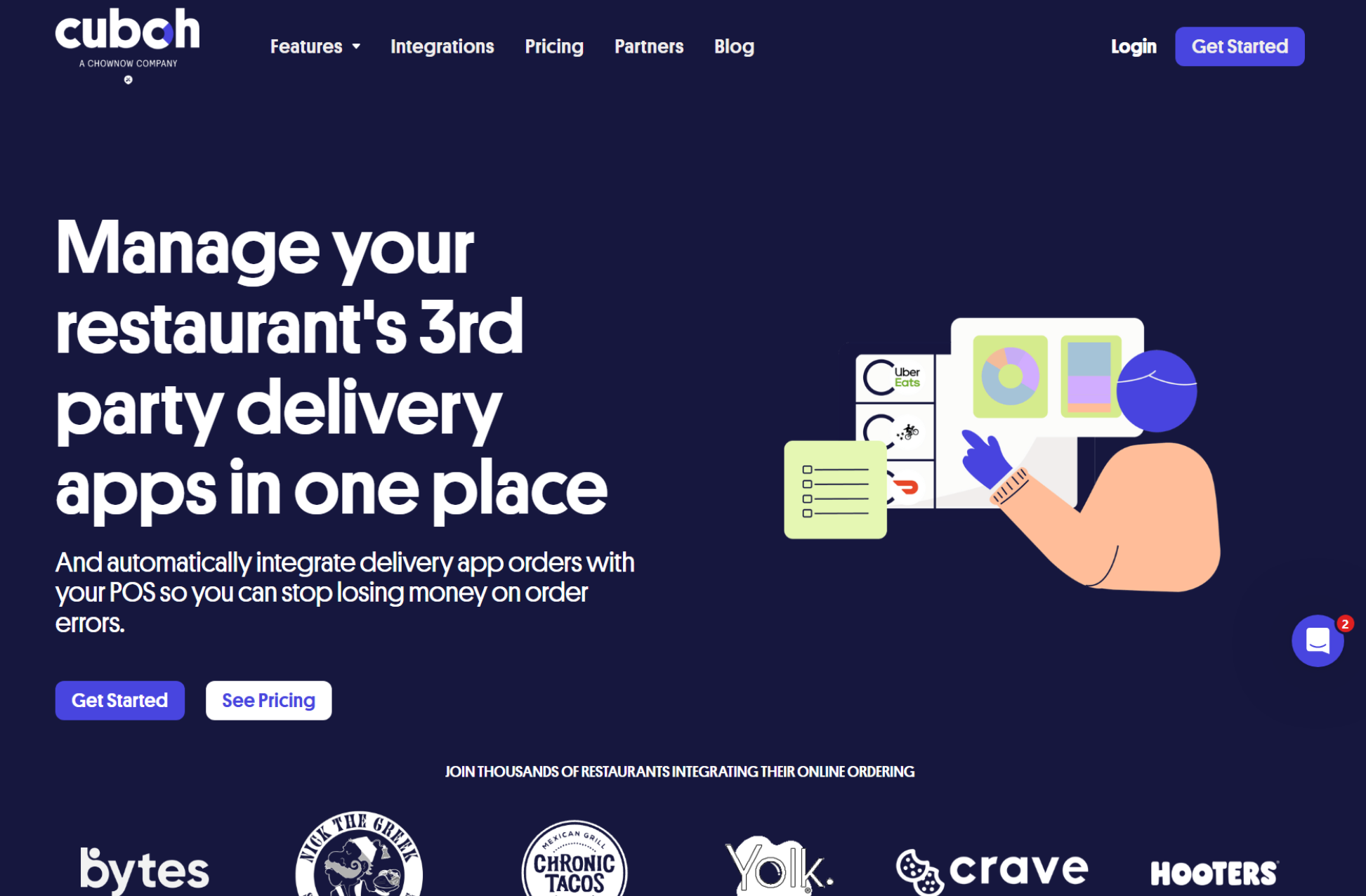
Cuboh is a Y Combinator-backed company from Victoria, British Columbia, and it’s the simplest tool on this list in the best sense. It consolidates orders from DoorDash, Uber Eats, Grubhub, and others, sends them to your POS or kitchen printer, and lets you control menus across platforms from one place.
What stands out: Cuboh is lean and fast to deploy — a small cloud kitchen can be live in a day without enterprise onboarding. Kitchen printer integration means orders route directly to prep stations without a separate KDS purchase.
What Does It Offer?
- Order consolidation from the major delivery apps
- Order injection into your POS, or straight to a kitchen printer
- Centralized menu control across platforms
- Through ChowNow: commission-free online ordering, branded mobile apps, loyalty, email/SMS marketing, and delivery management
Pros
✔️ Lean and quick to get running, without enterprise-style onboarding.
✔️ The ChowNow bundle gives a small operator aggregation plus a direct channel in one subscription.
✔️ Reviewers who use it tend to praise the support and the reliability of the POS integration.
Cons
❌ Cuboh is now part of ChowNow, and the former Cuboh product is offered as Hub. I’d advise you to evaluate the current ChowNow/Hub offering before committing.
❌ The review base is small, and older reviews mention menu-translation issues between the POS and the Cuboh tablet (items showing as available when they weren’t).
Pricing: Sold within ChowNow’s plans, which are listed from $229 to $409 per month (with setup fees and processing on top).
Avoid if: You need a complete cloud kitchen management platform. Cuboh handles order flow only — inventory, recipe costing, and multi-location management require separate tools.
#6: ItsaCheckmate
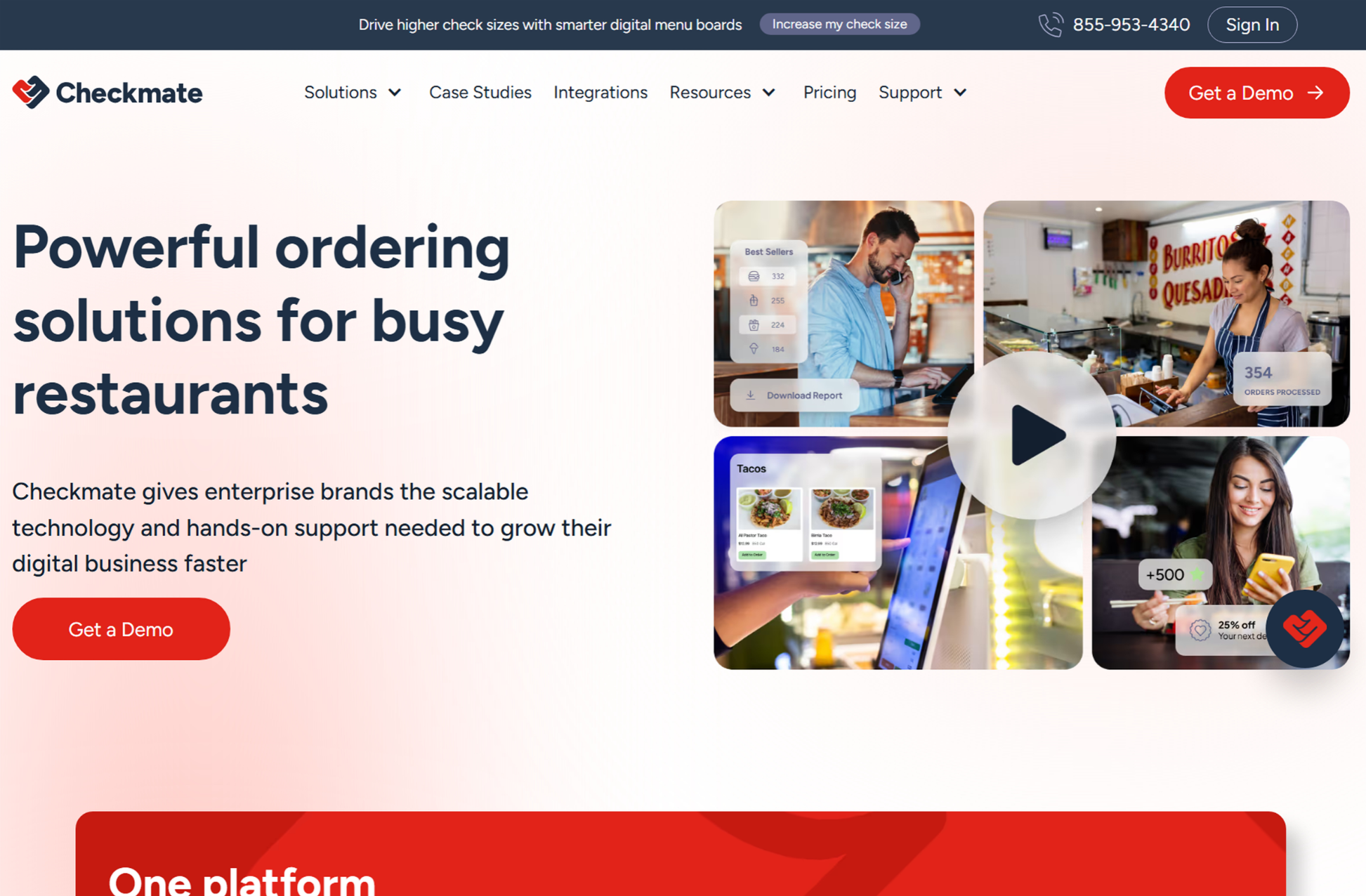
ItsaCheckmate (often just “Checkmate”) bridges restaurants’ POS and their ordering channels. On the POS side, it connects to Toast, NCR Aloha, Brink, Micros, Square, Revel, PAR, etc. On the channel side, it connects to Uber Eats, DoorDash, Grubhub, Caviar, ezCater, Favor, and more.
How is it different from Chowly or Deliverect, since all three are integration layers?
The way I see it, Chowly leans more toward marketing. Deliverect leans toward global breadth and enterprise volume. Checkmate’s angle is the operational back end of delivery: automated third-party statement reconciliation, refund and dispute management, and a variance view comparing POS sales against what the marketplaces actually paid you.
It also now offers first-party ordering (websites, apps, kiosks, digital menu boards, voice AI ordering, and catering), but I’d still think of it as integration first.
What Does It Offer?
- Direct POS integration for third-party marketplace orders
- Menu management across every ordering channel from the POS
- Automated statement reconciliation and POS-vs-marketplace variance reporting
- Refund and dispute management
- Optional first-party ordering, catering, and add-on integrations
- 24/7 support by email, phone, and chat
Pros
✔️ Broad POS coverage, including enterprise systems like Brink, Aloha, Micros, and PAR that multi-unit QSR and fast-casual brands often run on.
✔️ Historically transparent pricing and month-to-month terms for smaller operators, with no setup fee.
Cons
❌ Very little independent review data. In fact, its G2 score of 1.0 comes from just one review.
❌ It’s not a kitchen platform. No inventory, recipe costing, or kitchen production.
Pricing: Quoted on request, with no setup fee.
Avoid if: You need full kitchen management, inventory, or recipe costing
#7: MarketMan
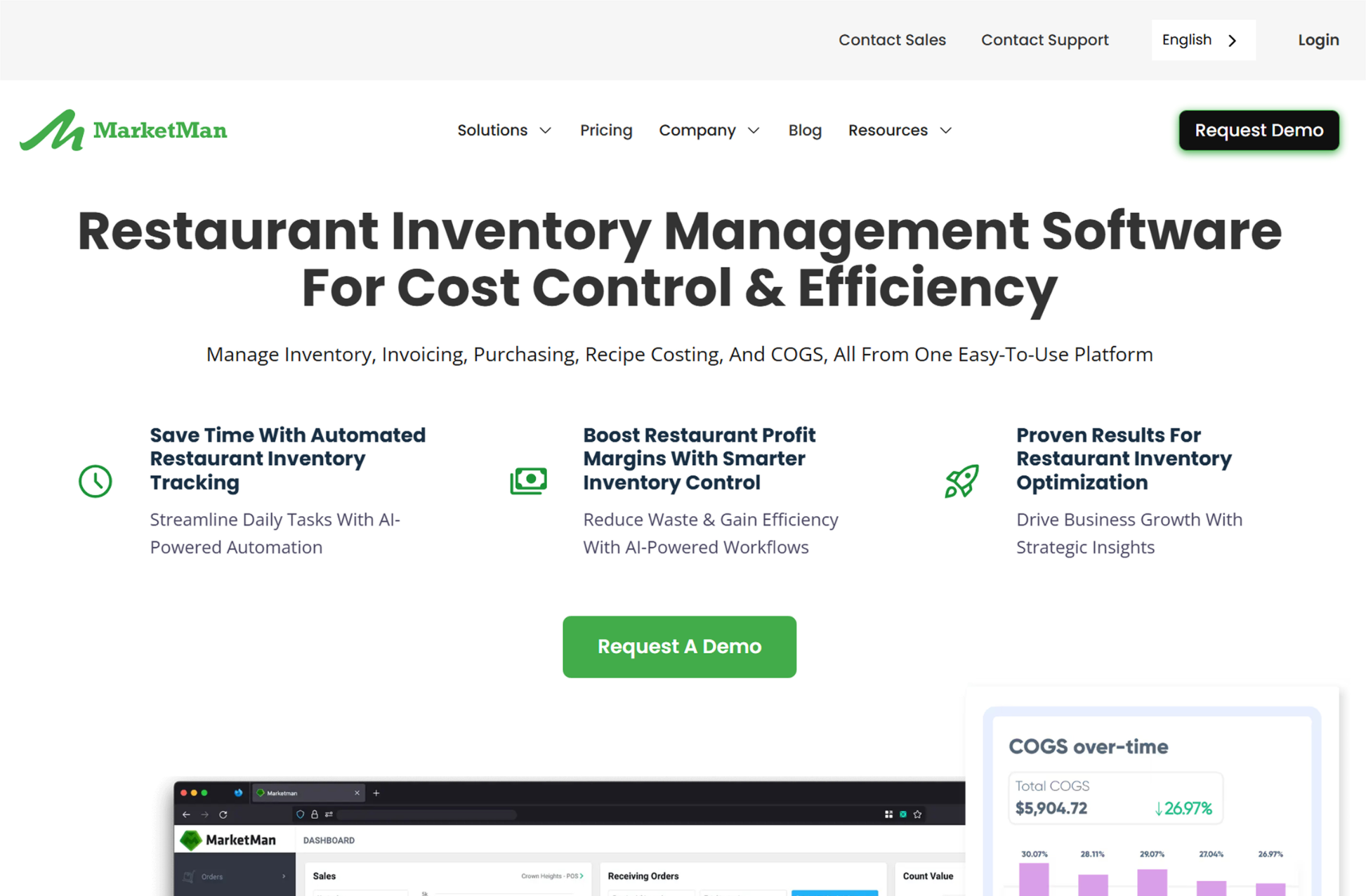
MarketMan is a restaurant inventory management platform designed for food cost control, purchasing, supplier management, and waste tracking. G2 rates it 4.3 out of 5. The platform serves multi-location restaurant groups and cloud kitchen operators who need to control ingredient costs across brands.
What stands out: AI-powered recipe costing and automatic COGS calculation give operators real-time visibility into food costs per menu item. Purchasing automation sends orders to suppliers based on par levels and usage patterns.
What Does It Offer?
- Live, ingredient-level inventory with POS-driven depletion
- Real-time recipe costing and actual-versus-theoretical (AvT) reporting
- Purchase orders, receiving, and price tracking with alerts
- Vendor EDI integrations and AI-powered invoice scanning
- Waste tracking and COGS reporting
- Multi-unit tools: inter-location transfers, commissary kitchen management, standardized recipe libraries, and comparative dashboards
Pros
✔️ The biggest thing I like is depth. Recipe costing, AvT, and purchasing are the whole product, not an add-on module.
✔️ Works with the POS you already have, so it slots in next to any of the integration tools above.
✔️ Commissary support suits operators supplying several cloud kitchens from a central prep kitchen.
Cons
❌ It’s not a POS or order-management tool, so you’re adding another subscription and another integration to maintain.
❌ Prices went up in 2026, and the cheapest tier caps invoice scans and EDI integrations.
❌ Some users report data-accuracy problems with invoice scanning, so you’ll still want someone checking what gets captured.
Pricing: Starter from $249 per month as of September 2026 (after an August 2026 increase from $199), Growth at $299, and Enterprise from $449. No free plan.
Avoid if: You are looking for a POS or order management solution. MarketMan manages inventory and food costs only — pair it with tools like Restroworks for the full cloud kitchen stack.
What I Learned From Comparing These 7 Systems
Most of this market is integration. Five of the seven tools (Otter, Deliverect, Chowly, Cuboh, and ItsaCheckmate) are at heart a layer between your POS and the marketplaces. They’re good at it, and they differ in meaningful ways, but none of them runs your kitchen, your inventory, or your brand-level costing.
The integration layers are spreading out in different directions. Otter has moved into POS. Chowly has moved into marketing. Cuboh has been absorbed into ChowNow’s direct-ordering platform. ItsaCheckmate has leaned into reconciliation. Deliverect has stayed closest to pure integration at enterprise scale. So, two tools that both “consolidate orders” can be very different purchases.
Who builds your middleware matters as much as what it does. With most of these tools, the middleware comes from one vendor and the POS from another. That works, but it’s two contracts, two support desks, and one more link that can break. Restroworks is the exception here: NEO comes from the same company as the POS yet runs independently of it. For a kitchen where online orders are most of the revenue, I think that’s the most underrated question to ask in any demo.
Multi-brand is the dividing line. Lots of tools can show several brands on one tablet. Far fewer can tell you what each brand actually costs when they share ingredients, suppliers, and a line. If multi-brand is your model, that’s the filter I’d use first.
Food cost is a separate decision unless your platform covers it. None of the integration tools handle recipe costing or inventory. You either add a specialist like MarketMan or choose a platform where it’s already built in.
Review data is thin for most integration tools. Deliverect’s scores are low on a small sample, and Otter, Chowly, Cuboh, and ItsaCheckmate don’t have enough independent reviews to judge fairly. So, demos with your own menu and references from operators at your scale matter much more here than in the POS category.
How to Choose the Right Cloud Kitchen Software
If I were running a cloud kitchen, I’d start with the problem my team and I are facing. Here’s how I’d match the situation to the tool: