
Top 8 Inventory Management Software for Restaurant Chains
After going through hundreds of reviews on G2 and Capterra, product documentation, and feature comparisons, here’s something that surprised me. I expected to find a lot of overlap between what most of these platforms offer. It was there, but I also found that many of them target very different problems, too.
Some give you smarter insight into food costs. Others let you manage procurement, supply chain visibility, or enterprise reporting very well. But a very few deliver the full combination of inventory management, purchasing, recipe control, reporting, and multi-location visibility that your restaurant chain needs.
Let’s take a look at the best 8 inventory tools in detail:
1. Restroworks
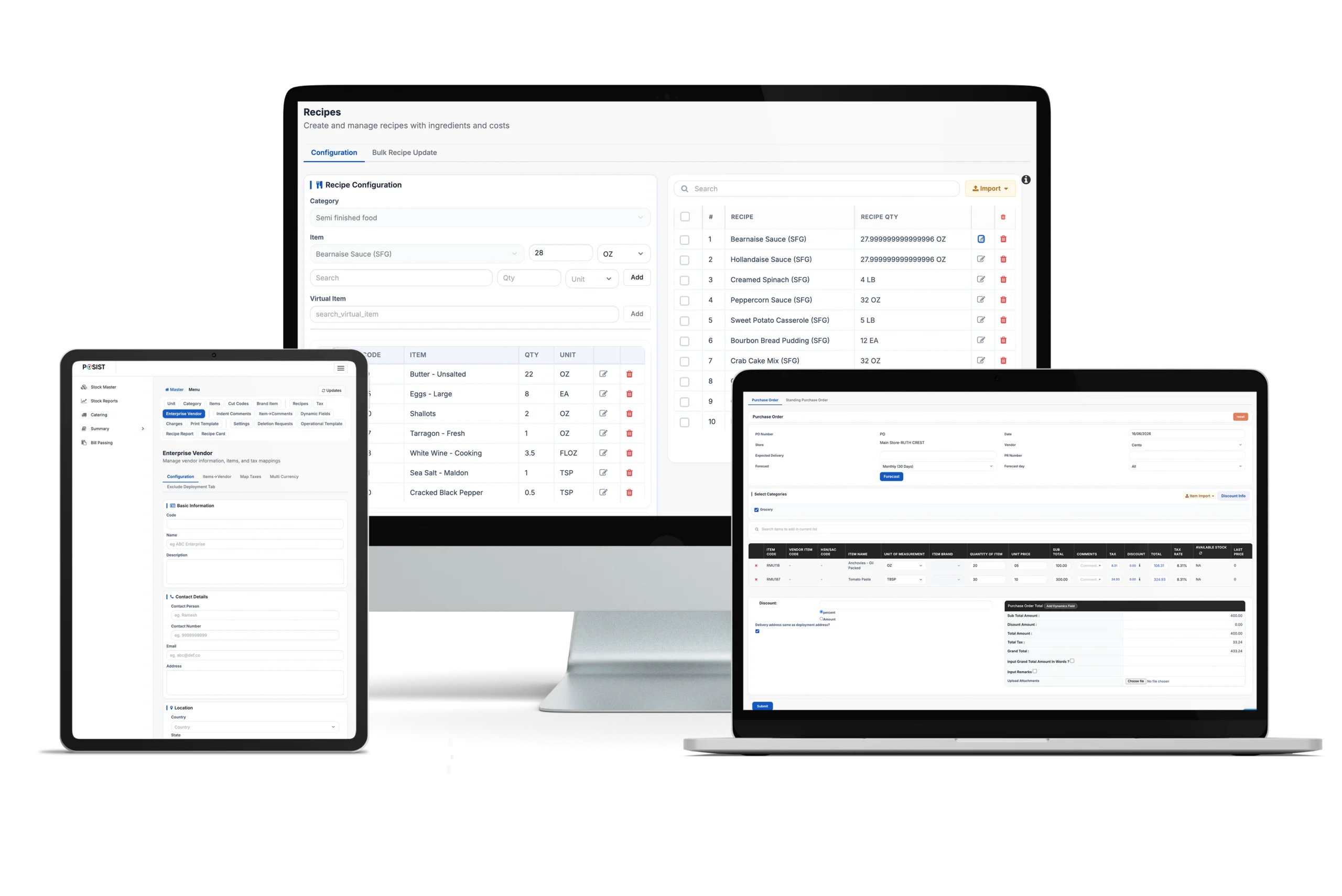
Restroworks is an enterprise-grade POS and restaurant management solution for multi-location restaurant chains. What started with a POS system has now grown into a connected restaurant management ecosystem that covers inventory management, procurement, recipe costing, base kitchen management, and waste tracking, making it an all-in-one solution for restaurant chains.
Today, the platform serves serving 25,000+ restaurant brands across more than 53 countries and supports a wide range of business models, from QSRs and cloud kitchens to casual dining chains and enterprise restaurant groups.
Not to mention, it has established itself as a leading tech solution in the restaurant industry, earning consistent recognition on review platforms such as G2, where it regularly ranks among the top restaurant technology solutions.
One of its biggest strengths is its ability to support restaurant businesses through different stages of growth. For every new outlet you launch, Restroworks offers the operational controls, reporting structure, and centralized visibility needed to manage complexity as the business scales.
Standout Features
- Inventory Tracking Synced with POS: Restroworks syncs your restaurant inventory to your POS system in real-time. So, with every sale recorded on the POS, the inventory levels are automatically deducted for the menu item.
- Centralized Control and Visibility: Restroworks brings inventory data from various outlets, warehouses, and central kitchens into a single dashboard, giving you a real-time view of stock across the business. Stock movement is highly traceable, while custom reports help you analyze inventory performance at the outlet, region, or brand level.
- Centralized Vendor Management: The platform brings different vendors, at different brands, formats, clusters, and deployment levels, in one place. This way, you can manage your purchases, invoices, and pricing centrally. Plus, it lets you set contracts, lock vendor prices to avoid seasonal spikes, and compare competitive pricing.
- Smart Recipe Management: You have centralized control over your menu, so you can define standardized recipes, portions, and substitutions, and map them to exact ingredient quantities. The system also offers you the flexibility to configure different recipes for different regions or outlets.
- Streamline Supply Chain: Restroworks lets you configure transfer workflows based on how your chain operates. With it, you can track stock purchases from vendors to different outlets/warehouses. And at the same time, manage outlet-to-outlet, central commissary-to-outlets, and outlet/central kitchen-to-business inventory transfers.
- Wastage and Variance Tracking: Restroworks helps you actively track spoilage, wastage, and inventory variances through recipe mapping, ingredient-level tracking, and yield management. It compares expected vs actual usage, so you can identify losses, maintain portion consistency, and keep food costs under control.
- Predictive Inventory Demand Forecasting: The system uses historical sales patterns, seasonal demand, upcoming festivals, and production plans to forecast inventory requirements. This helps you plan ahead, avoid stockouts, and reduce wastage with accurate purchasing.
- Expiry Tracking: Restroworks supports both FIFO (First In, First Out) and FEFO (First Expired, First Out) inventory practices to help kitchen staff identify near-expiry ingredients and ensure older stock gets used before newer inventory.
- Stock App: The Stock App gives your staff a handy way to do inventory counts, record stock receipts, and log wastage or spoilage directly from the floor. They can also upload images as proof, creating a clearer audit trail for inventory movements and losses.
Where It Shines
- Built specifically for multi-location restaurant operations
- Hardware and OS-agnostic software
- Automated purchase orders as stock levels reach minimum thresholds
- Real-time reporting across stock variance, inventory turnover ratio, high cost inventory items, and ideal vs actual food cost.
- The offline mode helps track inventory even during connectivity issues, and the data is synced automatically when you’re back online.
- 500+, API-enabled integrations with delivery aggregators, payment gateways, loyalty platforms, and accounting systems, including Paperchase, Xero, Zoho Books, and QuickBooks.
- 24/7 live chat customer support from restaurant technology specialists.
What Could Be Better
- The tool will better suit operators managing multiple locations, brands, or complex workflows, rather than those only looking for POS-centric capabilities.
- Some advanced enterprise features may require initial onboarding and training during setup.
Pricing
Customized pricing is available depending on the business requirements.
Rating
G2: 4.8/5
Capterra: 4.9/5
2. SynergySuite
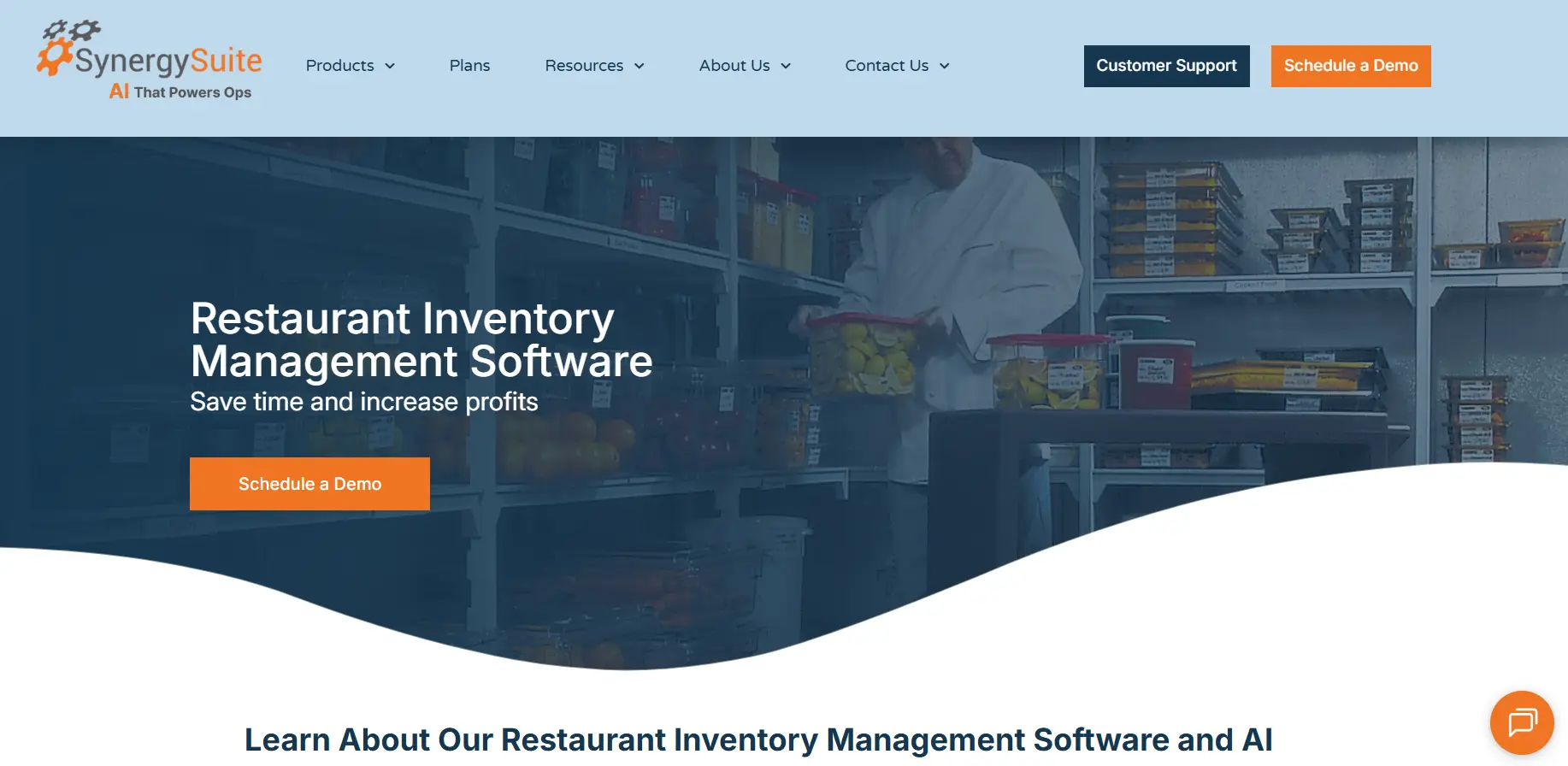
SynergySuite is a back-of-house management platform for restaurants. It connects directly to your POS for real-time inventory tracking and covers the full range of back-of-house functions.
Plus, all these functions: inventory, purchasing, labor, food safety, and cash management are also available as a standalone module. The software is useful for restaurant groups, franchise operators, and enterprise brands that need centralized visibility.
Standout Features
- AI-Powered Suggestive Ordering: Instead of manually setting par levels, the system looks at real-time sales data and historical usage to recommend exactly what to order. It also offers location-based suggestions based on expected demand and current stock levels.
- Live Inventory Depletion: Get an accurate update of stock depletion in real-time as sales come through the POS. This keeps your stock levels and inventory purchasing decisions accurate.
- Recipe and Margin Management: You can store all your recipes, prep guides, and portion standards centrally and access them from any device. Plus, with margin analysis, you can maintain profitability and get updated recipe costs when supplier pricing changes.
- Cross-Location Performance Comparison: Compare inventory performance, food costs, and variance across locations from a single dashboard. You also get alerts for underperforming locations.
Where It Shines
- Users appreciate its easy-to-use interface, especially for beginners
- Quick and easy initial setup
- Mobile accessibility offers added convenience
What Could Be Better
- Limited corporate-level insights
- Many users report frequent glitches in the app
- Reports are not customizable
Pricing
Synergy Suite offers 3 plans based on your business needs. You can contact their team for pricing.
Rating
G2: 4.6/5
Capterra: 4.8/5
3. MarginEdge
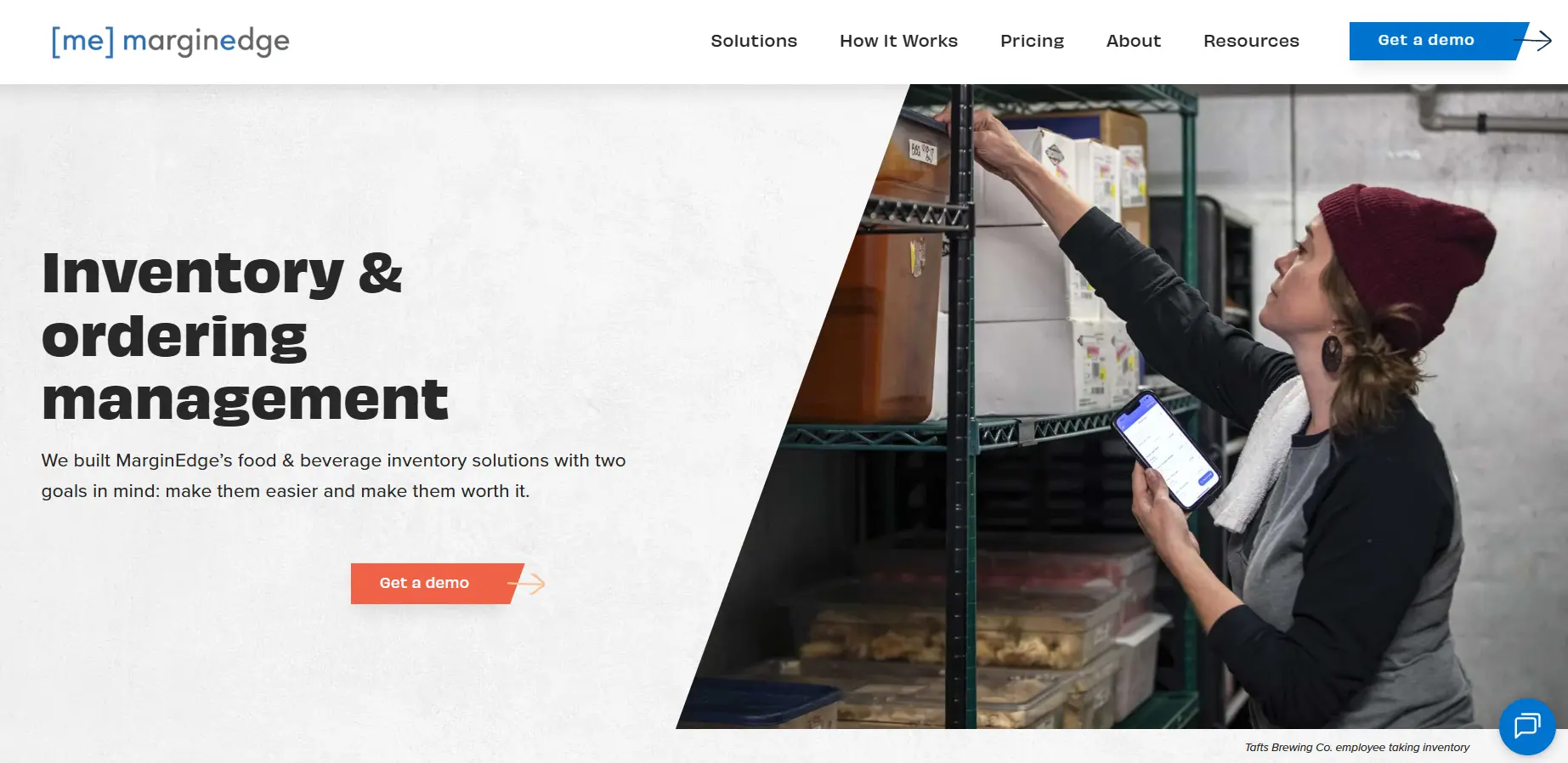
MarginEdge is a restaurant management platform built around food cost control. It brings you a decent tool combining invoice processing, recipe costing, purchasing, inventory management, and financial reporting in one system.
What makes the platform different is how much emphasis it places on automating back-office work. Vendor invoices are processed automatically, sales data flows in from your POS, and food costs update throughout the accounting period.
If your restaurant chain is spending significant time reconciling invoices and tracking costs manually, MarginEdge delivers the most value.
Standout Features
- Automated Inventory Sheets: With automated inventory sheets, you can upload invoices and let MarginEdge process and update items automatically for multiple locations. Inventory prices, food costs, and reporting all update as new invoices come in.
- Simplified Bar Inventory: It offers Freepour, a strong bar inventory management tool that ensures that the liquor inventory count is down to the milliliter-accurate. You can automate counts and see variance immediately.
- Price Monitoring: MarginEdge tracks vendor price changes and alerts you when products exceed thresholds you define, making it easier to identify unexpected price increases before they affect margins across outlets.
- Theoretical vs. Actual Usage Reporting: The platform compares what you’ve purchased, sold, and counted in inventory to identify unusual variances. This helps uncover waste, over-portioning, and inventory losses without relying on manual calculations.
- Recipe Costing and Menu Analysis: Recipe costs update automatically as ingredient prices change. You can see which menu items are contributing the strongest margins and which dishes are becoming more expensive to serve over time.
Where It Shines
- Invoice automation eliminates manual data entry
- Simple cost and invoice tracking
- Automated processes help save time
What Could Be Better
- May not offer the same depth of inventory controls as dedicated inventory platforms
- The mobile app has limited functionality
- Complex features require time to learn
- Adding recipes to the system is a time-consuming process
Pricing
The inventory solution is available at $350/month per location, while Freepour is available as an “add-on” with the inventory software at $500/month per location.
Rating
G2: 4.6/5
Capterra: 4.6/5
4. Apicbase
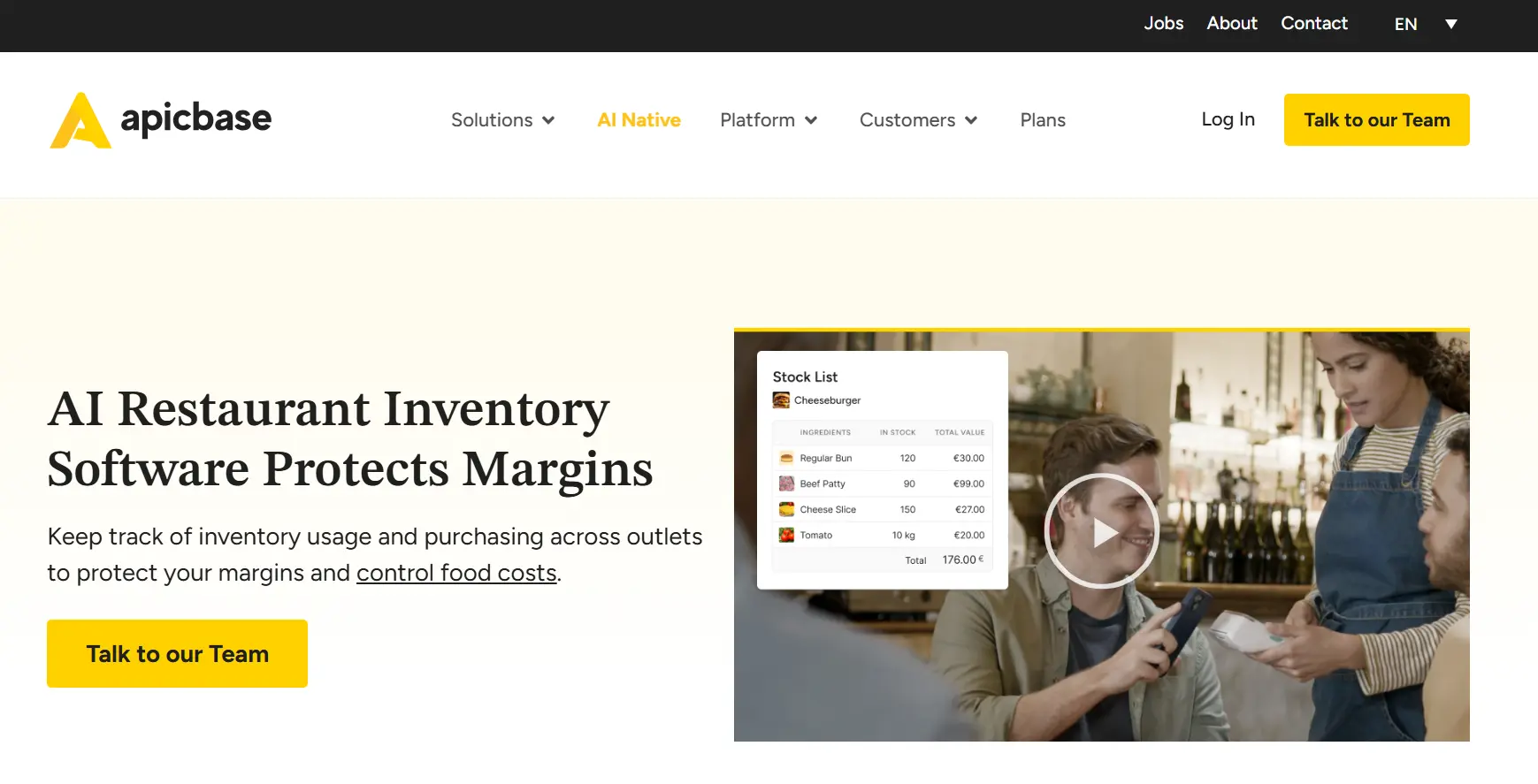
Apicbase is an F&B operations platform that connects recipes, purchasing, inventory, menu engineering, food costing, and supplier management.
The software is designed to streamline operations for restaurant groups, hotel chains, and catering businesses that need tighter control over food costs and operational consistency. Since it is a cloud-based software, it reduces your tech overhead and integrates with your current systems seamlessly.
That said, Apicbase can take time to configure and implement. You’ll need to put in extra time to configure recipes, ingredients, and operational workflows during the initial rollout, which can be an important trade-off for many multi-location owners.
Standout Features
- Recipe-Driven Inventory Management: Every recipe, ingredient, supplier, and menu item is centrally managed. When ingredient prices change, recipe costs update automatically, making it easier to keep food costs accurate without manually updating spreadsheets.
- AI-Powered Operational Intelligence: Apicbase AI analyzes recipes, inventory, procurement, and compliance data to identify issues that would normally require manual analysis. It forecasts demand, flags missing compliance data, and answers questions using live operational data from across the platform.
- Automated Stock Counts: It automates your inventory counts using barcode scanning, manual entry, or voice counting. The voice-counting functionality is particularly interesting because it speeds up stock counts without requiring employees to enter data manually.
- User-Based Access: You can assign user permissions based on different job roles, so you know who’s responsible for what. In a multi-location restaurant, this improves accountability.
- Track Food Costs: Track food costs by outlet, vendor, and menu item accurately with real-time sync of sales, inventory use, and purchase data.
Where It Shines
- Inventory, procurement, and menu costing work together seamlessly
- User-friendly interface
- Simplifies redundant inventory tasks
What Could Be Better
- Many users report a complex interface
- Complex features require a learning curve and more training time
Pricing
Apicbase offers 3 plans: Growth, Professional, and Enterprise for restaurant chains of different sizes. For exact pricing, contact their sales team.
Rating
G2: 4.5/5
Capterra: 4.6/5
5. MarketMan
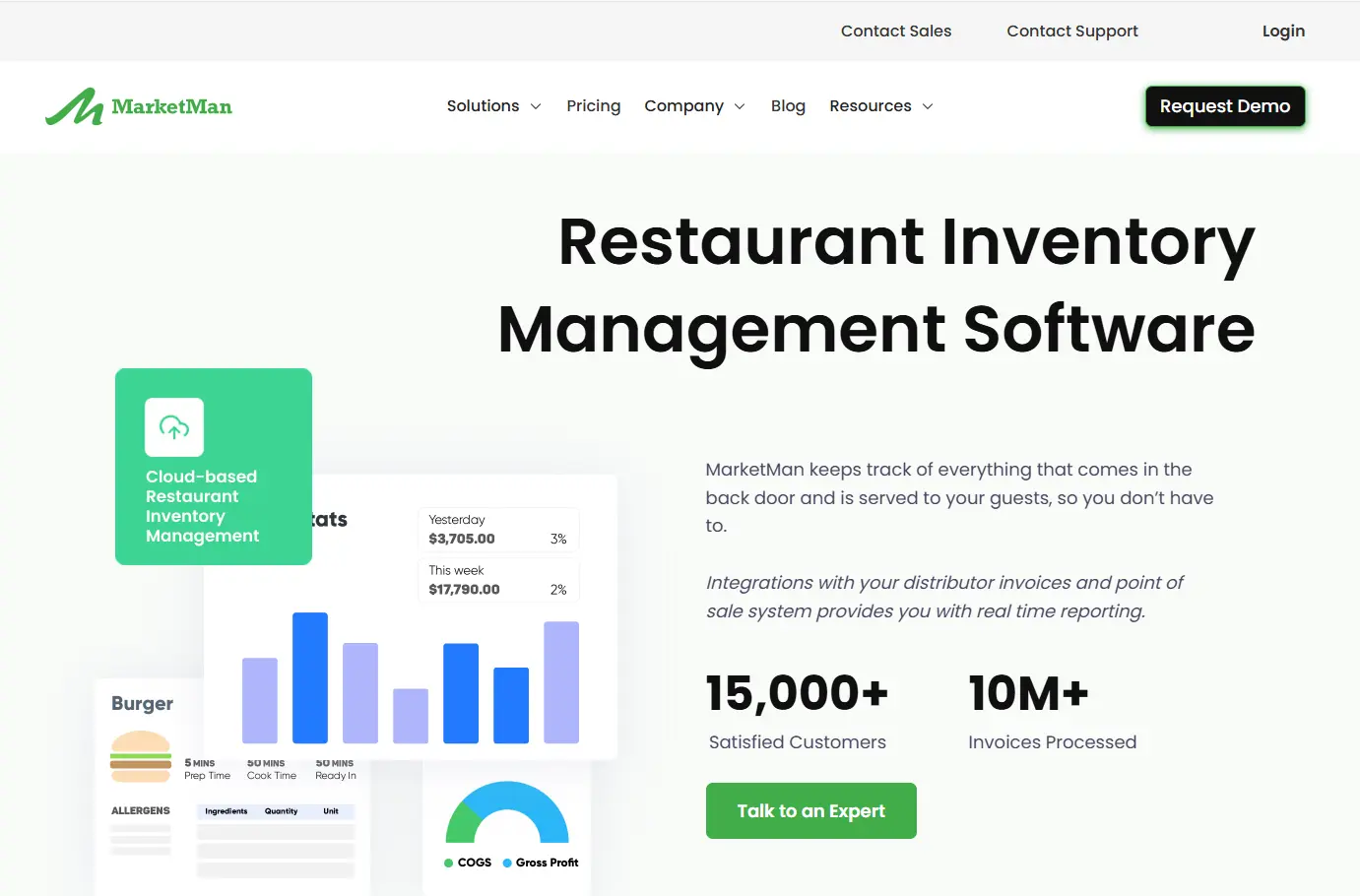
MarketMan is a cloud-based software used by restaurants of different sizes and formats.
It covers inventory tracking, purchasing, recipe costing, and accounts payable in one place, and integrates seamlessly with major POS systems, accounting software, and food distributors.
This is a dedicated inventory management tool that squarely focuses on food cost control, and it’s perfect if you don’t want a full back-of-house solution.
Standout Features
- Multi-Unit Management: MarketMan connects your POS, accounting, and data software together, so you can view stock levels, food costs, and purchasing activity across all your locations from one account.
- Accounts Payable: Automate your invoice and accounts payable tracking by simply uploading a copy of your delivery invoices. The tool will automatically update everything in the system, so you don’t have to.
- COGS Tracking: With MarketMan, you have complete visibility into your cost of goods sold and menu profitability at the recipe level. You can easily monitor inventory shortages, price changes, and procurement to better control costs.
- AI Functionalities: AI-enabled recipe management and ordering help you view item-wise profitability and forecast customer demand for accurate inventory ordering. This helps you build profitable menus and minimize food waste, respectively.
- Web and Mobile Access: Since it’s a cloud-based inventory management system, you can access your inventory dashboards and reports from both web and mobile, anytime, anywhere.
Where It Shines
- In-depth inventory management reporting
- Seamless navigation and easy to use
What Could Be Better
- Many users report integration issues with their POS system
- Slow response times from the customer support
- Unresponsive data sync
- Implementation can be complex and take time
Pricing
MarketMan offers 3 paid plans: Starter at $199/month, Growth at $249/month, and Enterprise at a custom price based on the restaurant’s needs.
Rating
G2: 4.3/5
Capterra: 4.7/5
6. Crunchtime
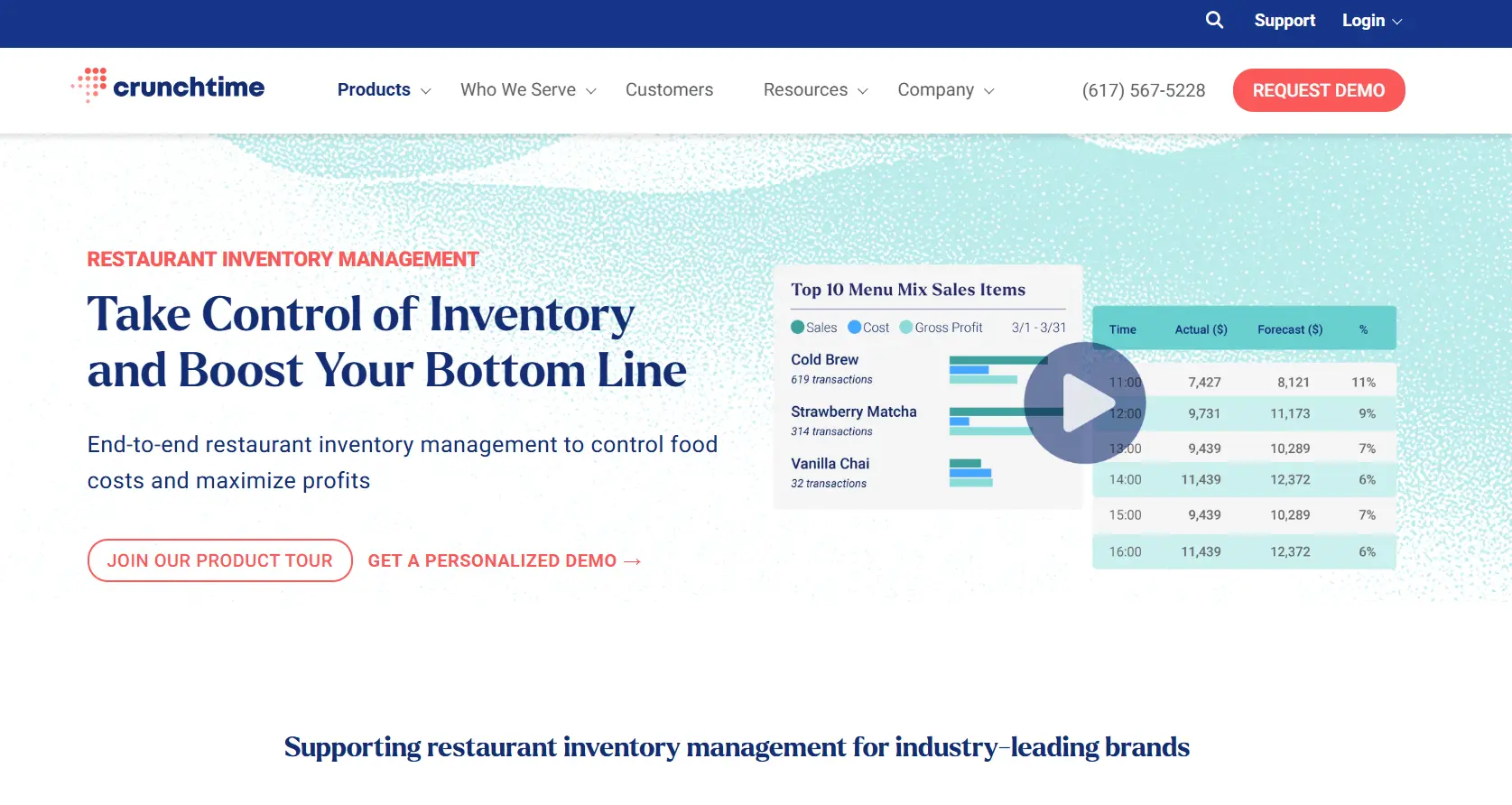
Crunchtime is a comprehensive restaurant operations platform that streamlines inventory management, purchasing, labor scheduling, food safety, operational workflows, and reporting for multi-outlet restaurants.
The software is built primarily for large restaurant chains and franchise brands. If your goal is standardizing inventory and operational processes across a large organization, Crunchtime is clearly designed with that use case in mind.
However, while the platform offers extensive reporting capabilities, generating reports and navigating reporting categories can sometimes feel cumbersome, as suggested by some user reviews.
Standout Features
- Streamline the Inventory Process: The end-to-end inventory solution simplifies the entire inventory management process for you, including stock counts, purchasing, recipe management, reconciliation, and sales forecasting to save you time.
- Voice-Based Inventory: It features an AI-powered text-to-speech tool that lets you count inventory by directly speaking into the app. This leaves limited room for errors and makes the process faster.
- Sales Forecasting: Suggested prep features give you recommendations on food prep amounts based on historical sales trends. This helps you avoid over- or under-prepping and reduce wastage.
- Centralized Inventory Data: Inventory counts, purchasing activity, food costs, sales, and supplier data all flow into a single system. Instead of pulling reports from individual locations, you can view inventory performance across your entire restaurant chain and quickly identify unusual variances, stock shortages, or cost issues.
- Accurate Purchasing: Crunchtime uses sales forecasts, inventory levels, historical consumption, and PAR levels to generate order recommendations automatically. So, you order only what you need, reduce overordering, and minimize wastage.
Where It Shines
- Strong inventory and food cost controls
- Built for multi-location operations
- Intuitive interface and smooth navigation
What Could Be Better
- Reports can be a bit complicated, making it difficult to get the insights you need with too many categories.
- Many users report errors in invoices and inventory reporting
- Company-level settings are available via a different website, not within the same platform.
- Many users report an outdated UI
Pricing
Contact the sales team for custom pricing.
Rating
G2: 4.3/5
Capterra: 4.4/5
7. Restaurant365
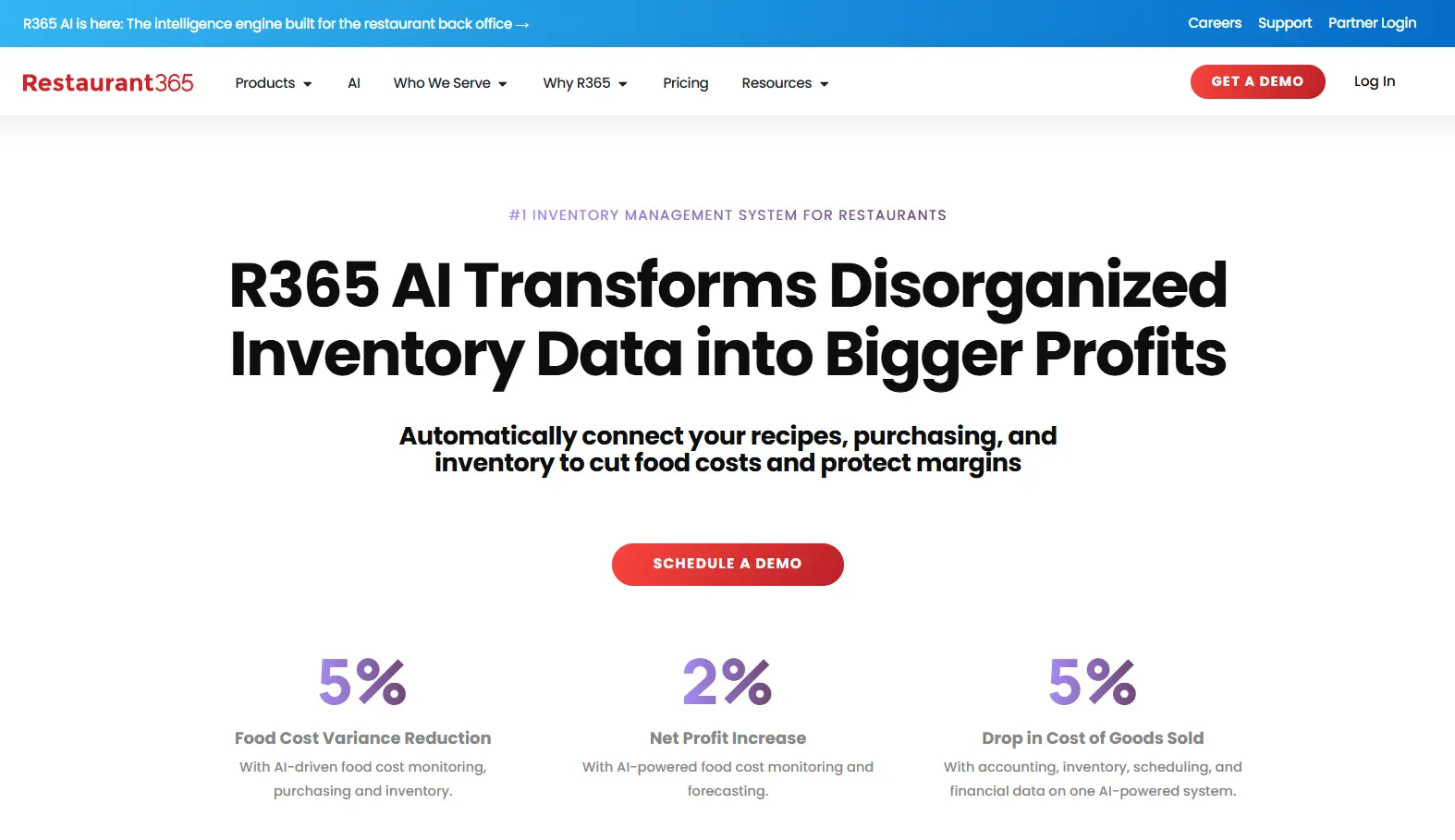
Restaurant365 is a cloud-based back-office platform that combines inventory with accounting, payroll, and workforce tools. At its core, R365 is a financial management system for restaurant groups.
What stood out during my research was how inventory and accounting are connected. Every inventory purchase and use flows directly into the accounting system and reporting, so you don’t have to copy-paste the data between separate systems.
Standout Features
- Actual vs. Theoretical Variance Tracking: One of the more useful features in Restaurant365 is the ability to compare expected vs actual ingredient usage. So, if a store is using more ingredients than expected, you can quickly identify potential waste, over-portioning, or inventory discrepancies.
- Mobile Inventory Counts: You can do inventory counts directly from a mobile app, where multiple team members can log in simultaneously. And these counts will connect directly with food cost and P&L reporting to give you a holistic view of inventory levels.
- Automated Invoice Capture and Reconciliation: Vendor invoices are captured and coded automatically. When a delivery doesn’t match the purchase order, say you receive wrong quantities or a different price, the system will flag the discrepancy immediately.
- Menu Engineering Reporting: With pre-built, custom reports, you can track item-level performance, monitor ingredient pricing across locations, and identify which menu items are actually driving margin versus just revenue.
Where It Shines
- The tool streamlines inventory, accounting, and workforce management seamlessly.
- Seamless integration with your current systems
- Easy-to-use platform
What Could Be Better
- Time-consuming onboarding, and new users report needing additional time to get fully up to speed.
- The platform is built heavily around back-office and accounting workflows, which can make it a bit complex.
- Limited features, with many features requiring additional costs
- Unresponsive customer support
Pricing
You can connect with their sales team for a custom quote.
Rating
G2: 4.6/5
Capterra: 4.1/5
8. NCR Voyix- Aloha Cloud POS
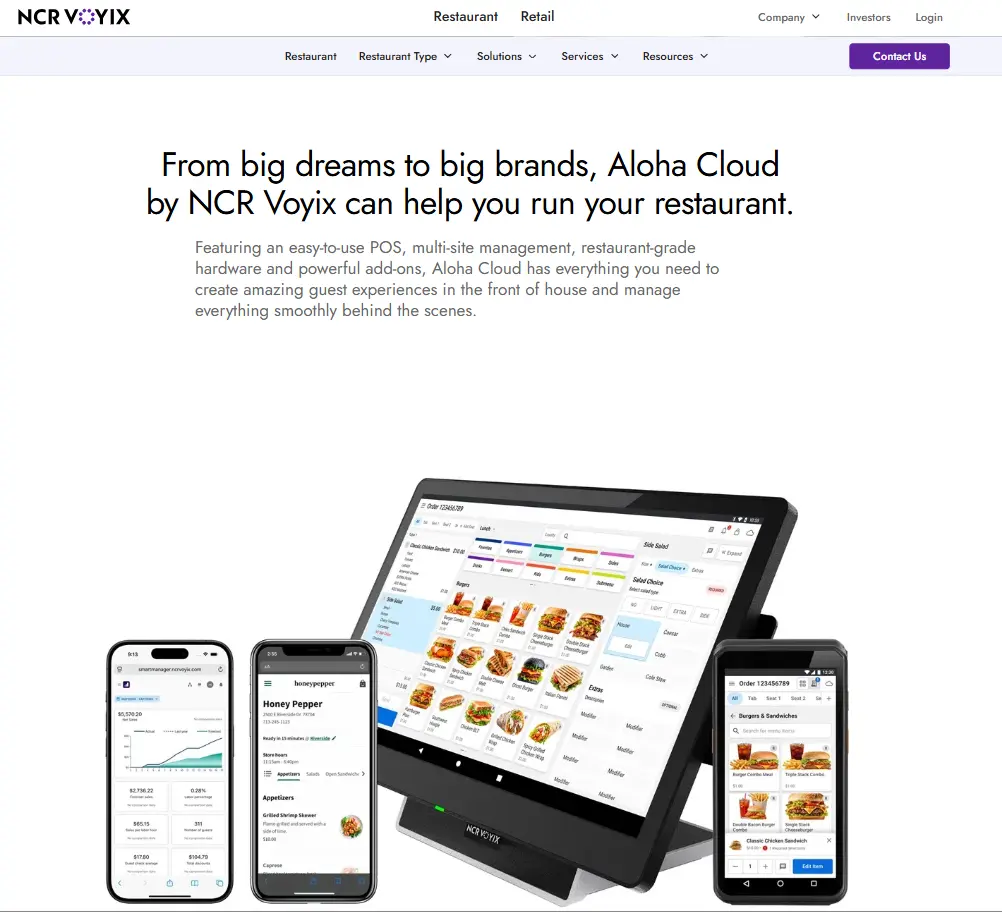
NCR Voyix is one of the most established restaurant technology providers in the market, and Aloha Cloud is its cloud-based POS for both independent operators and larger restaurant groups.
The platform covers the essentials you would expect from a multi-location POS system, including menu management, reporting, payments, and employee management. It gives you a centralized way to manage multiple locations without juggling separate systems for each outlet.
But one thing to know upfront: restaurant inventory management isn’t a core part of the POS. Instead, it’s available through Aloha Smart Manager, NCR Voyix’s back-office platform. This means if you’re looking for advanced inventory capabilities, you’ll need to pay extra for the back-office tool.
Standout Features
- Multi-Location Menu Management: You can create menu items at the company level and push them out to individual locations in one go. No need to log into each outlet separately. Plus, manage pricing updates, new items, discounts, and promotions centrally with bulk editing.
- Centralized Employee Management: You can manage employee information across locations from a single system, making it easier to track labor data and compare workforce performance across your restaurants.
- NCR Voyix Pulse Mobile App: The Pulse mobile app lets you keep an eye on sales, labor, forecasts, and inventory data without logging into the back-office system. When you have multiple locations to manage, that’s highly convenient.
- Aloha Smart Manager: This is a back-office solution for Aloha Cloud that combines inventory tracking, labor scheduling, and sales reporting into a single module. The intuitive tool fetches real-time data to help you make smarter business decisions.
Where It Shines
- Easy-to-use tool with an intuitive interface
- Remote accessibility makes it easier to manage operations
- Automatic data backups
What Could Be Better
- Inventory management is an optional add-on, not a built-in feature
- Slow customer support response times
- Limited customization options
- Limited documentation for complex use cases
Pricing
NCR Voyix offers monthly subscription-based plans for its POS software, which includes hardware, software, and payment processing costs.
Rating
G2: 3.9/5
Capterra: 3.7/5
Why Restaurant Chains Need Specialized Inventory Management Software?
Inventory management isn’t a new concept for restaurants. But what has changed is how operators tackle it.
A single-location restaurant may work fine with manual checks, spreadsheets, and simple inventory processes. With restaurant chains, you need specialized inventory software with strong multi-location management capabilities.
Let’s see why:
1. Gain Inventory Visibility Across Outlets
Inventory data becomes harder to track as you add more locations. Which is where you’ll need a way to understand what’s happening across every outlet without chasing spreadsheets or waiting for managers to send reports.
Specialized inventory management software gives you that visibility by bringing inventory data from all locations into one centralized dashboard. This way, you can see stock levels, ingredient usage, waste, and purchasing activity across all outlets in real time, making it much easier to identify problems early.
2. Standardize Inventory Practices
Consistency is what drives restaurant chain operations.
The taste and quality of your menu, the experience you offer, even the service and kitchen processes you follow, have to be the same at every outlet. The same way, your vendors, reporting formats, and purchasing workflows have to be consistent.
Inventory management software helps standardize recipes, purchasing processes, vendor management, inventory tracking, and reporting, so it becomes easy to measure and compare performance.
3. Coordinate Multiple Vendors
Most restaurant chains work with more than one supplier. For instance, you may have national distributors for staples such as cooking oil or frozen goods, and regional and local vendors for fresh produce and dairy.
Managing these relationships manually will become time-consuming after a point. Operators need to track pricing, purchase orders, deliveries, invoices, and supplier performance across multiple locations.
Restaurant inventory management software centralizes vendor information and purchasing workflows, making it easier to manage supplier networks while reducing administrative complexity.
4. Manage Costs at Scale
As your restaurant chain grows, so do food costs and the complexity of managing them.
Without visibility into inventory usage, recipes, and wastage, you wouldn’t know exactly which factor is contributing to higher costs. Centralized management with inventory software brings all your cost centers together.
So you can see if one outlet is over-ordering and producing more waste, or if another is not tracking expiry, which is leading to waste. This puts you in a better position to control costs and improve profitability.
5. Scale Purchasing and Reporting
More locations mean more purchase orders, more inventory counts, more invoices, and more reporting requirements. Eventually, manual processes start creating more work than value.
Inventory management software helps you automate routine tasks and standardize reporting, allowing your systems to scale alongside your restaurant chain.
How to Choose Your Inventory Management Software: Decision Framework for Chain Operators
All the inventory management tools in this list are top of their game. They offer you the core functionalities you need to manage inventory, scale operations, and track costs.
But not every tool will perfectly fit your restaurant business. Before choosing one, evaluate these factors to make an informed decision:
- Restaurant Chain Needs: Think about your operational requirements. When you need centralized purchasing, multi-location reporting, or location-level inventory controls, an inventory software for independent restaurants may not support that. Make sure the software aligns with the way your chain operates today and where you’re headed next.
- Ease of Use: Go for a solution with an intuitive interface and simpler workflows. An easy-to-use platform will reduce training and onboarding time for both existing and new employees.
- Scalability: Inventory processes across more locations, suppliers, menu items, and reporting requirements will become tricky to handle. Your software should support this growth without making you switch systems a few years down the line.
- Integration Capabilities: Before committing to a platform, look at the systems you’re already using. Make sure that your new inventory platform is compatible with your current tech stack and helps you reduce duplicate work.
- Customer Support: Good customer support becomes especially important during implementation and day-to-day use. Look for software providers that offer onboarding assistance, training materials, and 24/7, responsive support when issues arise.
Reviewing these inventory management platforms thoroughly across features, user reviews, and real-world multi-location capability, the differences become pretty clear. Most inventory tools will get the basics done. They let you track stock levels, inventory orders, vendors, and reporting.
But where they diverge is in how well they scale and integrate into the business as your chain grows and operations get more complex.
Before you make a decision, think about what your biggest challenge is right now. Is it visibility across locations? Food cost control? Supplier management? The right tool is the one that solves your specific problem well.