


DRIVE-THRU POS SYSTEM Software built for every second that counts

From order to handoff, see where every single second goes while keeping drive-thru, mobile, curbside, and delivery orders synced to the same kitchen.

Book a Demo
Drive-Thru
uptime-faster
2-3x
Faster order processing
accuracy icon
99.99%
Order accuracy
Subway
taco-bell
Starbucks
Seattle's Best Coffee Logo
Dunkin
Chicken Republic Logo
coribou-coffee
Carls-Jr
albaik
AI-POWERED DRIVE-THRU MANAGEMENT

Take control of every detail, from order to handoff

500+ Integrations
Across delivery, payments, and more.
99.9% Uptime
Enterprise reliability at scale
Hardware Agnostic
Runs on the device you already own
Order Accuracy

Catch mistakes before they reach the kitchen

Drive-thru leaves little room for error. Restroworks helps teams capture, confirm, and correct orders before they reach the kitchen.
Get Every Order Right
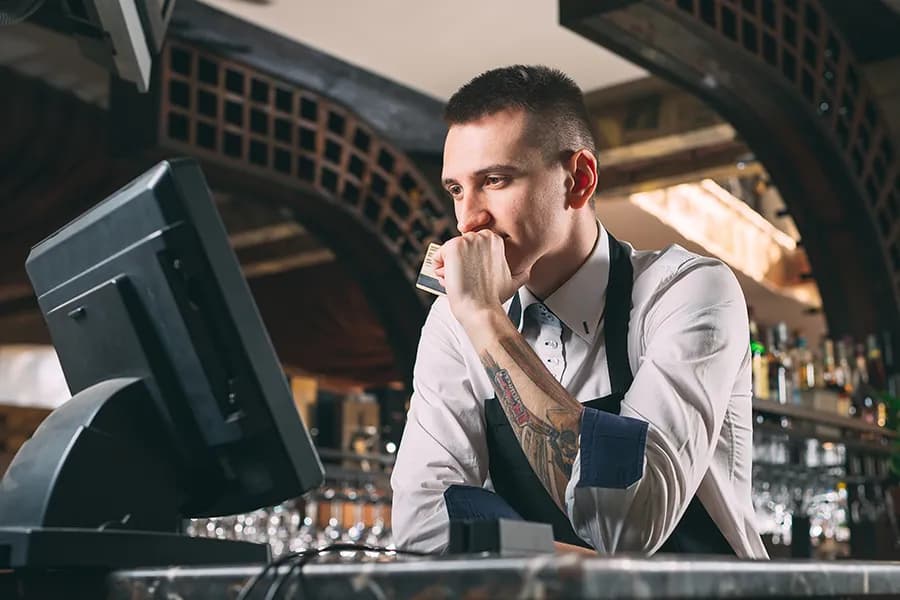
Show the guest their order on a customer-facing screen as it is rung in, so a misheard item is caught at the speaker rather than at the window. 
Configure lane terminals around the work each station do, with separate tabs for different windows and service points. 
Change or remove items after the ticket has fired, so your team can fix a mistake without restarting the order. 
Configure payment around your lane setup, whether guests pay at the order point, first window, or handoff. 
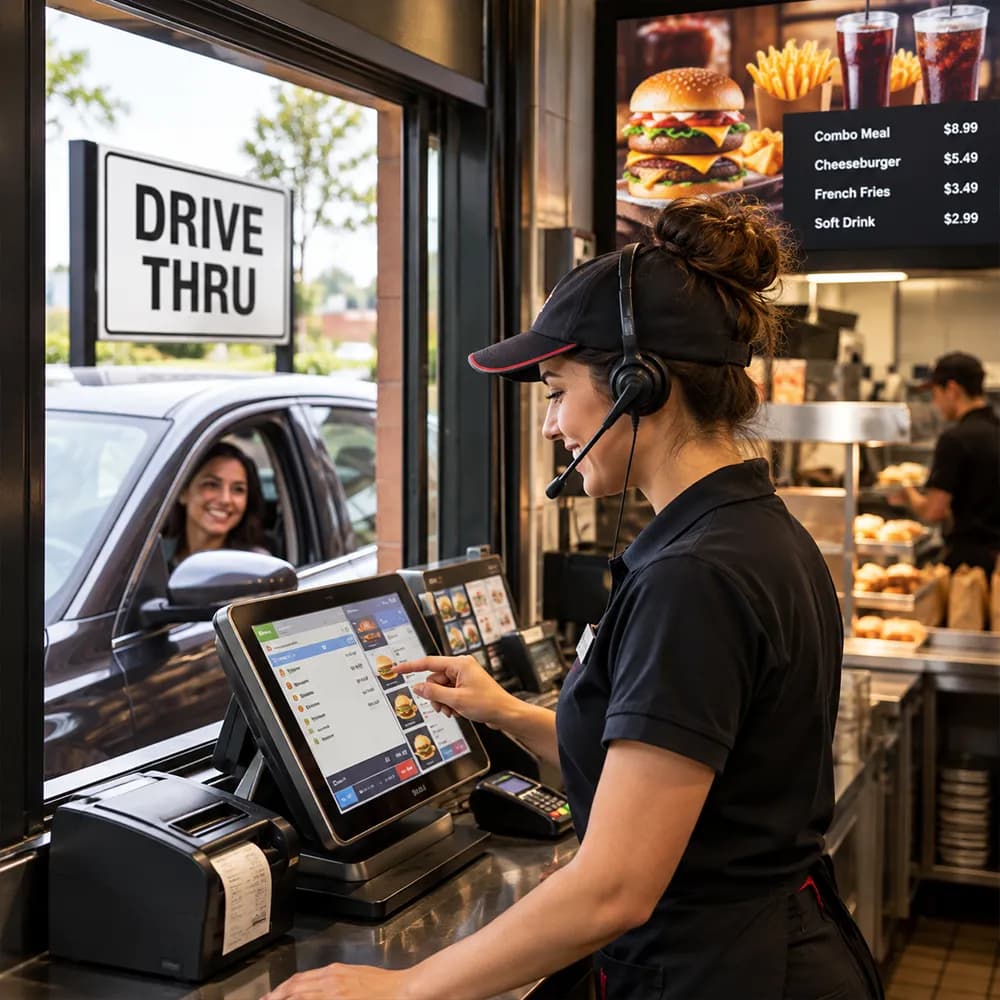
Woman working on POS in a drive thru
Kitchen Flow

Get orders to the right station, always

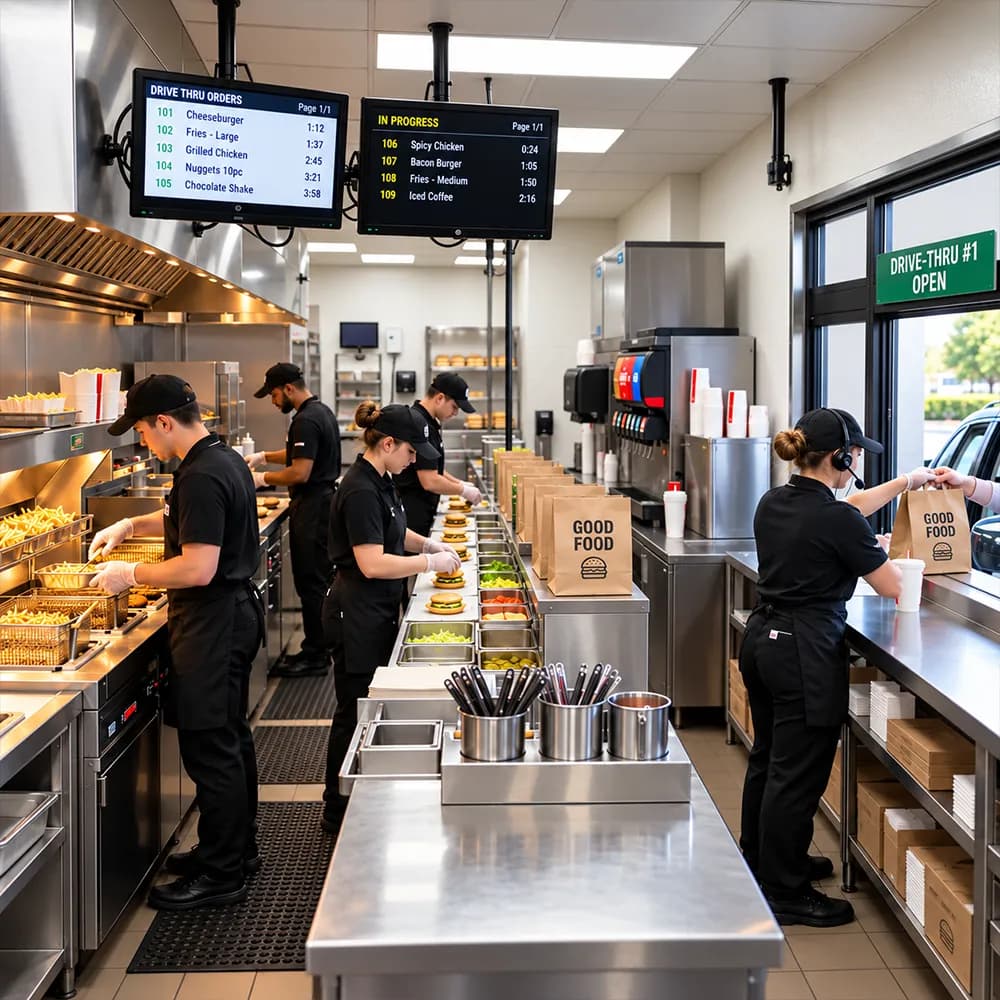
Every order reaches the right station, with channel-based routing, separate lane and dine-in workflows, and defined production stages.

Keep Tickets Moving
Send lane orders to the drive-thru kitchen section while dine-in orders go elsewhere, based on your store’s kitchen layout. 
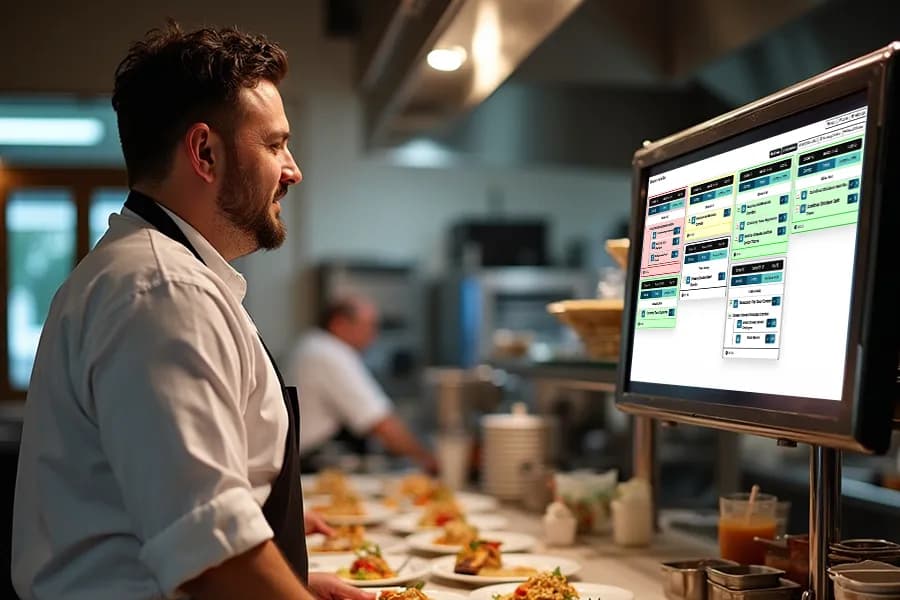
Use a dedicated kitchen display for lane preparation or a shared screen where drive-thru tickets are clearly flagged. 
Print an item-level label as orders are rung in, so different builds in the same bag are easier to identify at the window.
Use store-level production forecasting based on historical sales and time of day to know what needs to be ready before the rush.
Kitchen Operations in Drive Thru
Digital Menu Boards

Keep your digital menu as current as POS

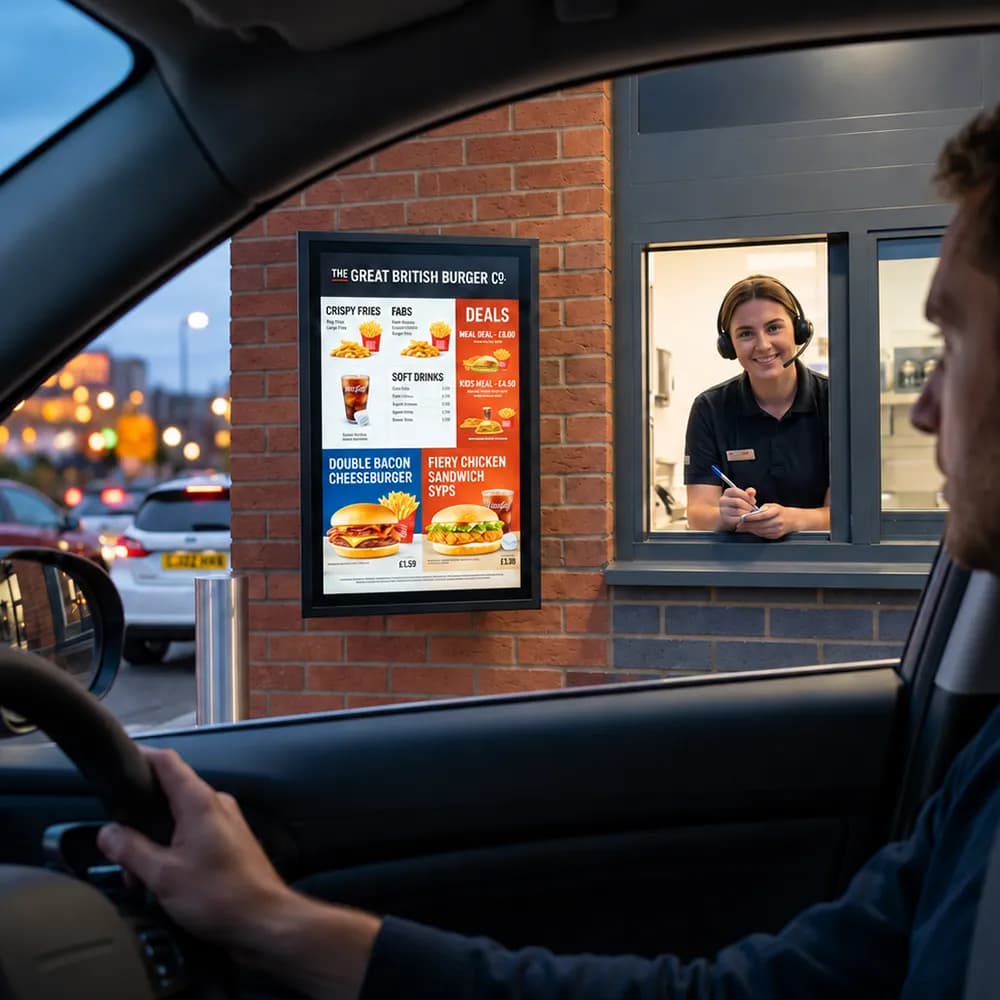
Guests order off what they see on the board, so it needs to show accurate prices and availability at all times. Restroworks makes that happen.
Keep Menus Up to Date
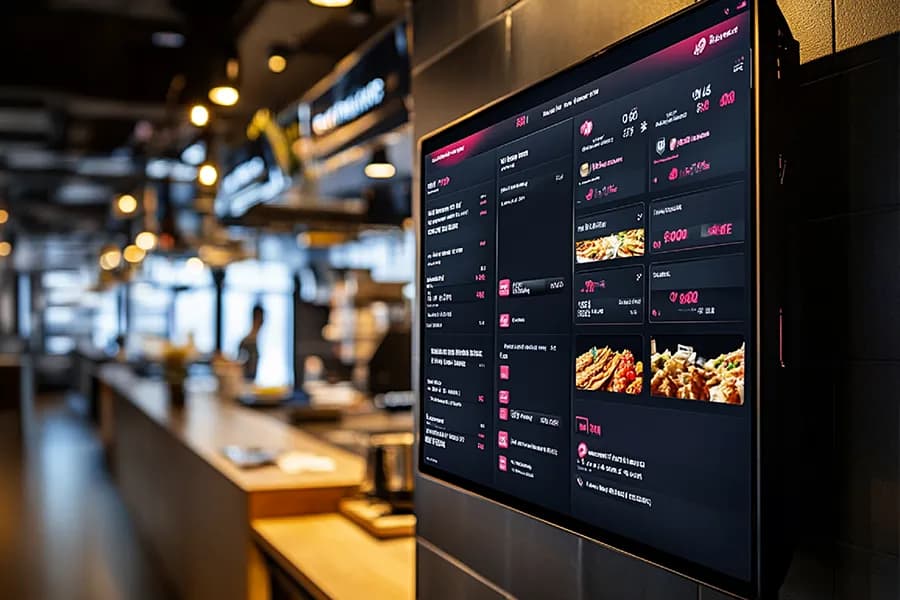
When an item runs out, it comes off the board, and the next mapped item takes its place, so the board never shows something you can't serve.
Update pricing or launch a promotion from one place, and it goes live across every screen at every store. 
Set breakfast, lunch, and dinner boards to switch automatically on schedule, so the board always matches what's being sold.
RestroDMB works with the screens already installed at your lane, so you don't need to replace hardware to modernize what's on it.
Digital menu displayed at a drive thru
Lane Visibility

Keep track of every order, end to end

Your timer shows when the lane was slow. Restroworks shows why, keeps it moving offline, and recognizes regulars as they pull up.
What's Slowing You Down?
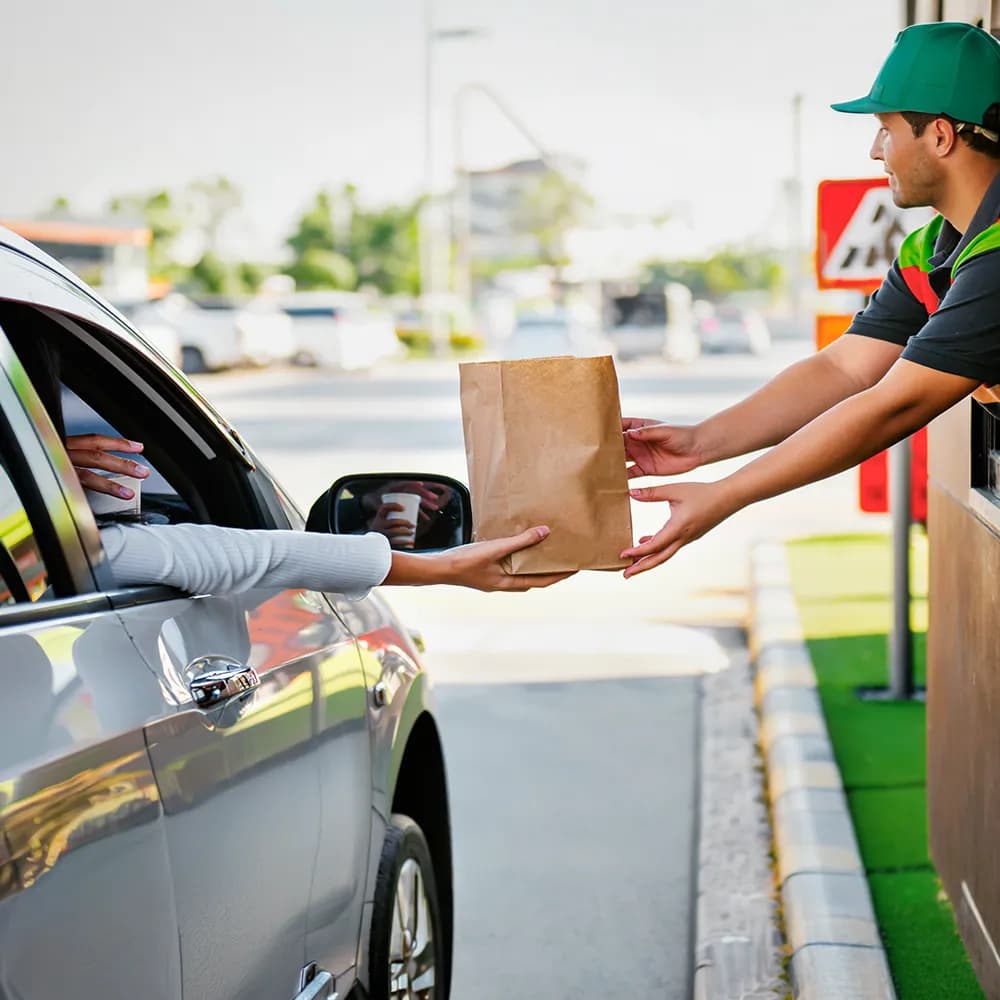
Every order carries a timestamp for when it was taken, paid, and handed over, so a slow ticket can be traced back to the stage and the items behind it.
Compare sales, ticket counts, and average check across drive-thru, delivery, and dine-in, so channel performance is visible throughout.
Keep taking orders, processing payments, and routing tickets offline. Transactions sync automatically when the connection returns.
Identify a guest by scanning their loyalty app or entering a phone number, and apply their offers and order history right at the point of order, without slowing down the line.
Customer Taking food at Drive Thru
More Features

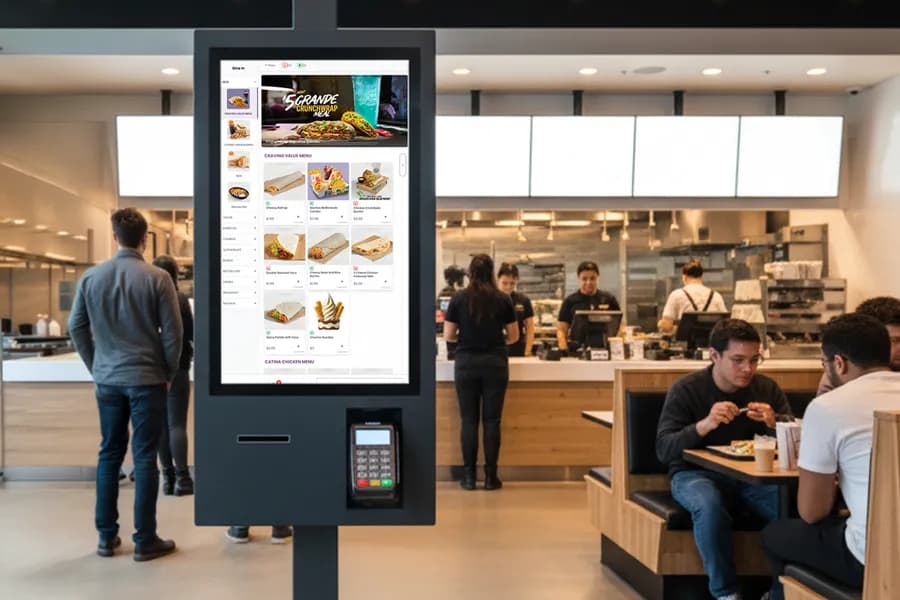
Let guests browse, customize, and pay on their own, freeing up staff to focus on the orders that need a human touch.

Find Out More
CASE STUDIES

What operators have built with Restroworks

Brands trust our all-in-one drive-thru management software to streamline their operations, boost sales, and delight customers.
taco-bell

Built a scalable tech backbone connecting every part of the operation from counter to kitchen, delivery, inventory, and finance.

6-7 secFaster Order Acceptance
Read Full Story
Herfy

Replaced legacy POS across Saudi Arabia with 100% offshore project support.

1,500+ Terminals Live on One Backend
Read Full Story
Nandos logo

Automated operations and 2-week custom feature rollouts replaced years-long cycles.

40%Faster Order Prep
Read Full Story
Sbarro

Transformed fragmented inventory and order management into real-time, centralized control across outlets.

Under 3%Food Cost Variance
Read Full Story
Integrations

500+ integrations across delivery, payments, loyalty and more

Restroworks connects with the delivery, payment, and accounting solutions you already use. Its Open API also lets you integrate with your preferred voice ordering vendors and other solutions beyond our marketplace.

DoorDash LogoUbereatsGrubhub LogoAmazon PayStripeDatacap White LogoTSYS LogoGlobal PaymentsStax Logo LoyaltyPlant Logo QubriuxMicrosoft Dynamics Nav Logo WhiteHarri LogoOracle NetSuiteMicrosoft Dynamics 365 Business CentralSAPXeroZohoQuickBooksTableau Logo WhiteQlik SenseOracle OPERA PMSHotelogix LogoShipday Logo WhitepaytronixPower BI LogoAvaya
WHY RESTROWORKS

Handle more complexity with less work

Faster Fixes

Catch the issue before it costs you big

Order confirmation at the speaker, item-level corrections, and open voice APIs cut down on remakes, refunds, and delays over mistakes nobody caught in time.
99.9% order accuracy
Lower Losses

Know what changed and why

Item changes, voids, and discounts all log who did it and why, so exceptions get reviewed daily instead of being written off at the end of the month.
24/7exception visibility
Connected Channels

One kitchen for every order

Lane, mobile order-ahead, curbside, and delivery marketplace orders all route into the same kitchen display, so nothing gets lost between screens or devices.
500+integrations available
Enterprise Control

Change it once, and it's live everywhere

Menus, pricing, and promotions set at brand or regional level apply automatically across every lane, with store-level exceptions where you actually need them. 
99.9%uptime, store to store

See Restroworks running for your brand

Book a 30-minute demo with a specialist who's actually configured drive-thru operations before. We'll walk through your lane layout, channel mix, and current POS setup to suggest what’s actually right for you.

What you'll get on the call
Live product demo
Tailored to your format and specific needs
Implementation roadmap
No commitment required
Get a Demo
Customer Reviews

What operators say about Restroworks

Trusted by restaurant operators to keep orders accurate, kitchens moving, and every part of service running smoothly.

capterra
ArdhalManager, Taco Bell · 5.0★
”

Kitchen display system is very acccurate in the orders flow. Managing of aggregator through enterprise level is spectacular thing in application.

capterra
ArvindManager, Taco Bell Kathipara · 5.0★
”

QR ordering features helps in doing fast business. Online orders flow is very high which has been easily handled. Many new integrations are getting aligned with the posist application.

g2
Atamaram B.Manager, Sbarro · 5.0★
”

Restroworks gives us many useful integrations like Swiggy, Zomato, Uengage, and Magicpin, which makes order management very easy... We can accept orders from Order Tracker when the system is offline.

g2
Ajay J.Manager, Cheelizza Malad · 5.0★
”

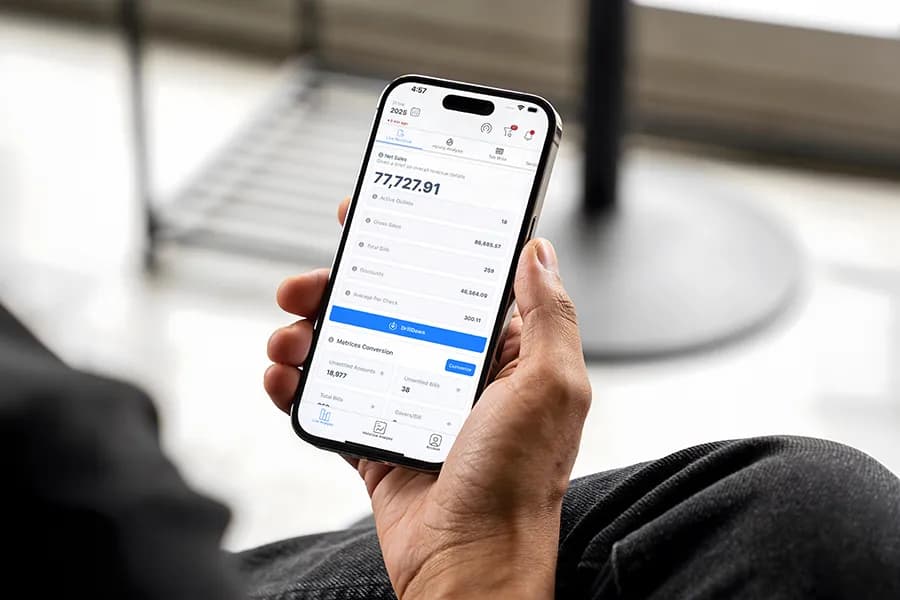
Punching and printing bills is very fast and smooth. Useful reports like DSR, settlement analysis, and online order reports help to track sales easily. The Cockpit app helps to check outlet sales right from our mobile phone.

capterra
LaxmanSr. IT Executive, Subway · 5.0★
”

Order tracker easy to use, report most understanding. When the system goes offline, we get stuck receiving Swiggy and Zomato orders.

capterra
KalpeshIT Executive, Belgian Waffle Company · 5.0★
”

With the help of restroworks OfCourse because of their support we expand our business also, Easy to train our new outlet staff with the help of training videos.

g2
Shivraj K.Manager, Gopizza Store · 5.0★
”

Online integrations with the Restroworks POS, such as Swiggy and Zomato, are available. This helps reduce the need for us to punch online orders into the POS manually.

capterra
Balram S.Manager · 5.0★
”

It is superb, has great features, and is easy to understand. The team has been very helpful. 24x7 support implementation team is the best.

And Customers Love Us

leader-g2
g2-spring-2026-momentum-leader
Leader-ENTERPRISE
g2-spring-2026-gamification-momentumleader-leader
Easiest-Setup-ENTERPRISE-g2
#1 Rated Restaurant Management Software on G2
g2
FAQ

Frequently Asked Questions

Everything drive-thru operators ask before switching their POS.

Read summarized version withChatgptClaudeGeminiPerplexity
Do you supply the menu board screens or outdoor hardware?
No. RestroDMB is the software that drives your menu board content, pricing, and scheduling. Screens, outdoor enclosures, and speaker posts are hardware, and you're free to keep the ones you already have.
Can we keep our existing drive-thru hardware?
In most cases, yes. Restroworks is hardware agnostic, so your menu boards, speaker posts, and card readers can usually stay in place while the software behind them changes.
Does this work with the voice ordering vendor we've already picked?
Yes. Restroworks doesn't build a voice engine. We provide the ordering platform underneath it, with open APIs so whichever voice AI partner you've chosen, or are still evaluating, can connect directly.
What happens if a guest changes their order after it's already sent to the kitchen?
Any item can be changed or canceled after the ticket fires, with the employee and the reason logged automatically. No need to void the whole order and start over.
Does Restroworks connect to our existing drive-thru timer system?
Not directly. Your timer system tracks vehicle detection loops and greet time; Restroworks times the transaction itself, stage by stage, from order to payment to handoff, and ties that timing to what was actually in the order.
How does pricing work?
Pricing depends on the number of lanes, the features you need, such as menu boards, inventory, or CRM, and your overall deployment size. Our sales team can walk you through a quote based on your setup.
How long does onboarding take for rollout?
Most rollouts complete within days. A dedicated implementation team handles setup, hardware configuration, and staff training, and your existing lanes stay open the entire time.
What happens if the internet goes down mid-rush?
Your lane keeps taking, billing, and firing orders offline through a small on-site device. Marketplace orders that can't reach the POS move to a mobile tracker until you're back online, and everything syncs automatically once you are.
How long does staff training take on the lane terminal?
The lane screen is built to show one job at a time, so most crew members are comfortable within a shift or two. A self-paced training academy is also included for ongoing learning.
How does this compare to other quick-service POS systems, like Simphony or Square?
It depends on what you need most. Restroworks is built specifically around lane sequencing, kitchen routing, and menu boards for drive-thru operations, alongside standard POS and payment processing. Our team can walk you through a direct comparison for your setup on a call.

Still have questions?

Let's talk — book a 15-minute intro call with our team.

One platform to power every lane you run

Join 30,000+ restaurants across 52 countries running drive-thru POS software built for real lane operations, deployed in days.

Hardware agnostic24*7 reliable supportSOC 2, GDPR and ISO 27001 certified
Restroworks